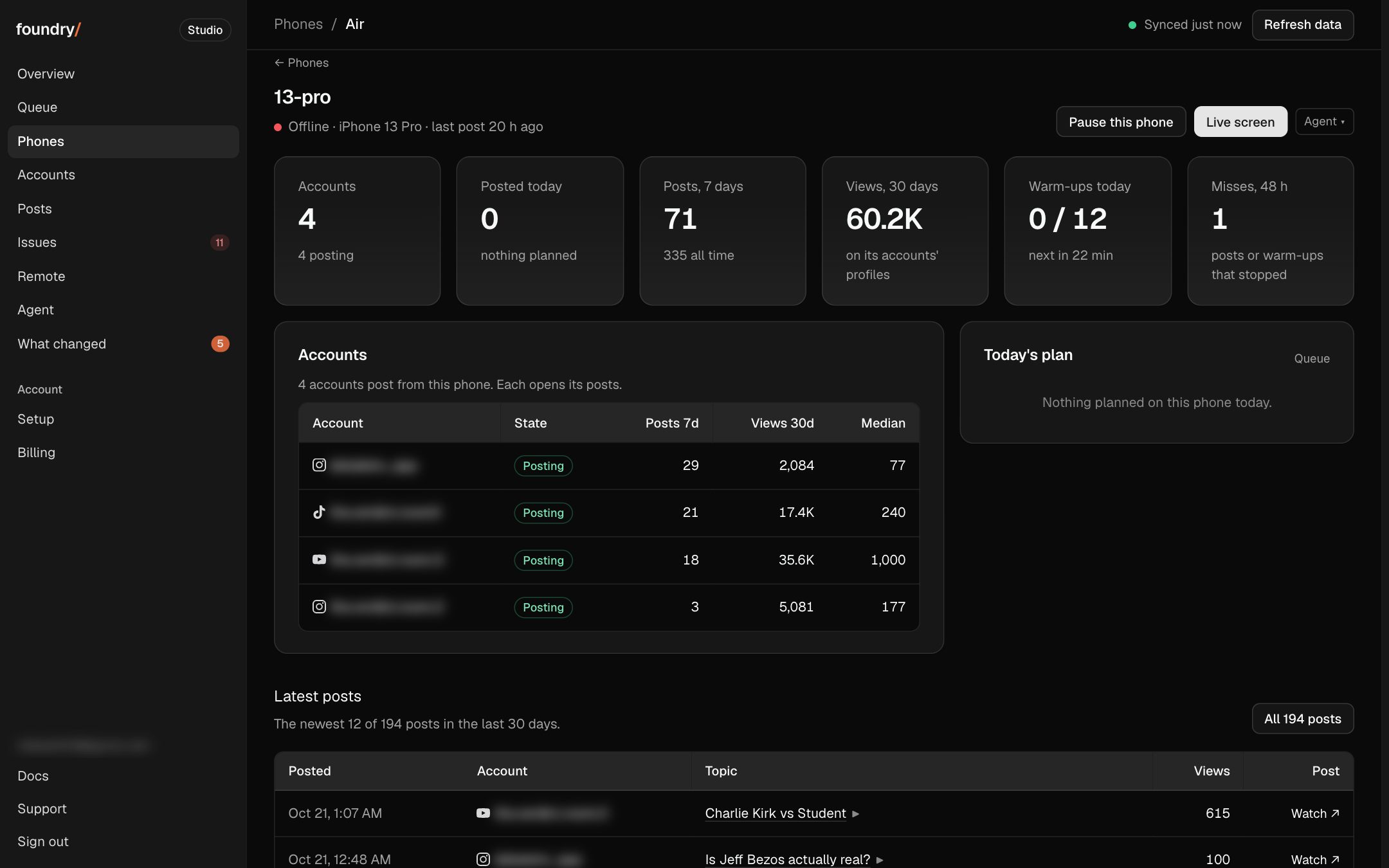
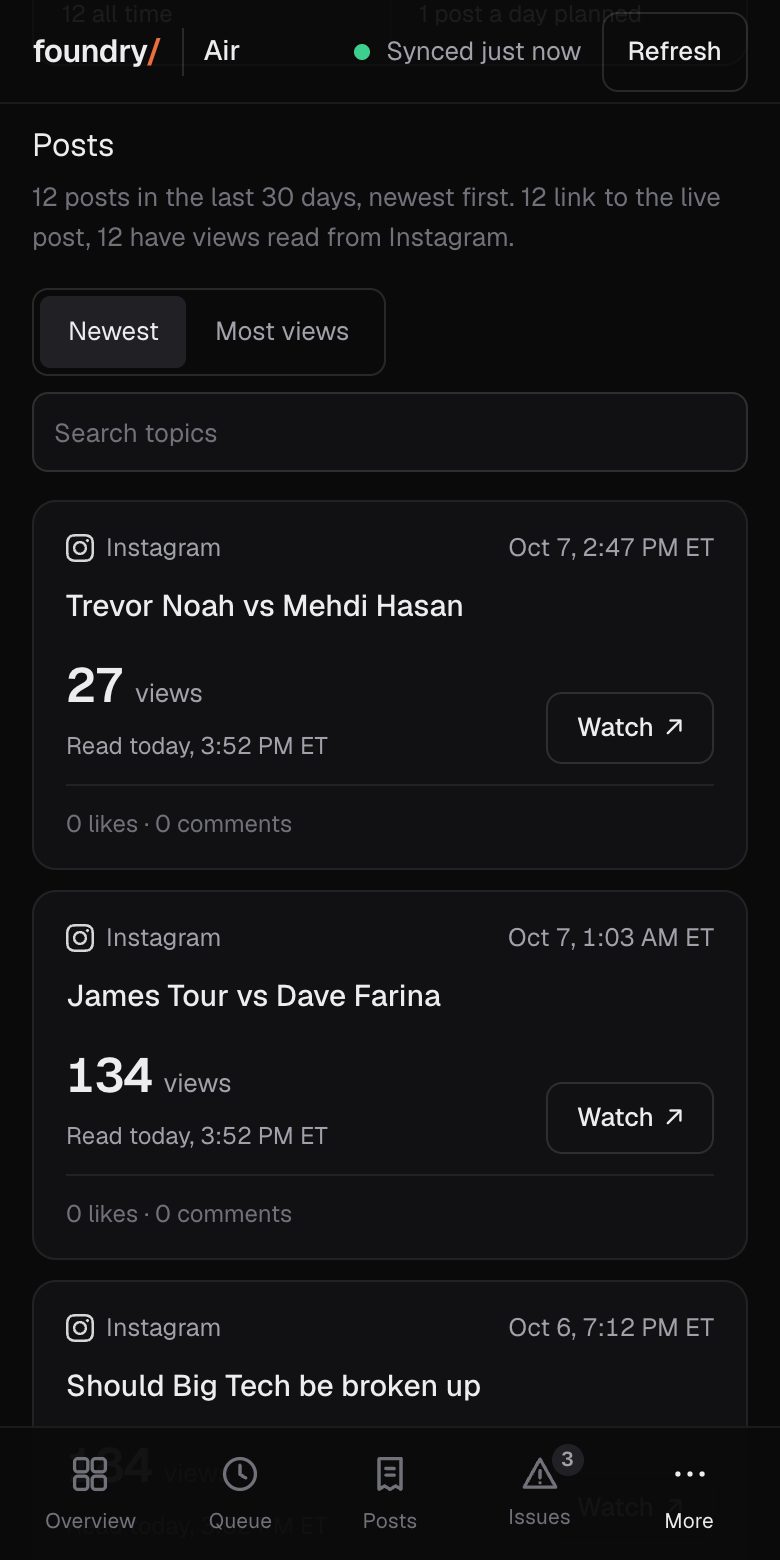
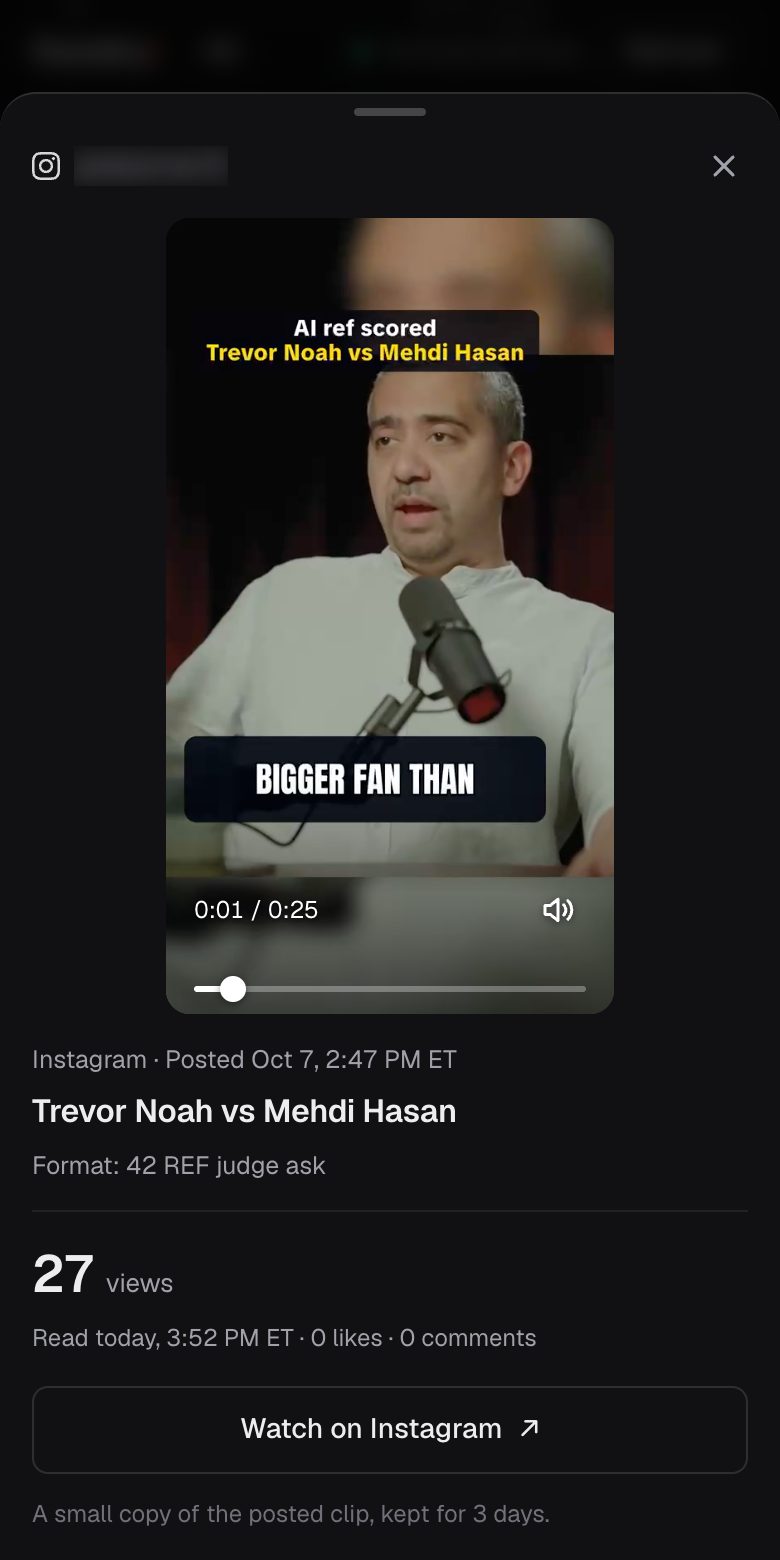
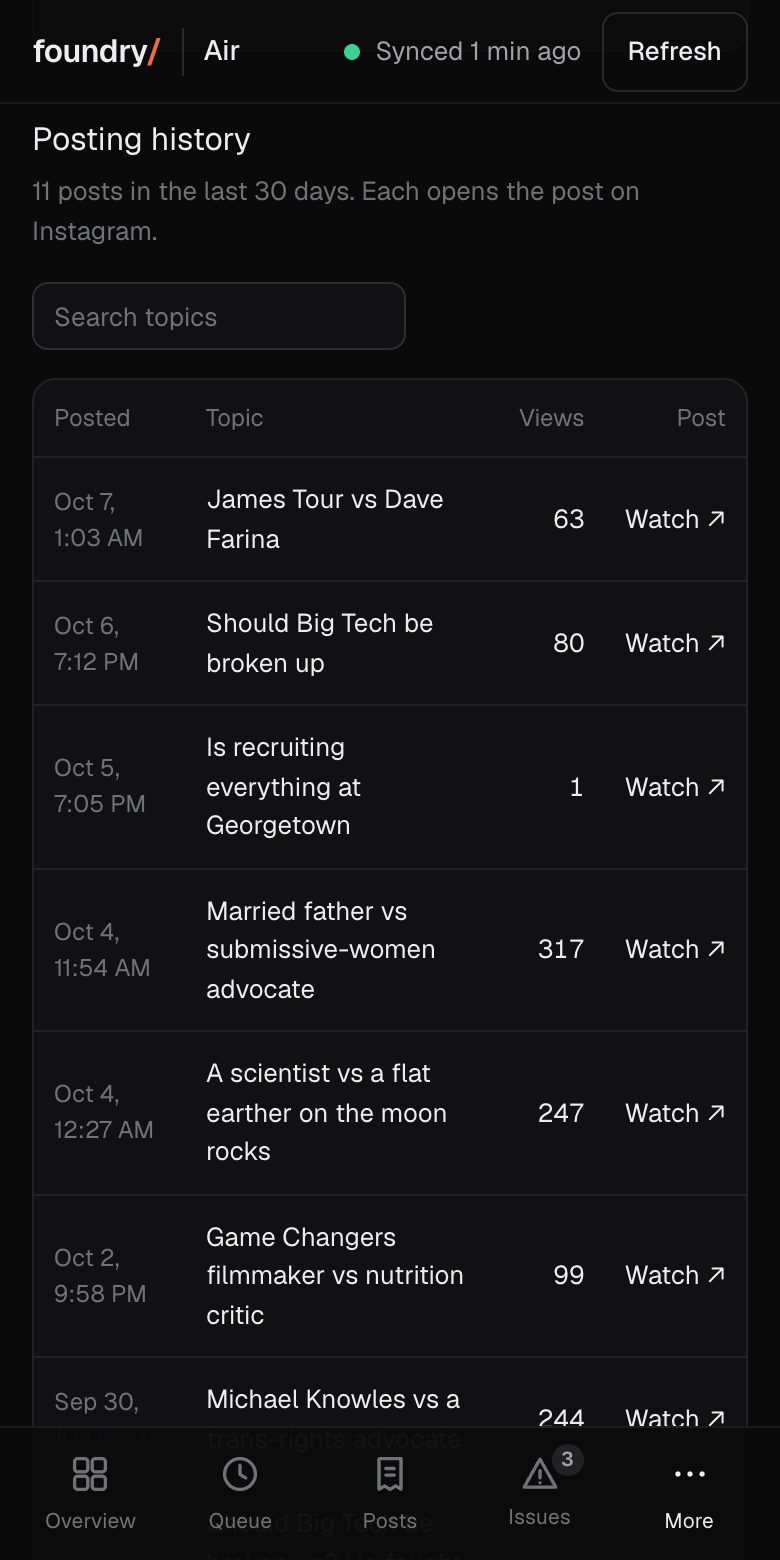
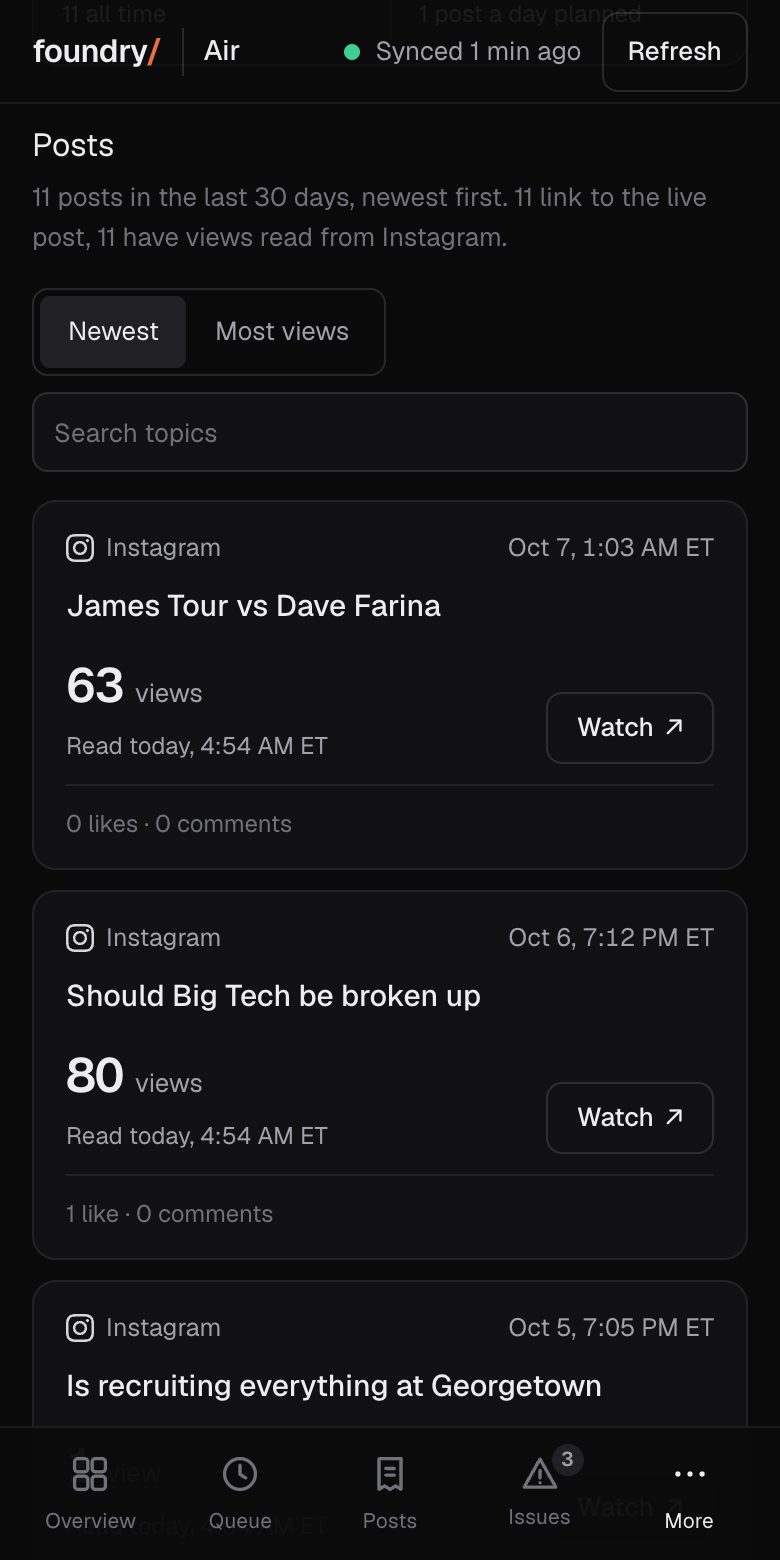
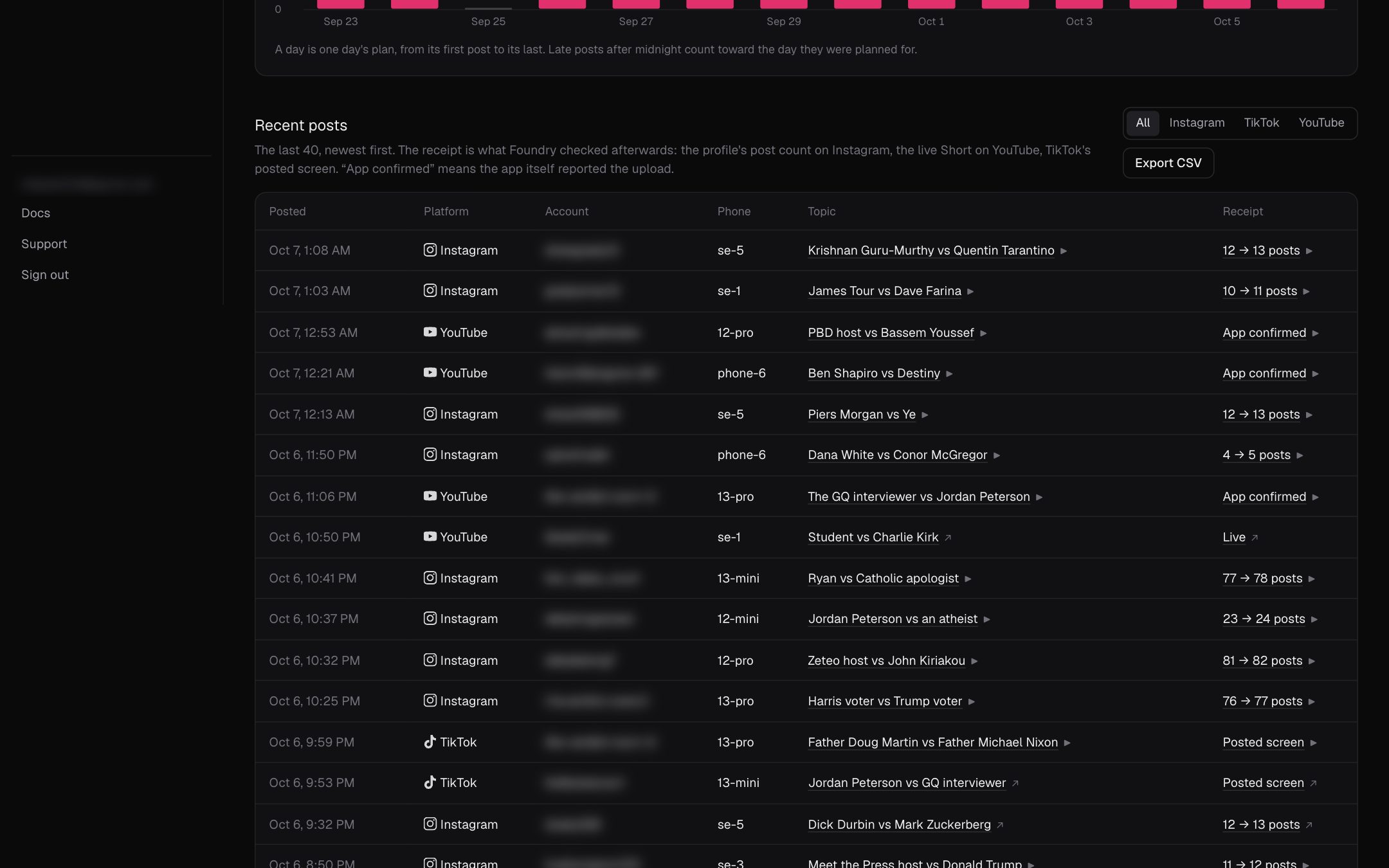
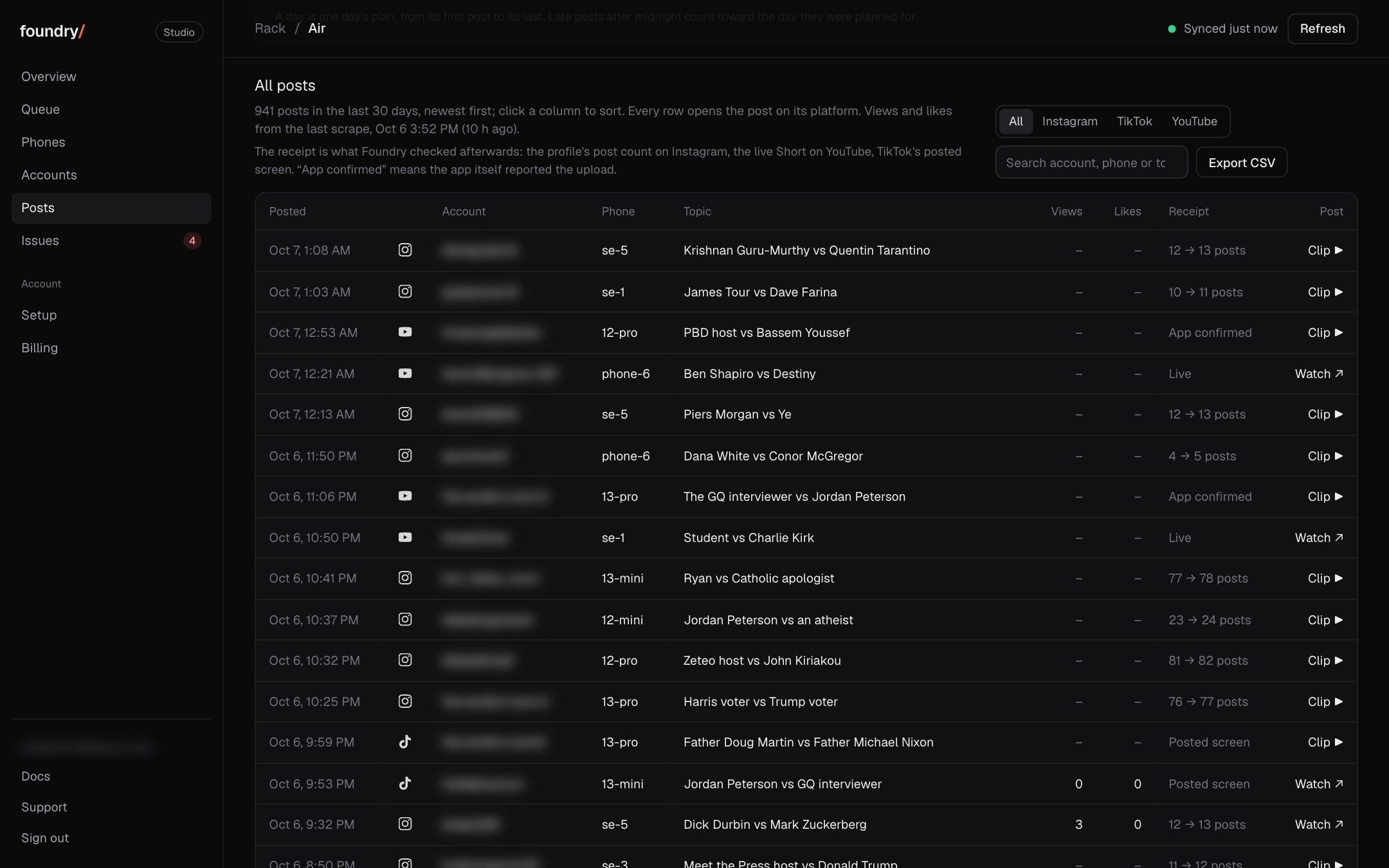
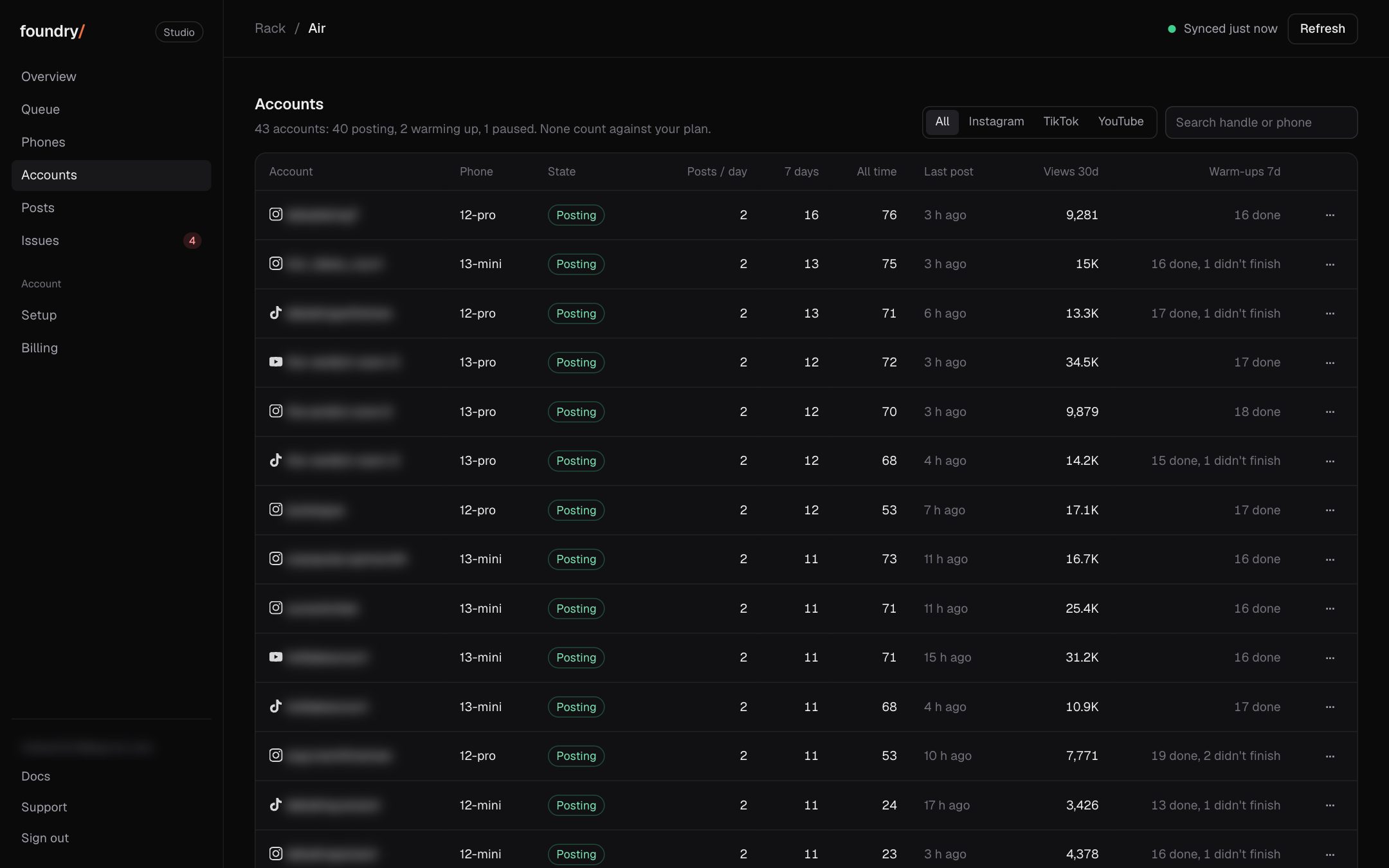
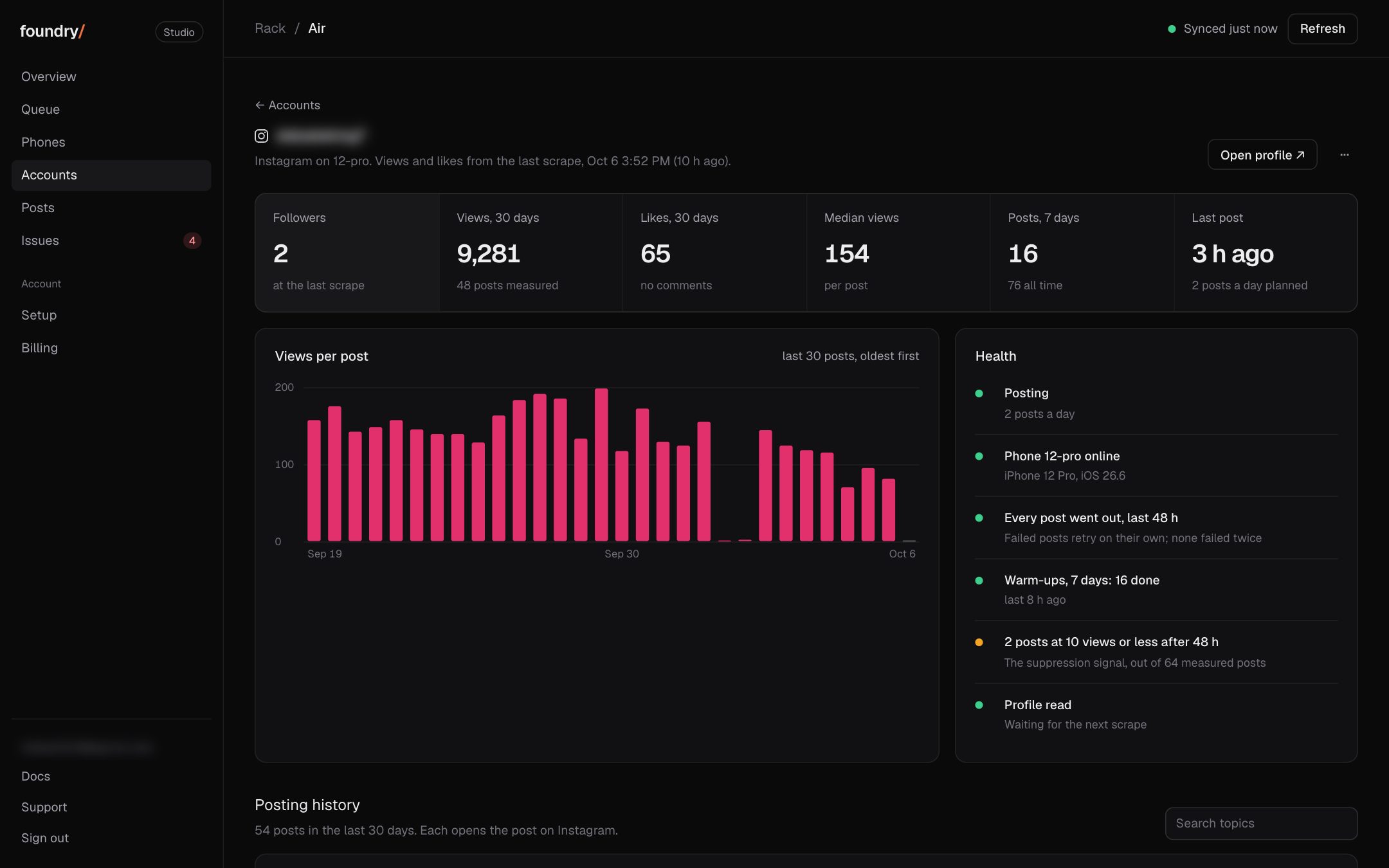
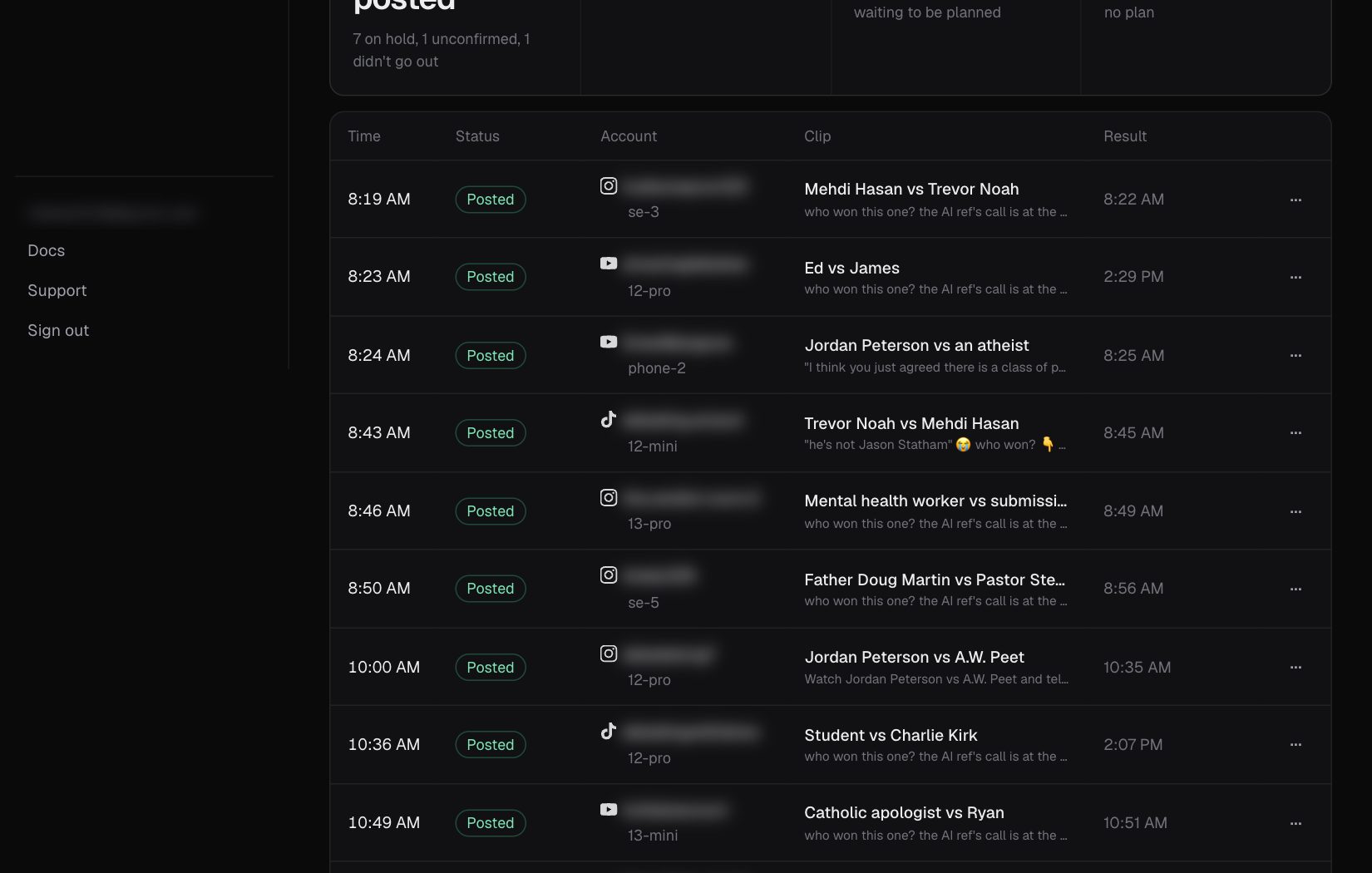
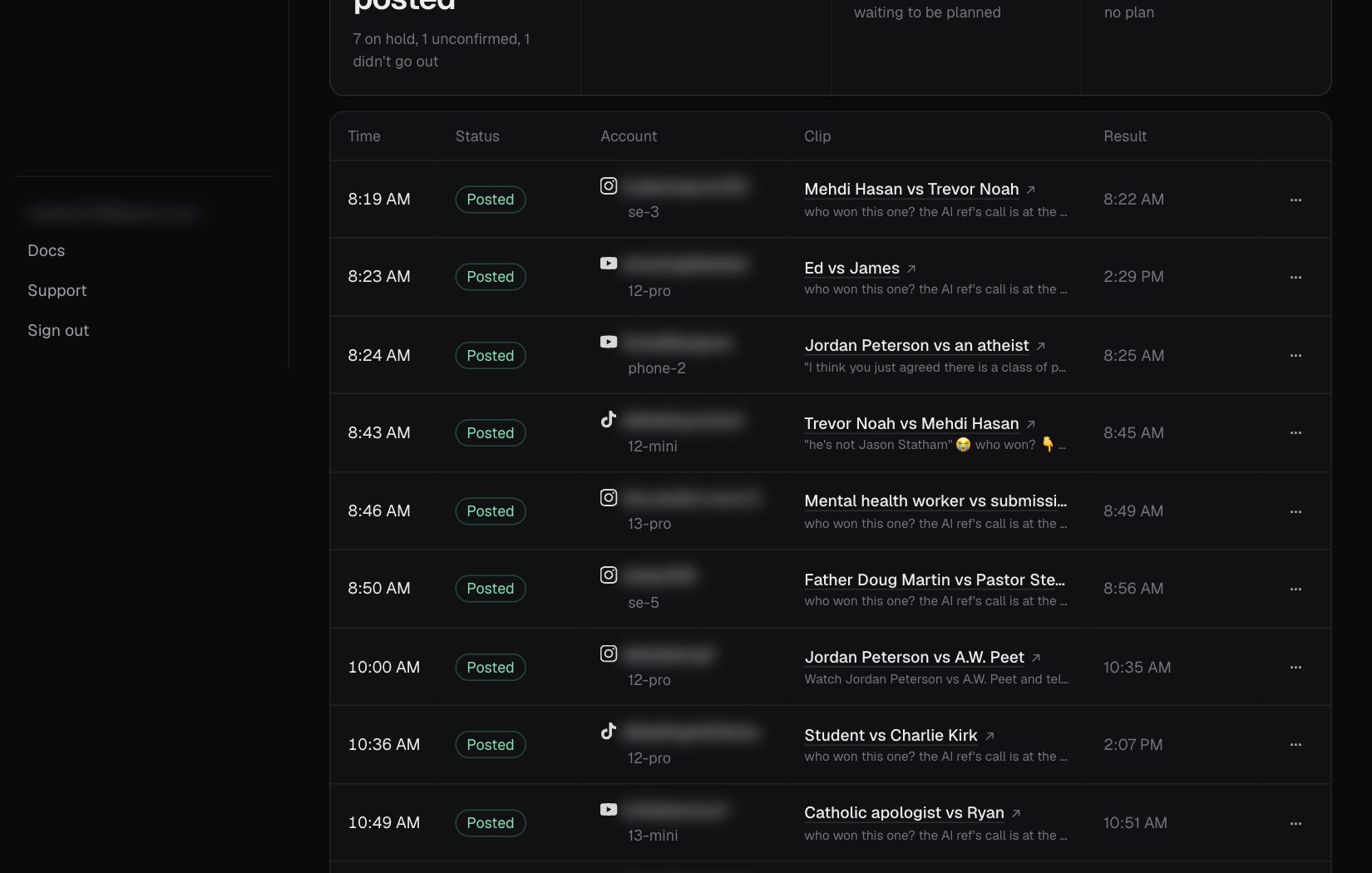
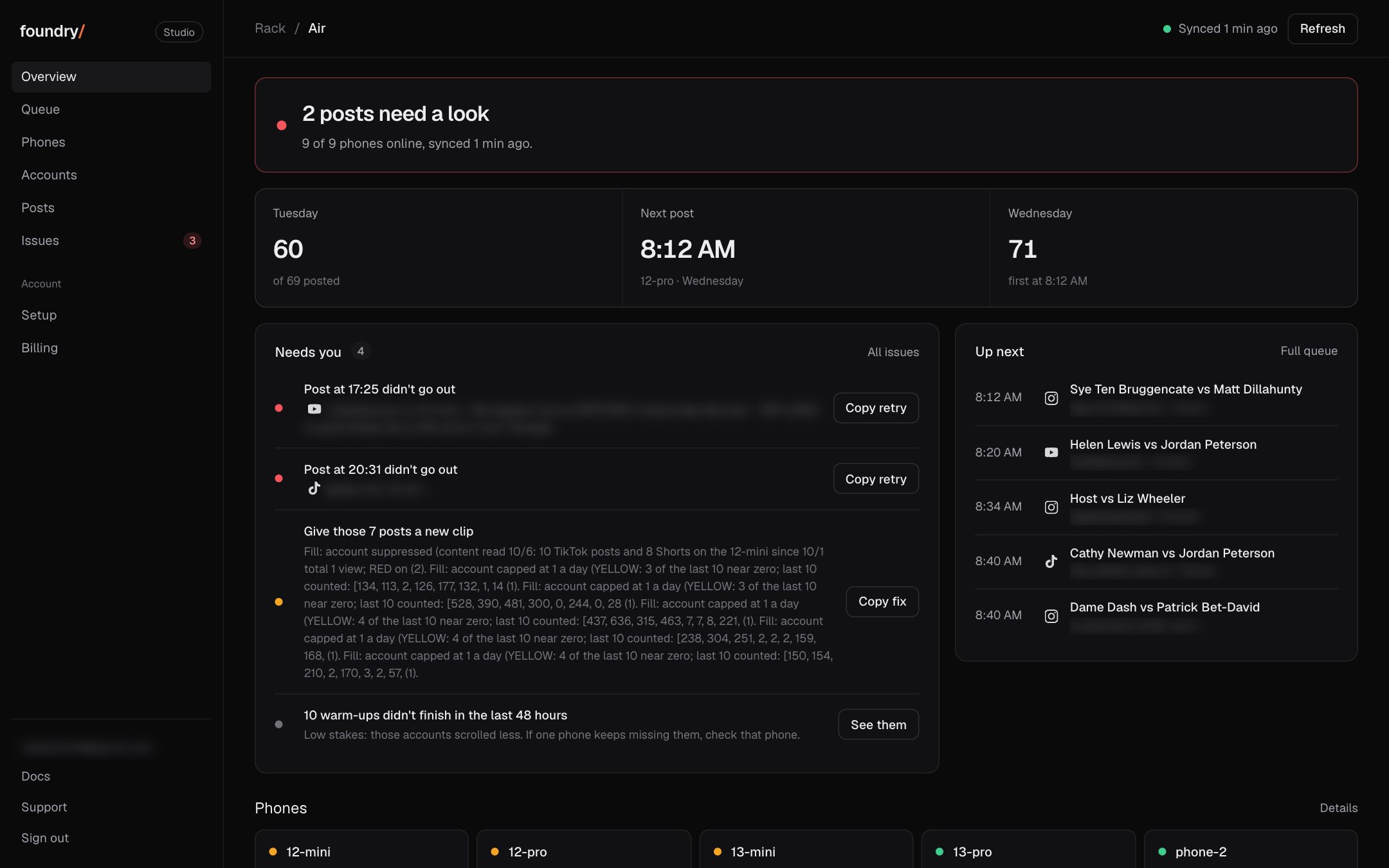
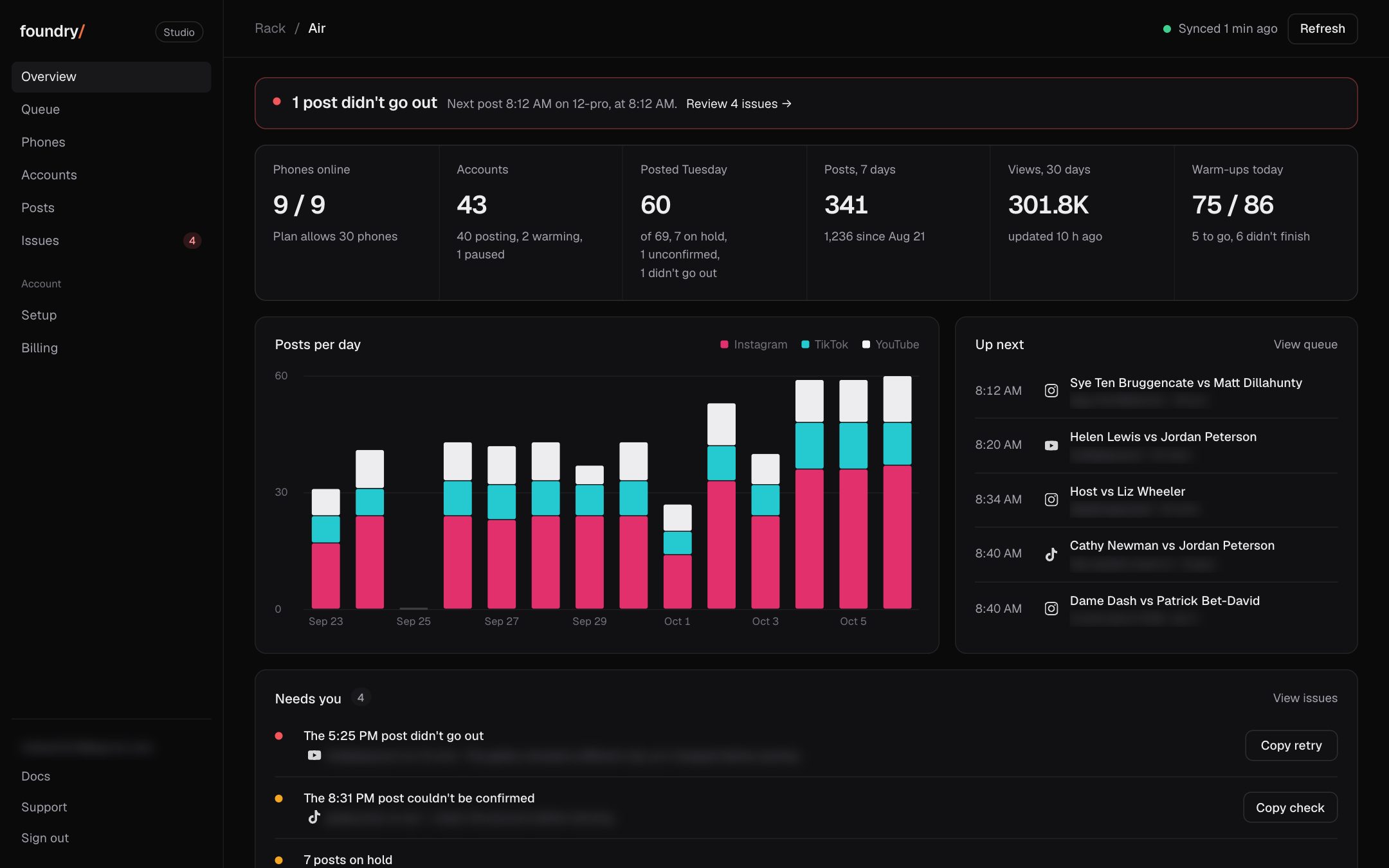
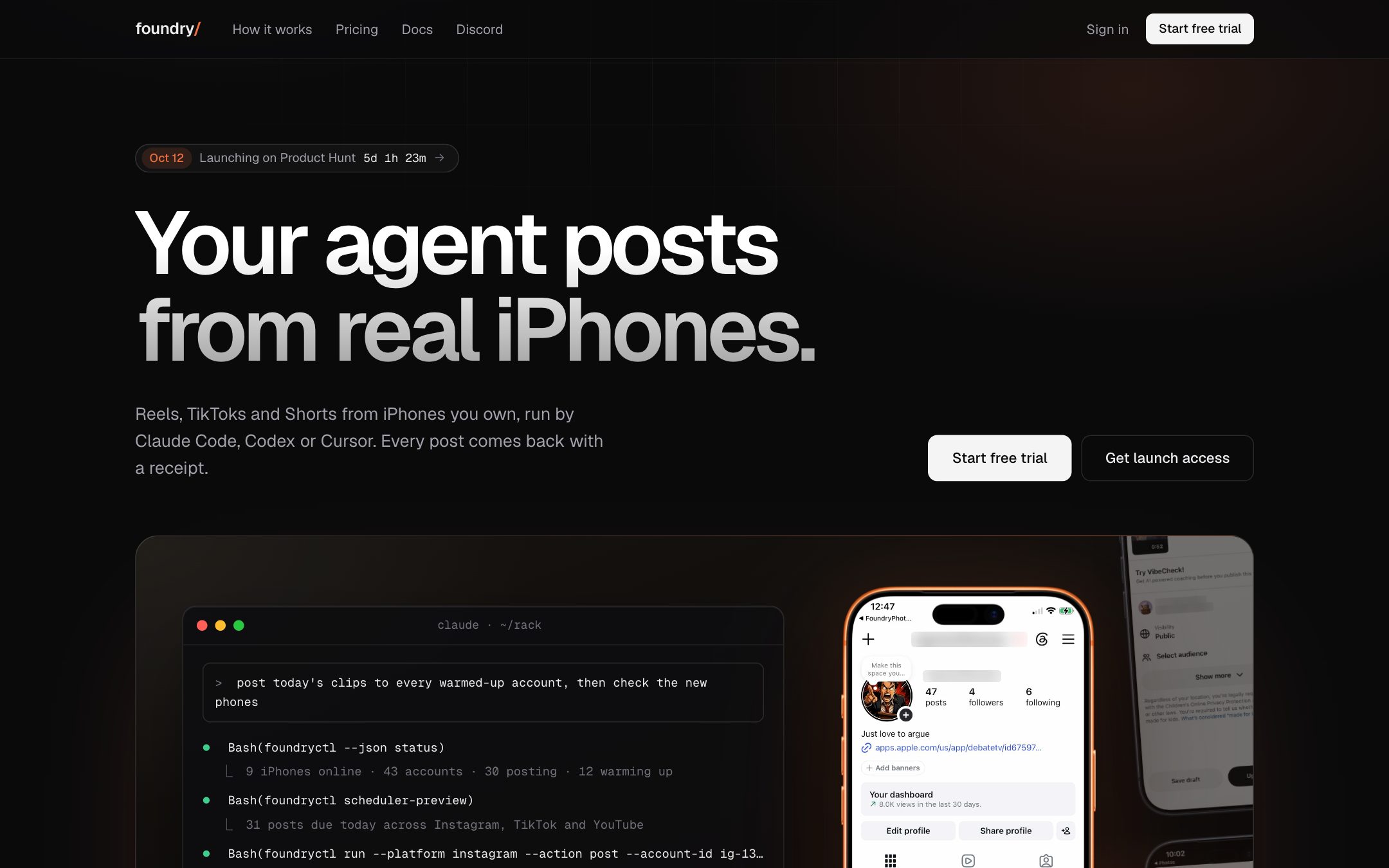
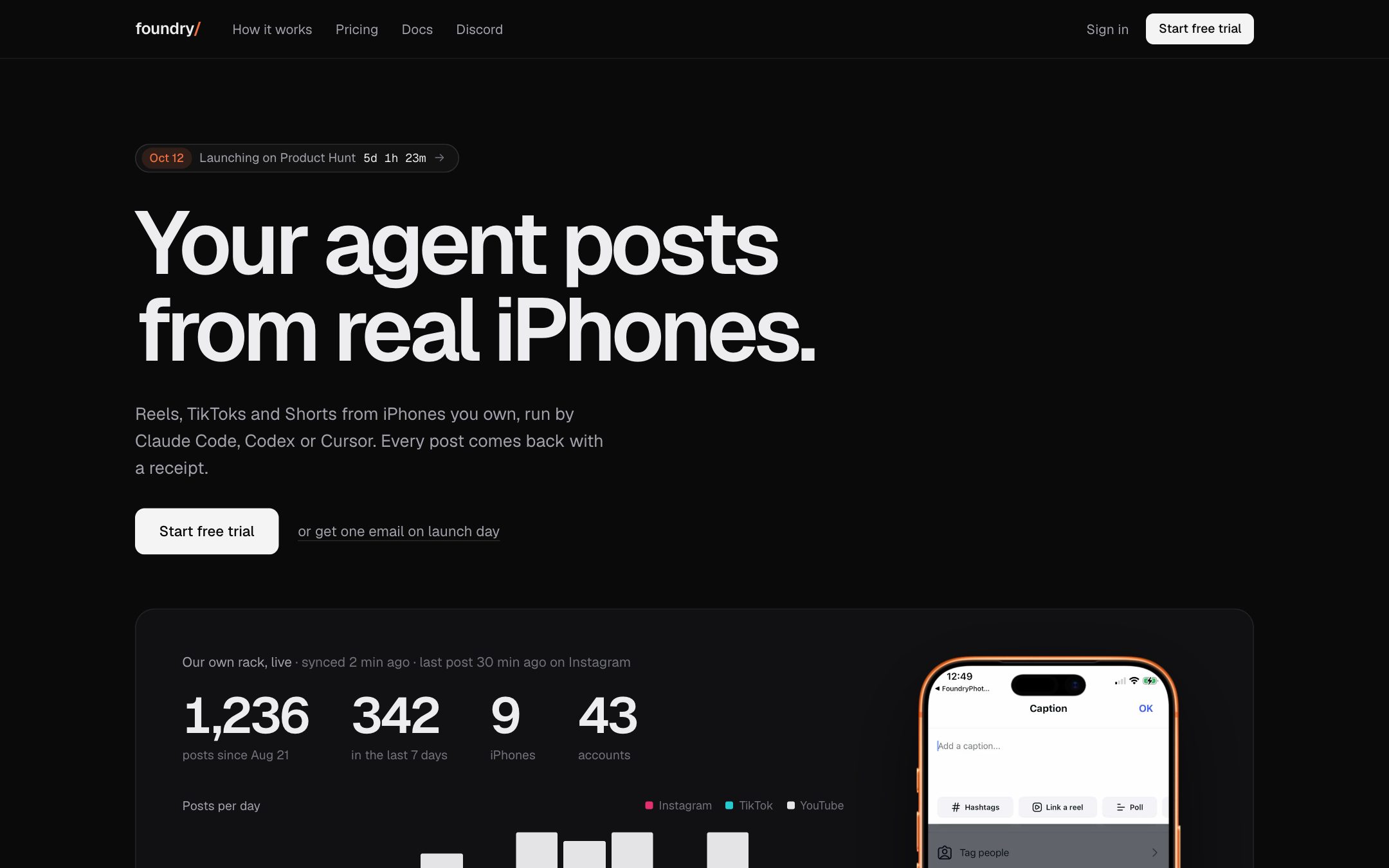
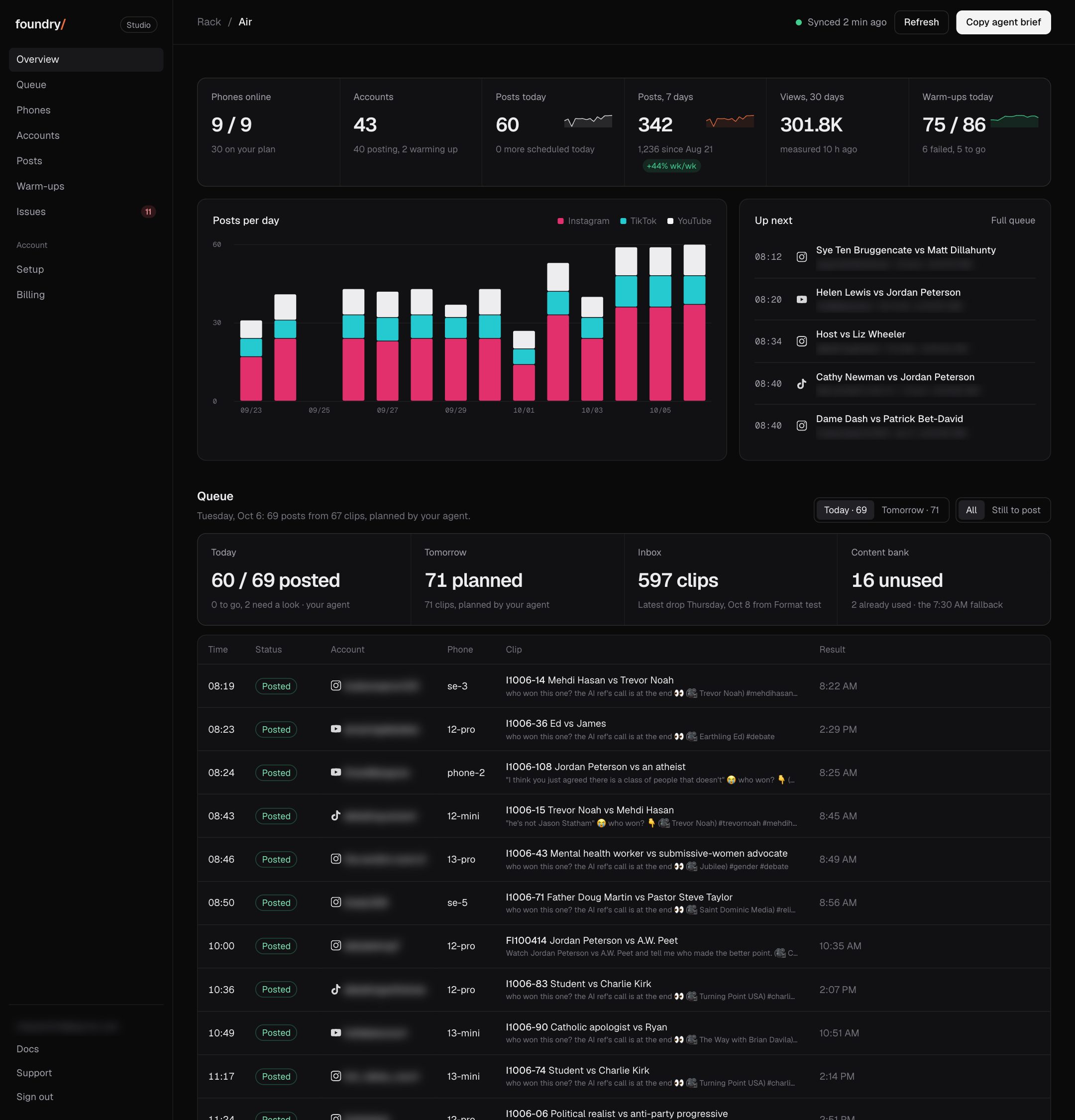
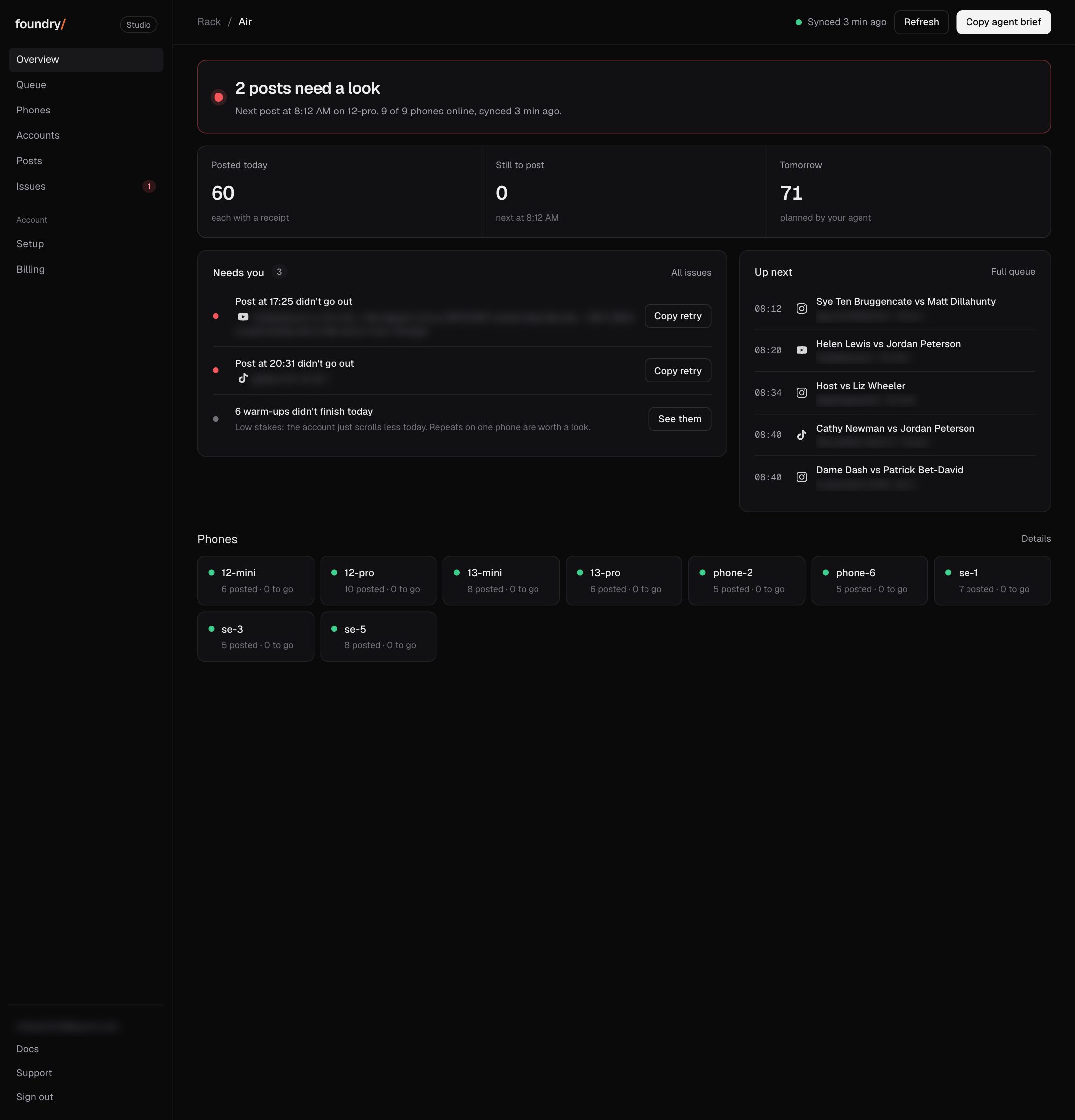
Every change to Foundry you can see, newest first. Patch notes come first, one per release with its version; then 54 changes since Sep 28 with pictures. Each has the same screen before and after, taken on our own phones with handles blurred, and says where to click. A change that cannot be shown is not on this list.
Foundry Mac App, auto-connected Web Library, TikTok carousels & 41 self-heal rules
Mac App & Installer
New Native Foundry Mac App (Foundry.dmg) for zero-Terminal setup, live USB iPhone checklist, account registration, 1-click Test Post, Pause/Resume, and Keep-Awake.
New install.sh now connects all 5 dashboard carriers automatically (Web Content Library, Warm-up Settings, Trial Reels, Pause/Resume, and live fleet status sync).
Fixed install.sh now detects Intel Macs before downloading and explains the Apple Silicon (M1+) requirement up front.
Posting & Formats
New Web Content Library (/library) posts now execute directly on customer Macs alongside drip plans, with automatic Posting Windows support.
New Instagram Reels, Photos, 2-20 Carousels, Stories, Trial Reels, Add Music, and fail-closed Paid Partnership disclosure (Creator/Professional accounts).
New TikTok 2-9 photo carousels, Stories, and named/suggested sounds.
New foundry test-post verifies a phone and account end-to-end in 60 seconds (auto-generates a 3s sample clip if none provided).
Reliability & Warm-ups
New Niche warm-ups and WDA MJPEG stall recovery shipped to all customer Macs.
New Self-healer expanded from 13 to 41 iOS, Instagram, TikTok, and YouTube interruption rules, including fail-closed stops on TikTok Promote and Birthday gates.
New Automatic hourly disk hygiene prunes >7d post screenshots/logs and >48h Xcode WDA test logs, plus 30-second USB reconnect recovery.
Foundry 0.10.0
Niche warm-ups
Warm-ups
New A Niche panel shows what each account watched, the keywords it matched on screen, and the niche match rate for every session.
New Warm on niche starts a 3, 5, 10 or 15 minute warm-up for one account on a niche profile, from the panel or the account menu.
New A live view follows a niche warm-up as it runs, sized to sit beside a phone recording.
Dashboard
New An x on each video in the content section removes it from every account's list.
Changed Dragging a video into an account's slots hides it only for that account, so you can still post it to your other accounts.
New Every content list can show all of your videos with Show all, past the first 24.
Fixed Videos from named drops showed Invalid Date as their date.
CLI
Fixed The install line now sets up the settings and trial tools with a sync that picks up dashboard changes every minute.
Formats
New The Formats tab shows the whole format library for every app, grouped by status, with filters for app, status, platform and fit.
New Each format card shows one results line with posts, views and median. Hover to see the best post and its source.
Changed Client views open on All, with no version cap, and retired formats stay under All.
Fixed The library now shows on first load instead of waiting about 20 seconds.
Foundry 0.8.1
Client seats show accounts on other phones
Dashboard
Fixed A client seat now shows its accounts live even when your team runs them on another phone. That phone stays hidden from the client.
Foundry 0.8.0
Client seats and a live phone wall
Team
New Add a client to your team with the Client role. They sign in to /account by email and see only their own phones and accounts.
New Client seats are view only, so a client can follow their content but can't change anything.
Remote
New The phone list is now a live wall showing every phone's screen at once, refreshed every few seconds while you have it open.
Fixed The text message counter no longer shows up in the phone list header.
Foundry 0.7.0
Outbound: one inbox for your DMs
Outbound
New Outbound puts every DM lane in one inbox at runfoundry.app/outbound, covering Discord, email and phones, with the ones waiting on us first.
New Each lane shows its sends from the last 7 days and the reason when one is waiting.
New See your most recent first DMs along with the exact words that went out.
Dashboard
New Outbound is in the dashboard menu, and you can open it with your key or an access code.
Site
New The home page has a section on sending DMs from the same accounts, and Outbound is in the header.
New Signed out, the Outbound page explains what it does.
Foundry 0.6.0
See what your agent is working on
Dashboard
New Overview has a card showing what your agent is working on: running now, waiting on you, done and checked, or flagged as not done.
New Running jobs on that card show when they started, and Show all lists more than the first 8.
Foundry 0.5.0
Patch notes on the changes page
Site
New Patch notes now sit at the top of the changes page, grouped by area and newest first, with a link to each version.
Foundry 0.4.0
Your chat shows on the dashboard
Dashboard
New a From your chat card on Overview. Phones and accounts you add in the agent chat show up on their own
New content links, clips handed in, lead searches and plan changes from the chat are listed too, as short labels, never your words
New Activity lists the same rows
Changed a phone or account that shows up any other way is still listed, as Showed up on the rack
Foundry 0.3.0
Warm-ups gets its own place
Warm-ups
New Warm-up flows. Every account from Made to Warming (day N of the ramp) to First post to Posting, grouped by app and by client
New today's sessions, the last session (videos and minutes), the next one and a 14 day strip per account
New a held or switched off account goes red and says why
New move phones and accounts between apps and clients from Edit
Changed Warm-ups is its own menu item again, under Activity, on every dashboard page
Trials
Fixed free trials end on the day they say. An old server copy was adding 10 days to every trial each night
Onboarding
New every new trial or plan gets a welcome email from reagan@runfoundry.app within the hour
Site
Changed the launch section on runfoundry.app is now an invite to this Discord
Foundry 0.2.1
Client pages, tidier
Client pages
Changed a client page shows the next 5 pieces with their format, the rest under All pieces
Changed retired formats are hidden from Content, with an N more chip
Changed Formats counts live formats only
Foundry 0.2.0
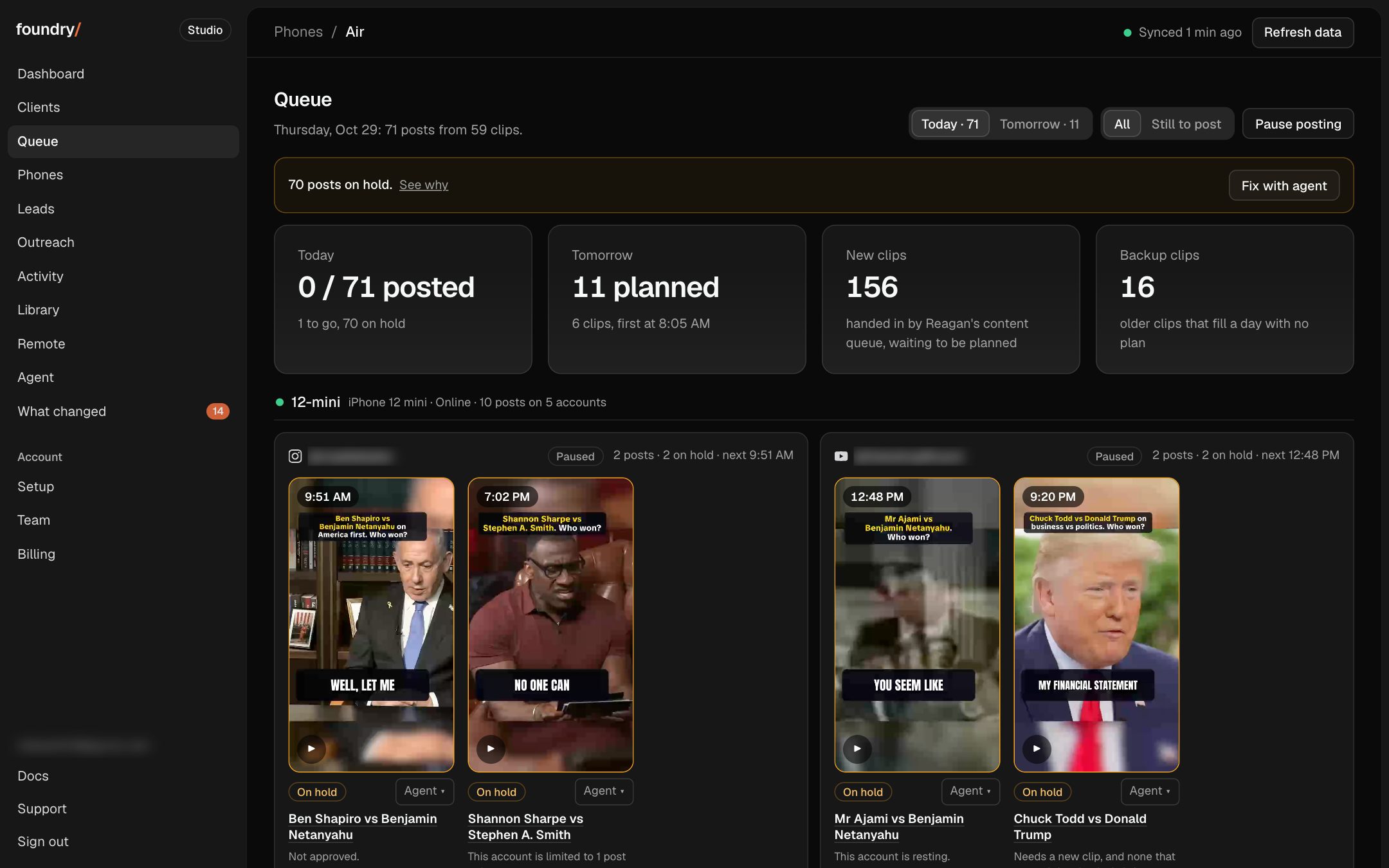
Search the Queue, and a Queue that reads like the Dashboard
Queue
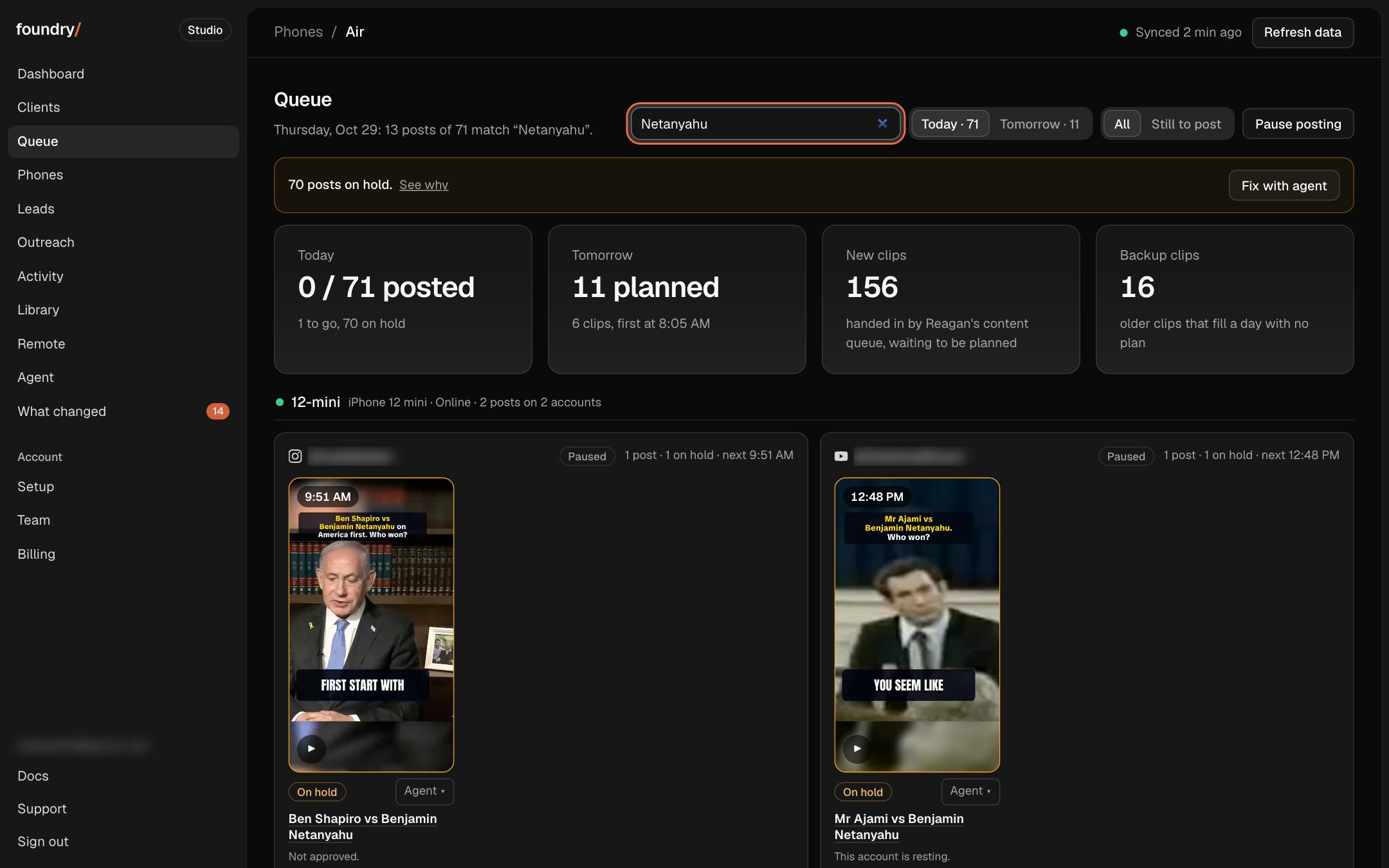
New one search box beside Today and Tomorrow. Narrow the board by account, platform, phone, topic or format
Changed the Queue reads like the Dashboard. Each phone, a card per account, that day's posts as 9:16 pictures in time order
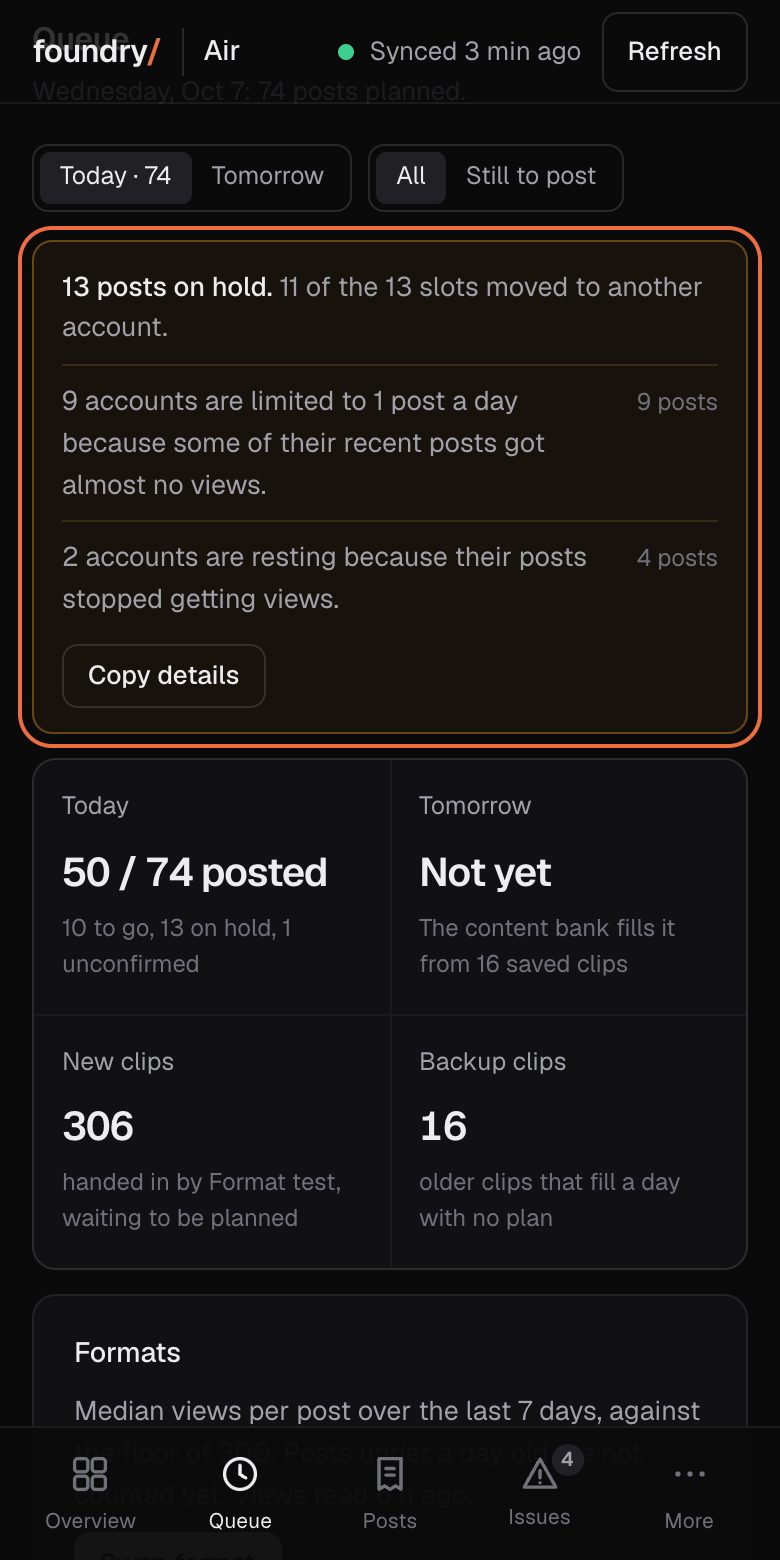
Changed hold reasons fold into one line with See why
Dashboard
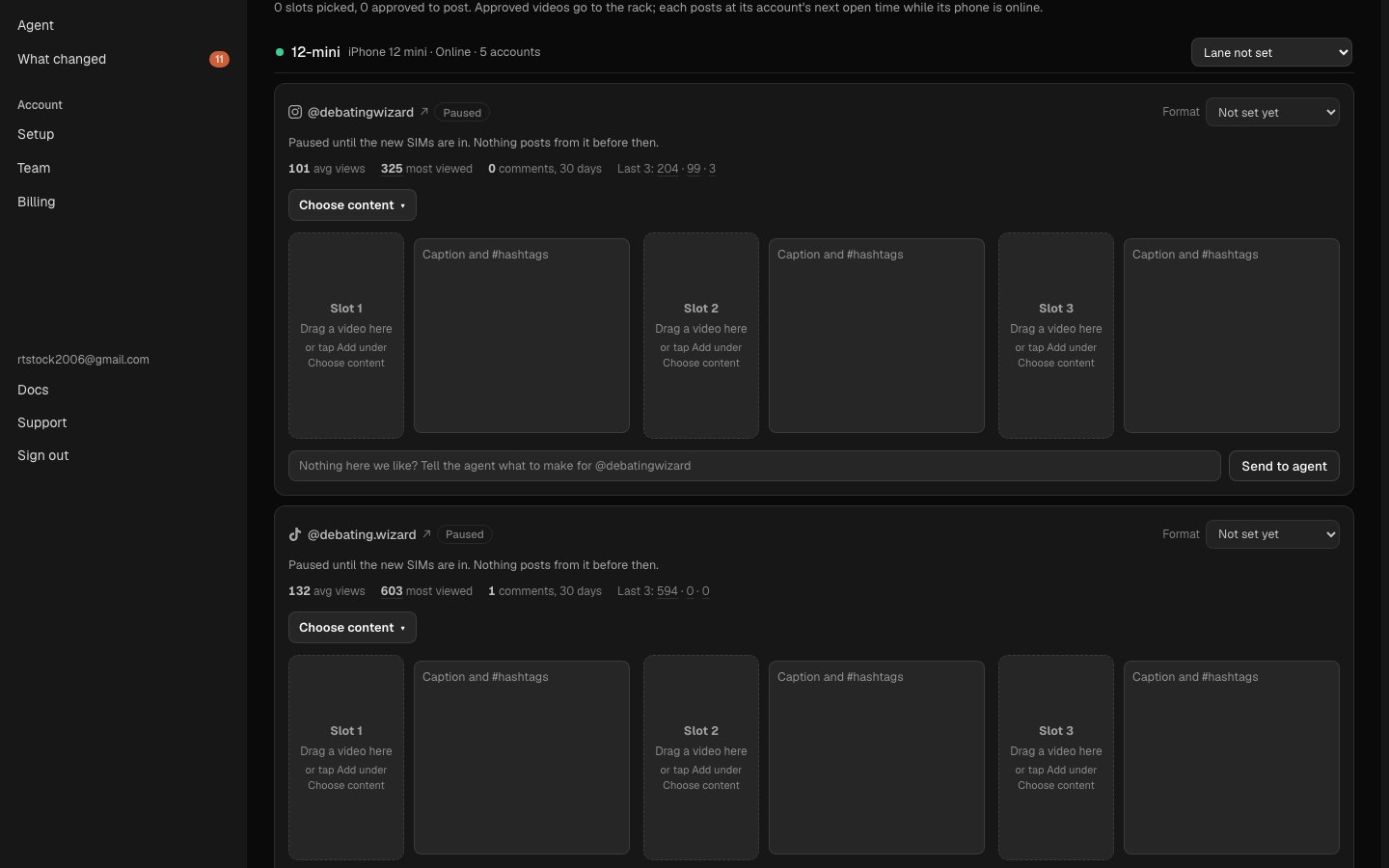
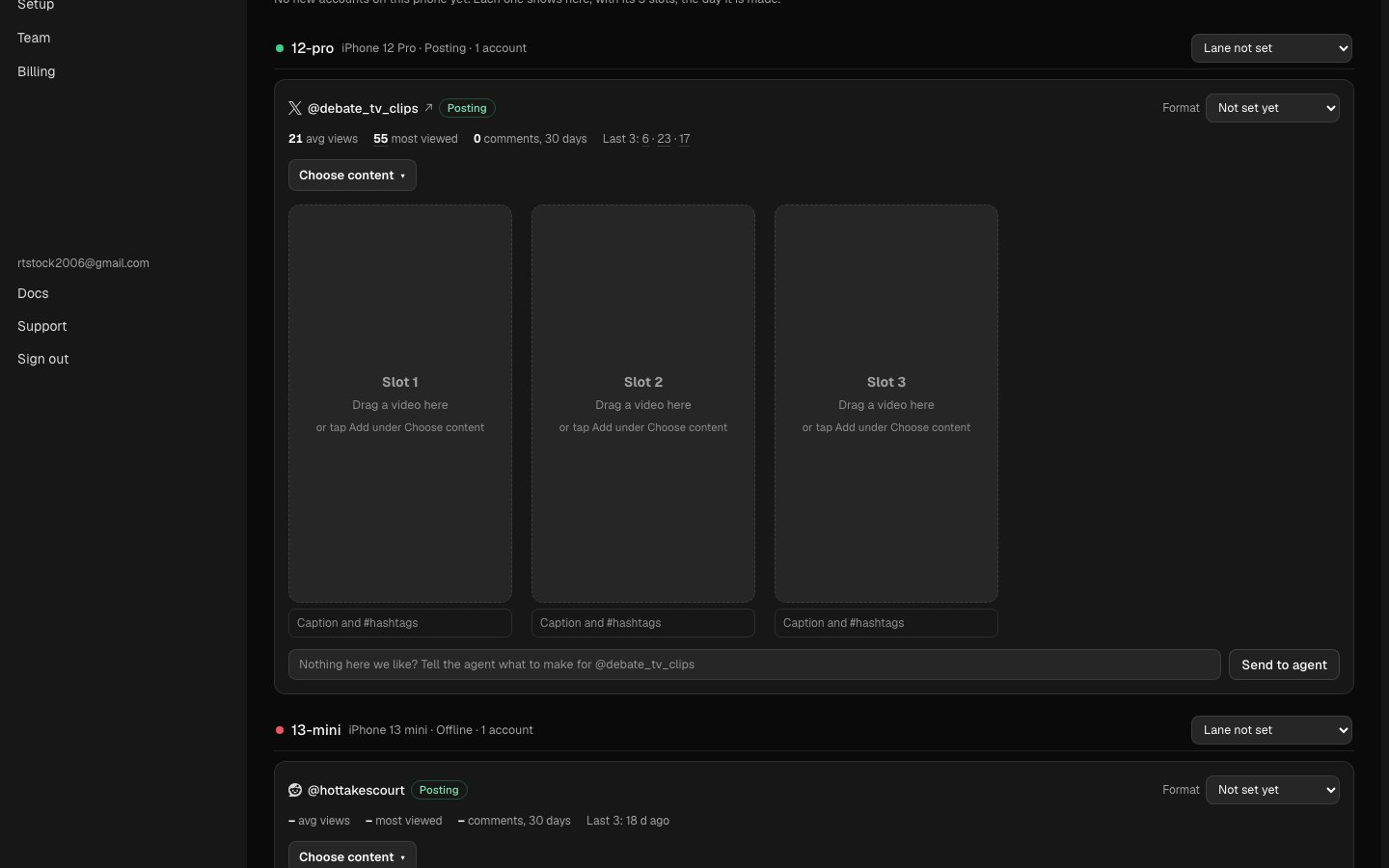
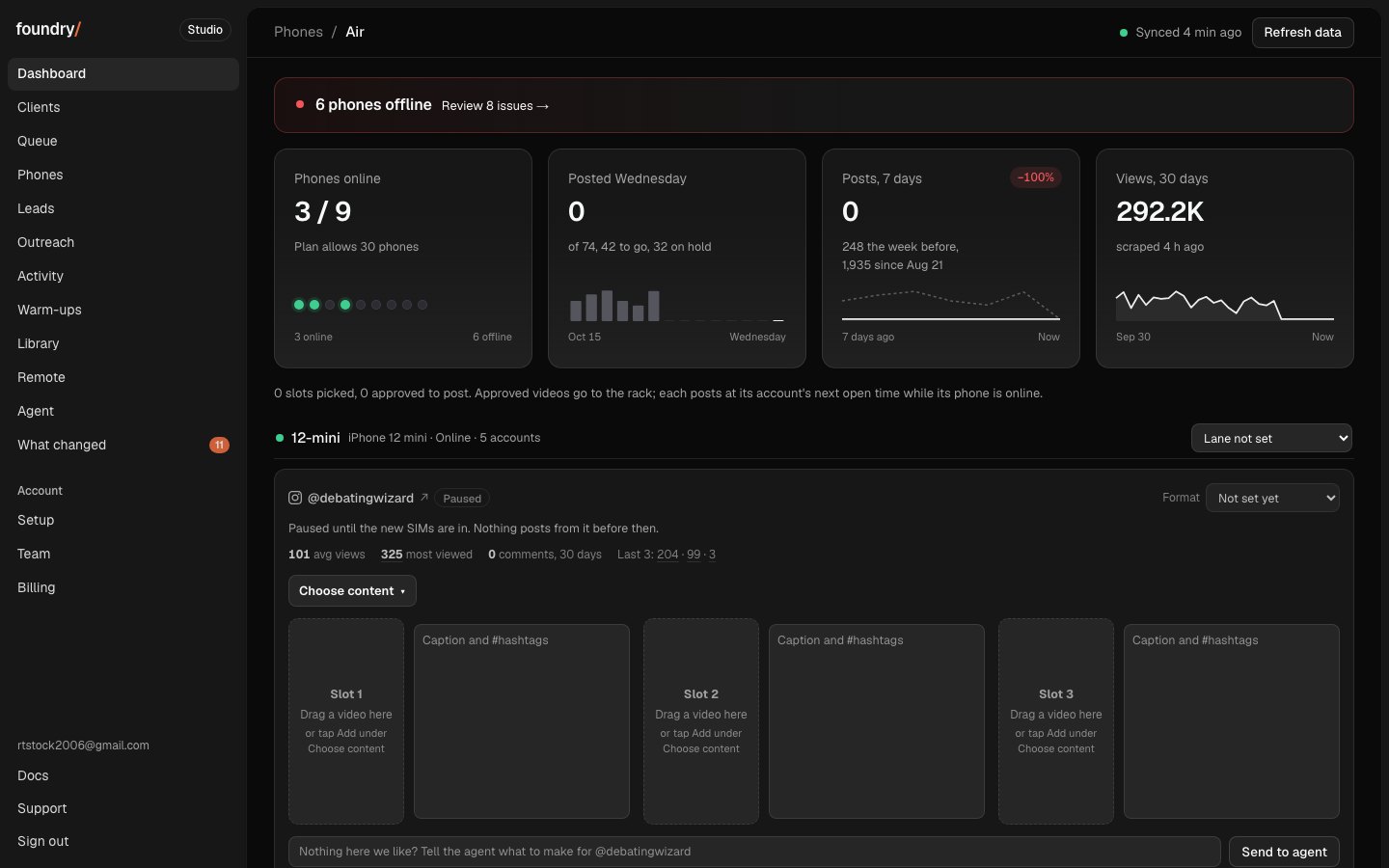
Changed each account's 3 post slots are almost twice as wide, the caption is one small line that opens while you type
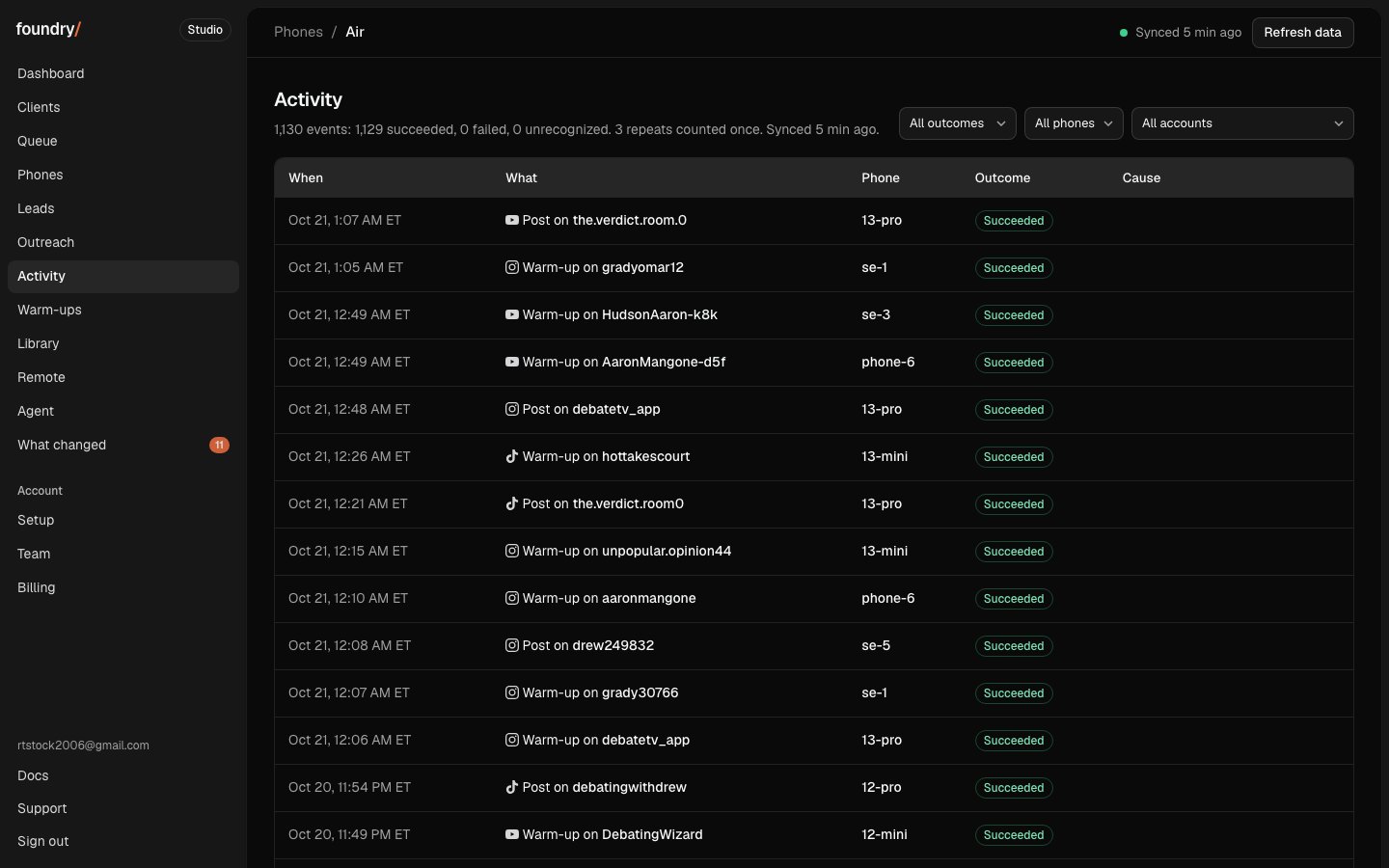
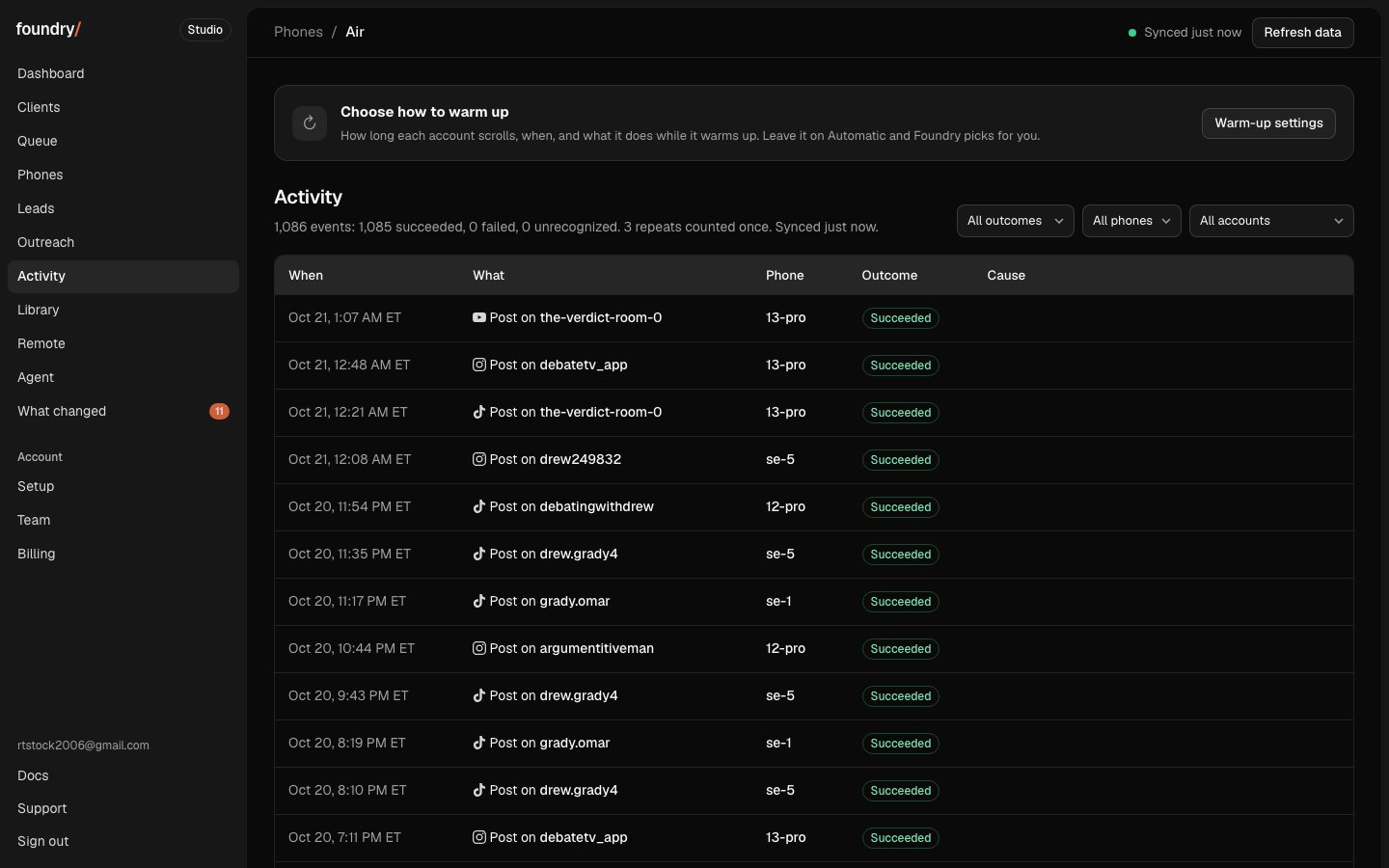
Changed Warm-ups moved to the top of Activity
Changed retired accounts are hidden from Dashboard, Phones, Accounts and Queue. Accounts has Show them to look back
Before and after
Search the Queue
The Queue had no way to find one post: you scrolled every phone. Now one search box sits beside Today and Tomorrow and narrows the board as you type, by account, platform, phone, topic or format, and each match keeps its time and status.
Where to click Queue, the search box beside Today and Tomorrow. Open it
BeforeAfter
The Queue reads like the Dashboard
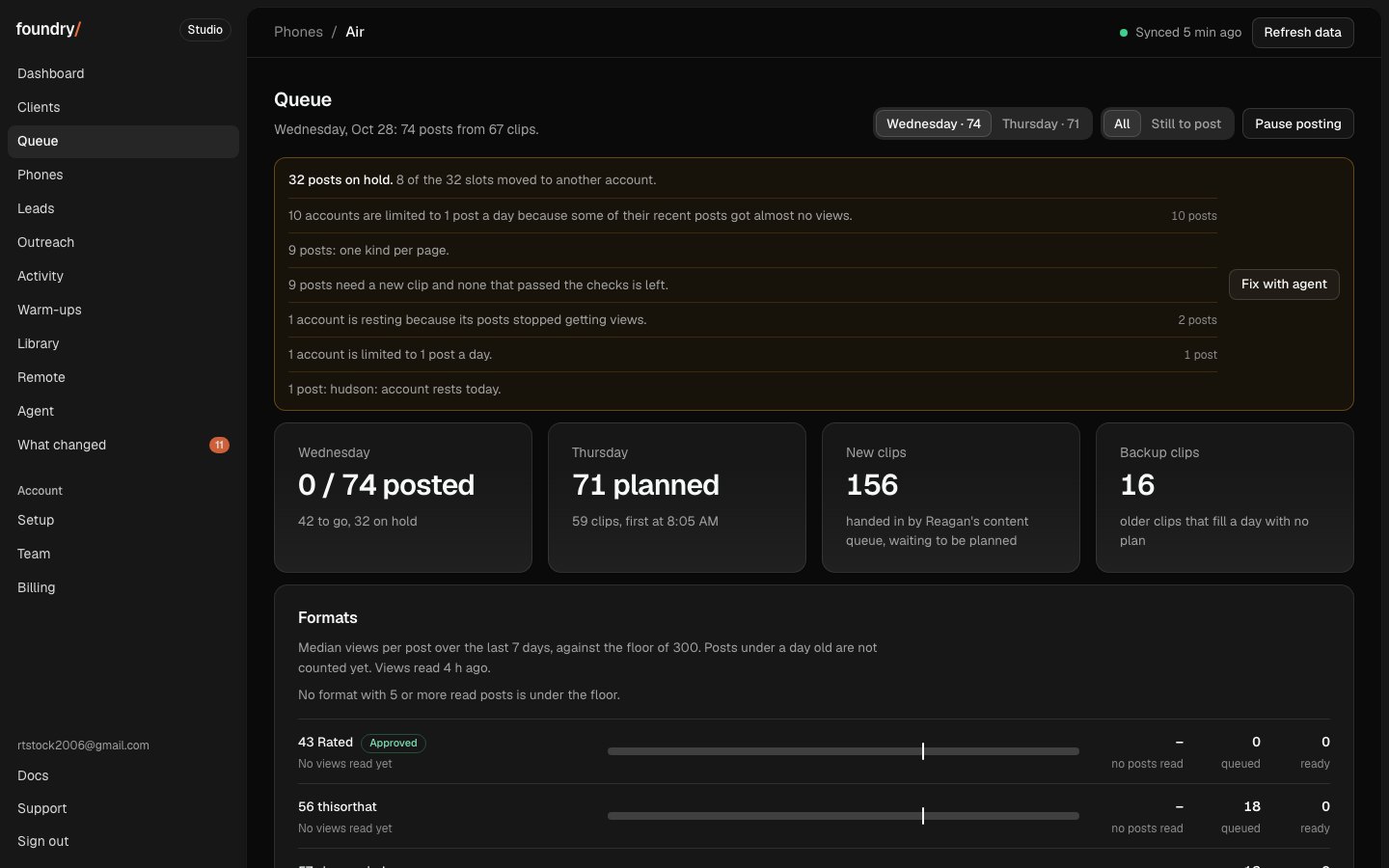
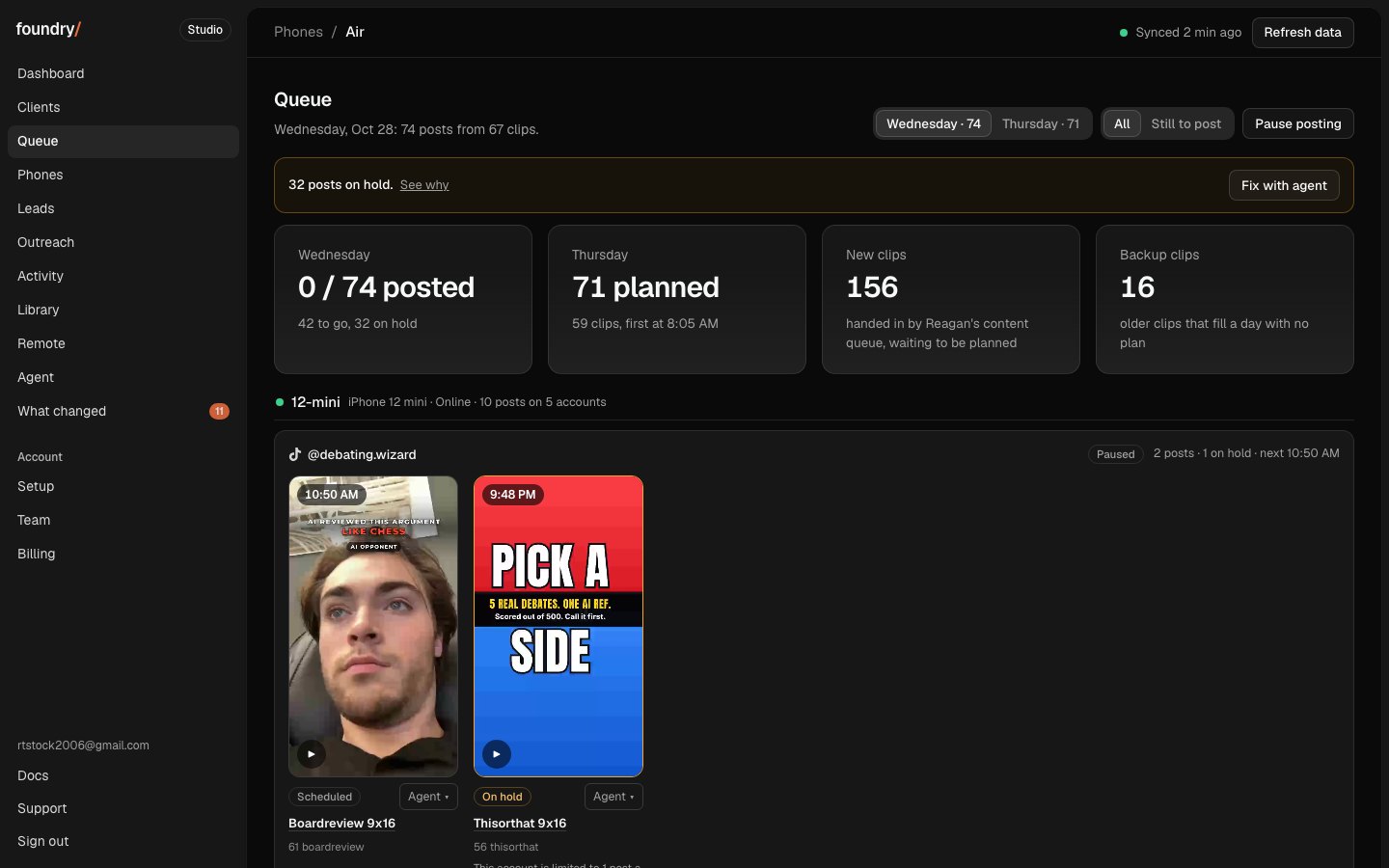
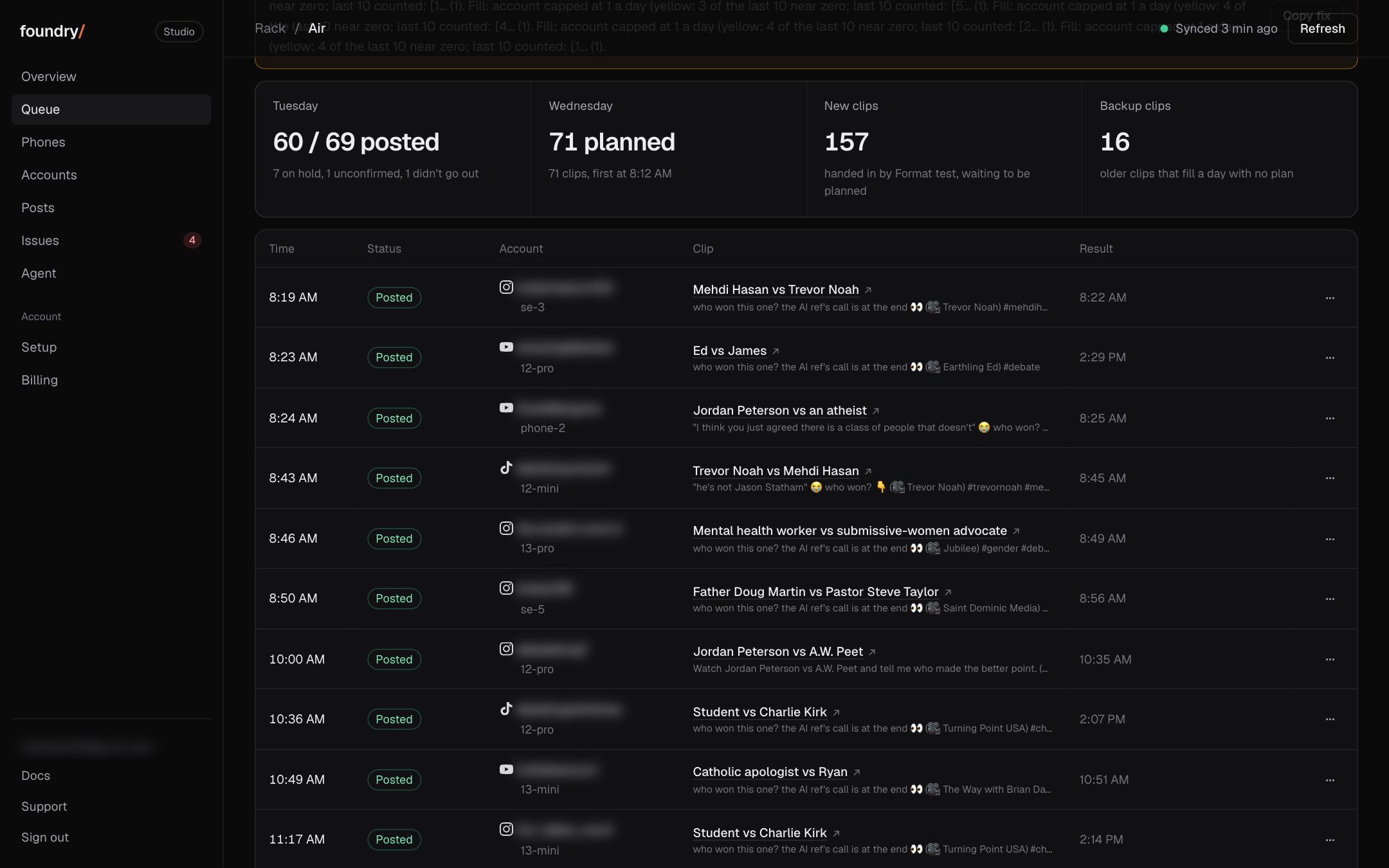
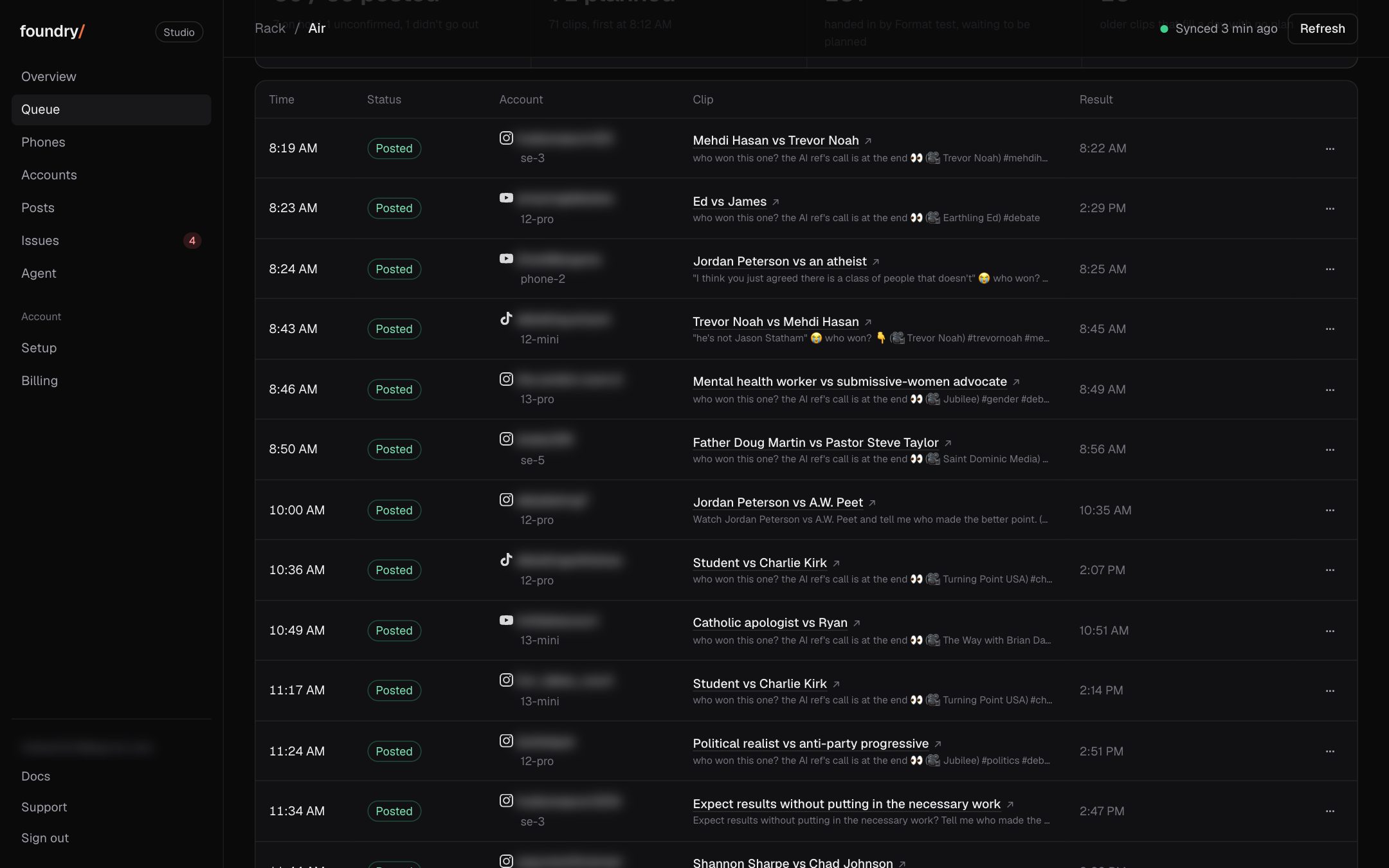
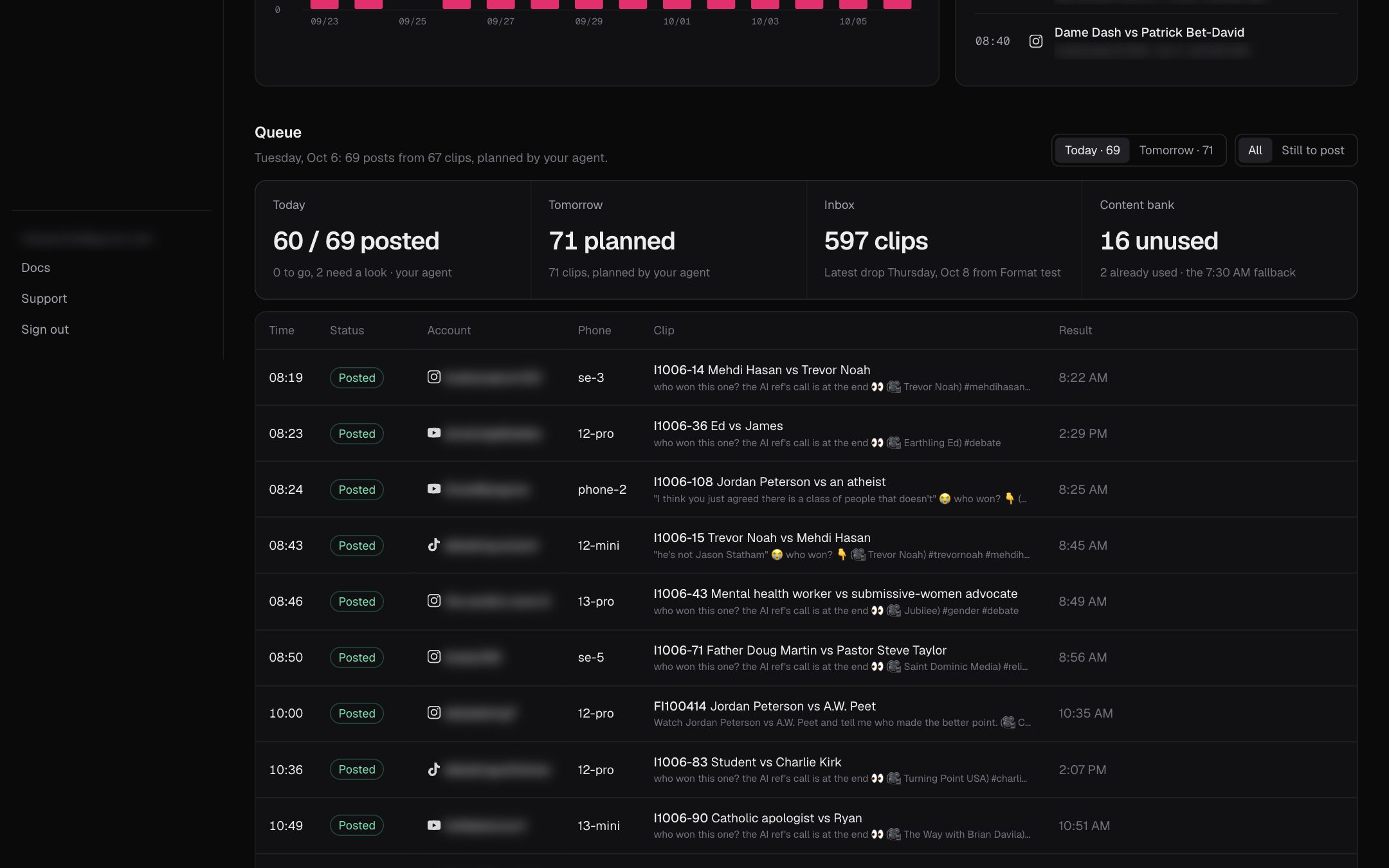
The Queue was one long table of every post, 8 columns wide, with a tall yellow box of hold reasons and the Formats bars on top. Now it reads like the Dashboard: each phone, a card for each account on it, and that account's posts of the day as big 9:16 pictures in time order, the time on the picture, its status, topic and format under it, and Agent on each. The hold reasons fold into one line with See why, and Formats moves under the board.
On the Dashboard each account's 3 slots were a thin picture beside a big caption box. Now each slot is a 9:16 frame almost twice as wide, and the caption and hashtags sit under it as one small line that opens up only while you type in it.
Where to click Dashboard (the first tab), any account's 3 slots. Open it
BeforeAfter
Warm-ups moved inside Activity
Warm-ups had its own tab in the menu. It now lives on top of Activity as one row, Choose how to warm up, with today's warm-up count and one button to the settings. The settings page itself lights Activity in the menu and its crumb leads back there.
Where to click Activity, the row at the top. Open it
BeforeAfter
Old accounts retired, the new ones get the board
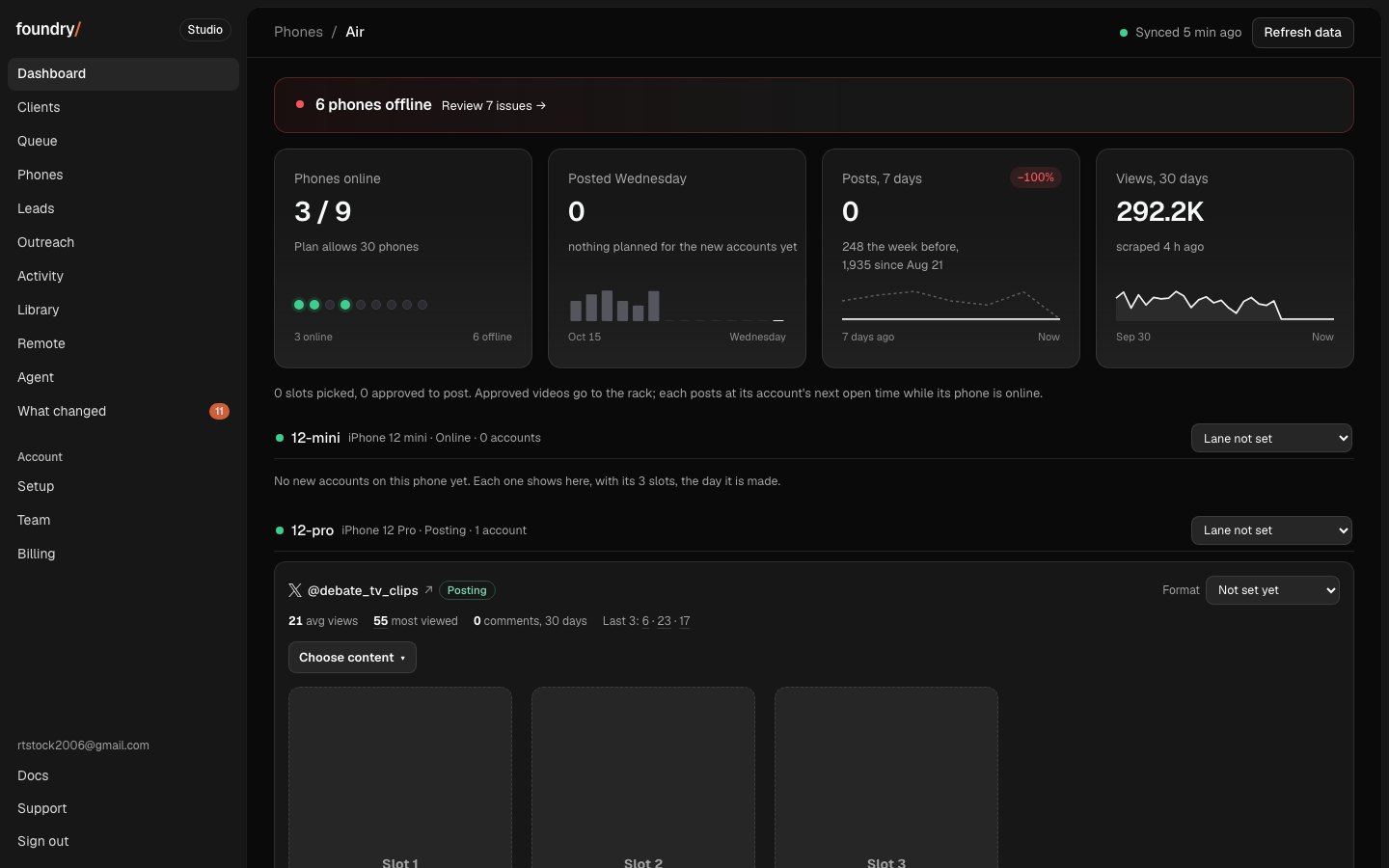
The 45 old paused accounts are retired from the Dashboard, Phones, Accounts and the Queue while the new accounts are made on each phone, so every phone shows only what is live and each new account appears with its 3 slots the day it is made. Nothing was deleted and no account was touched: it is a record on the server, and Accounts has Show them to look back. The 3 accounts still posting (X, Reddit, Facebook) stay.
Where to click Dashboard; Accounts, the line above the table. Open it
BeforeAfter
The account rebuild, counted
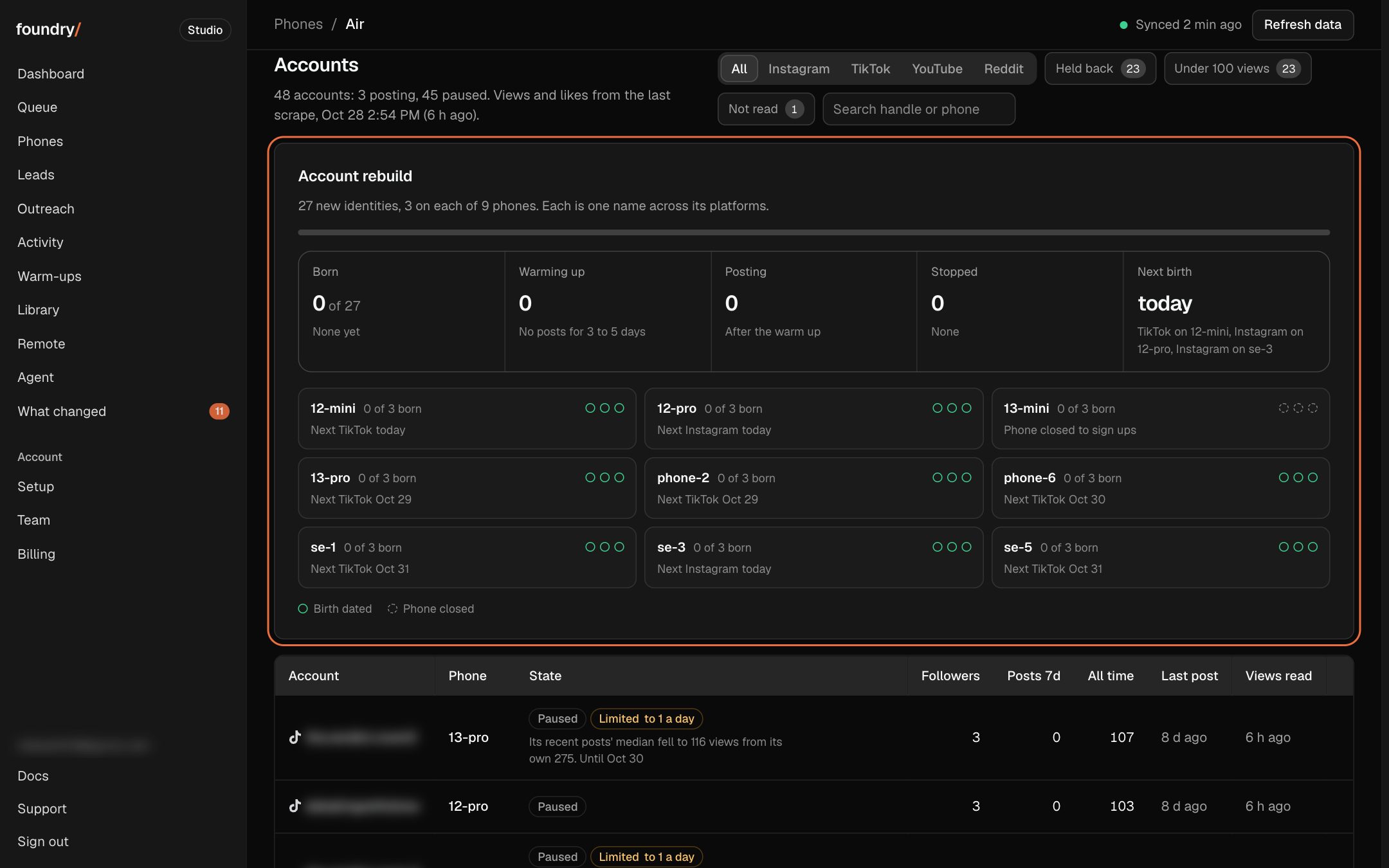
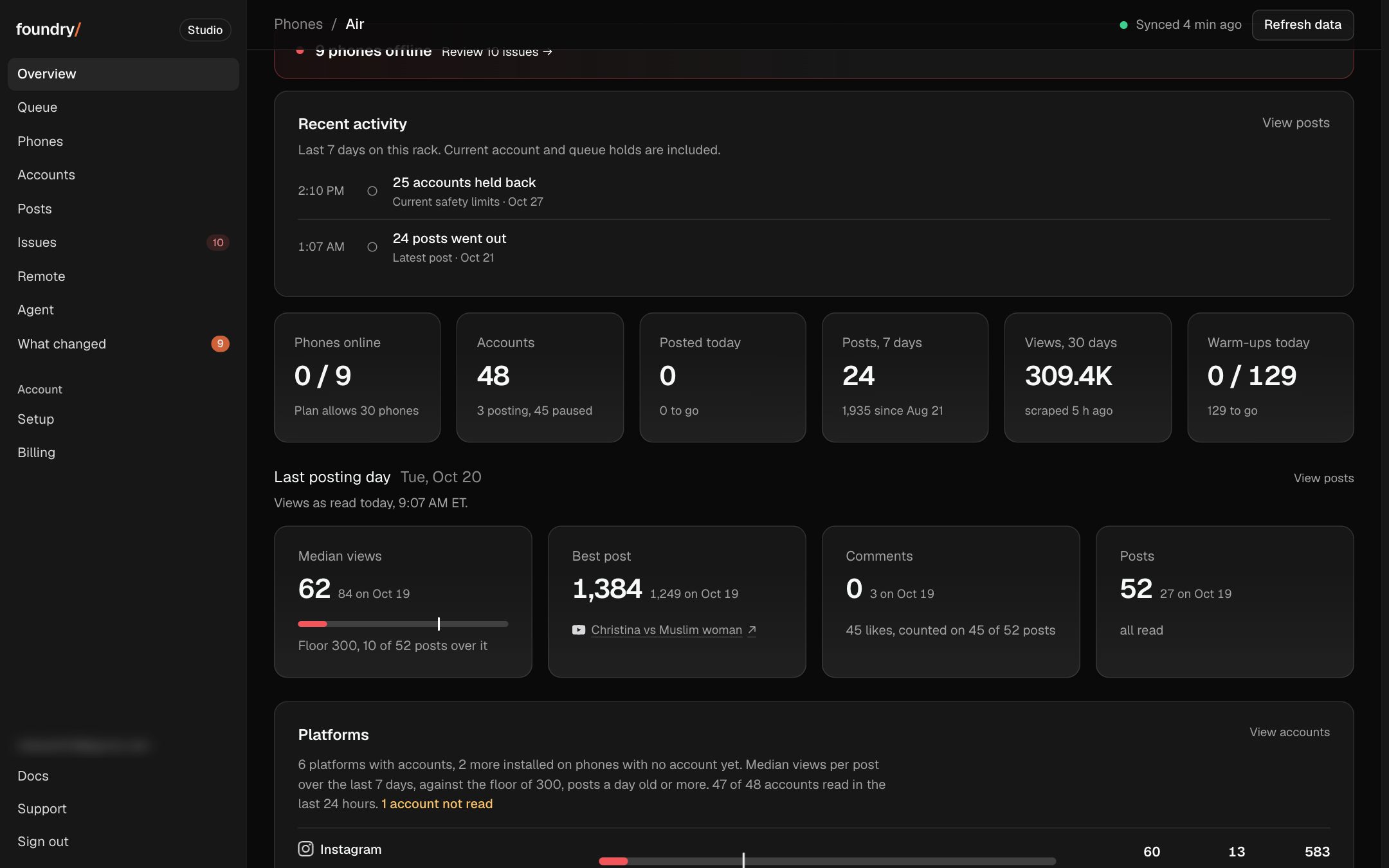
Accounts opens on an Account rebuild card: the 27 new DebateTV accounts, 3 on each of the 9 phones, counted as born, warming up and posting, with the next birth and its date. Each phone gets a row with a dot per account, so a stopped sign up or a closed phone shows at a glance. Tonight it reads 0 of 27 born, the next 3 births dated today on 12-mini, 12-pro and se-3, and 13-mini closed to sign ups.
Where to click Accounts, the card at the top. Open it
BeforeAfter
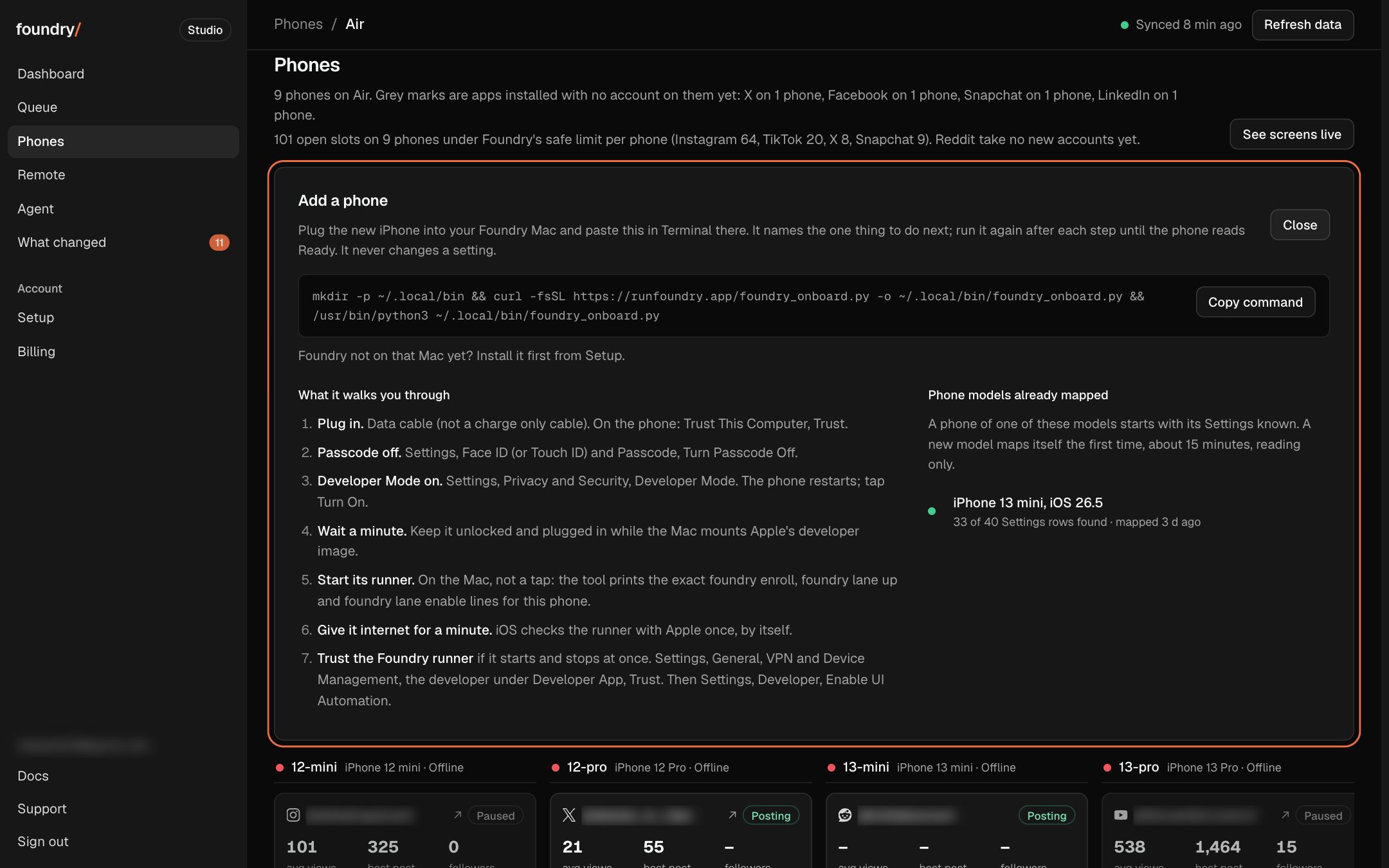
Add a phone, from Phones
Phones has an Add a phone button. It opens the one line to paste in Terminal on your Mac, the steps it walks a new iPhone through, and every phone model already mapped, so you know before you plug in whether yours starts set up.
Where to click Phones, Add a phone (top right, beside See screens live). Open it
BeforeAfter
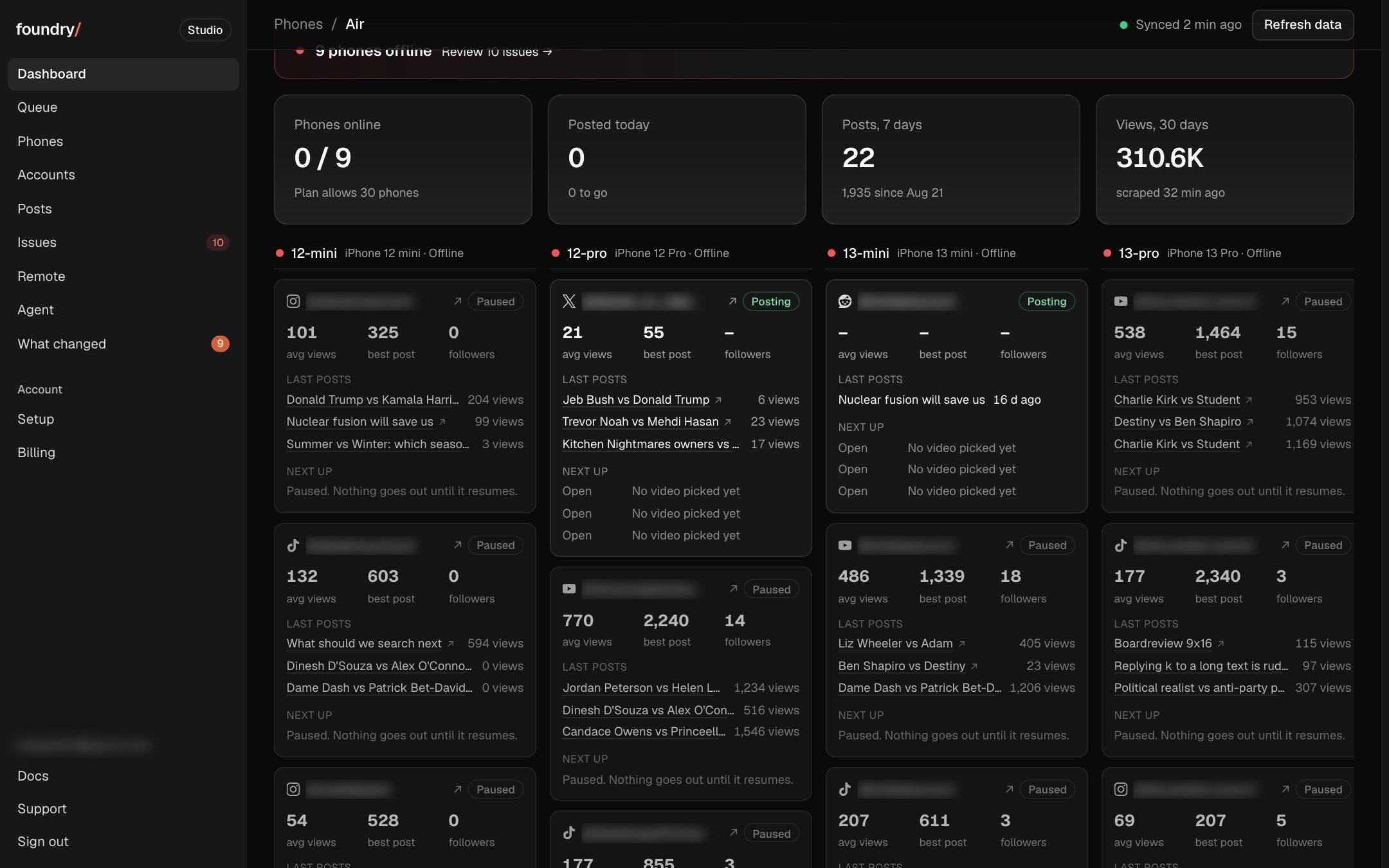
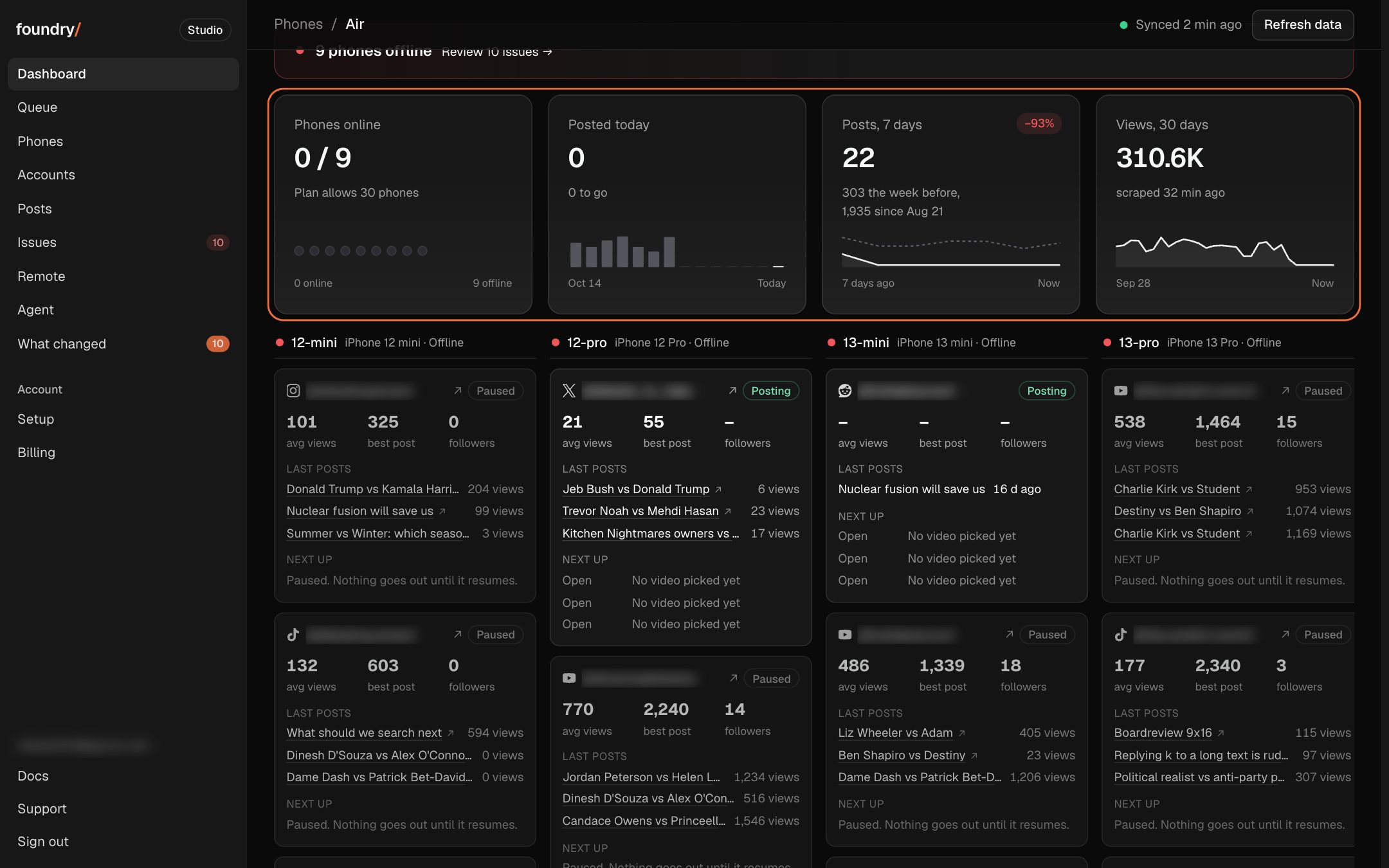
Every Dashboard number shows its trend
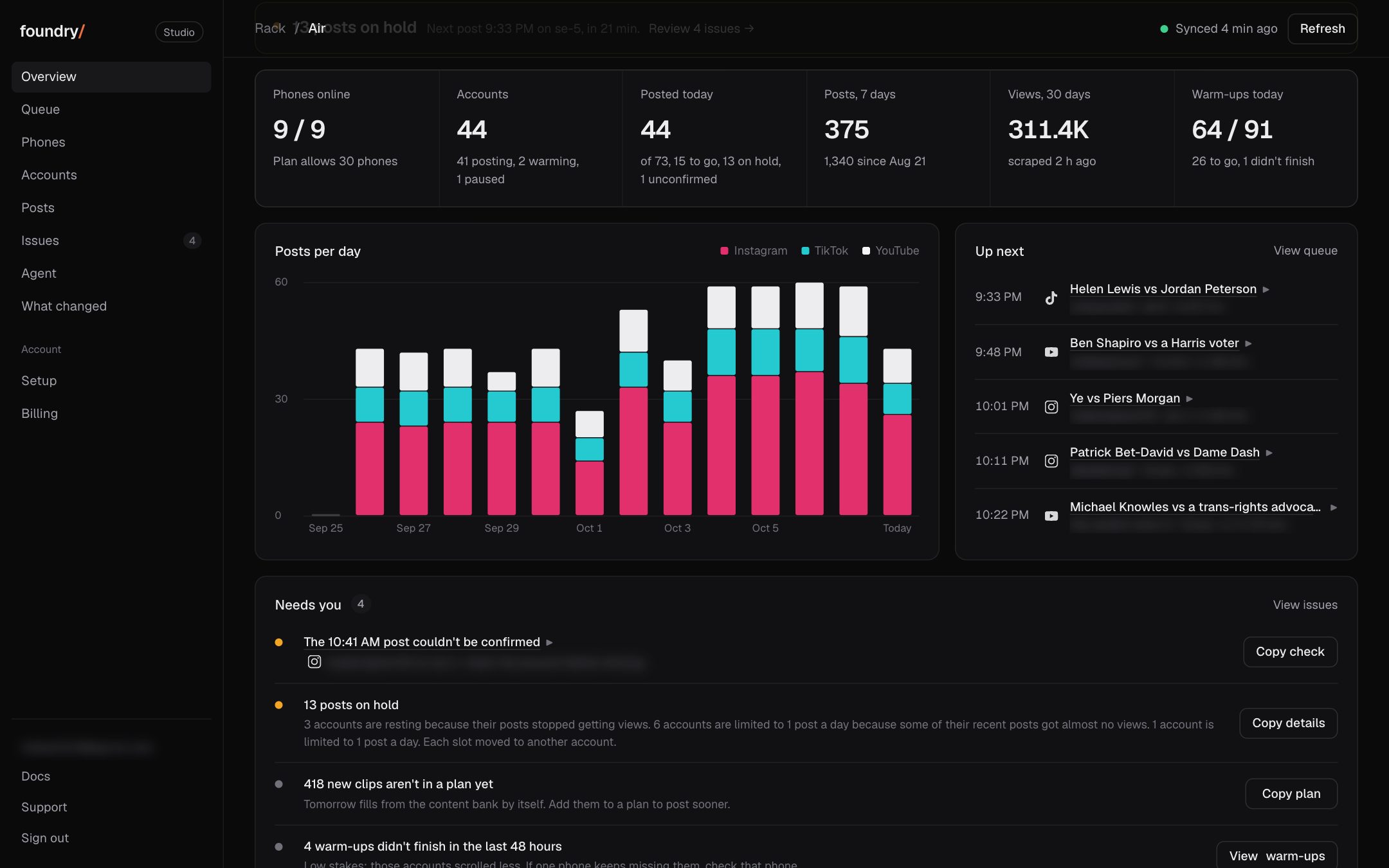
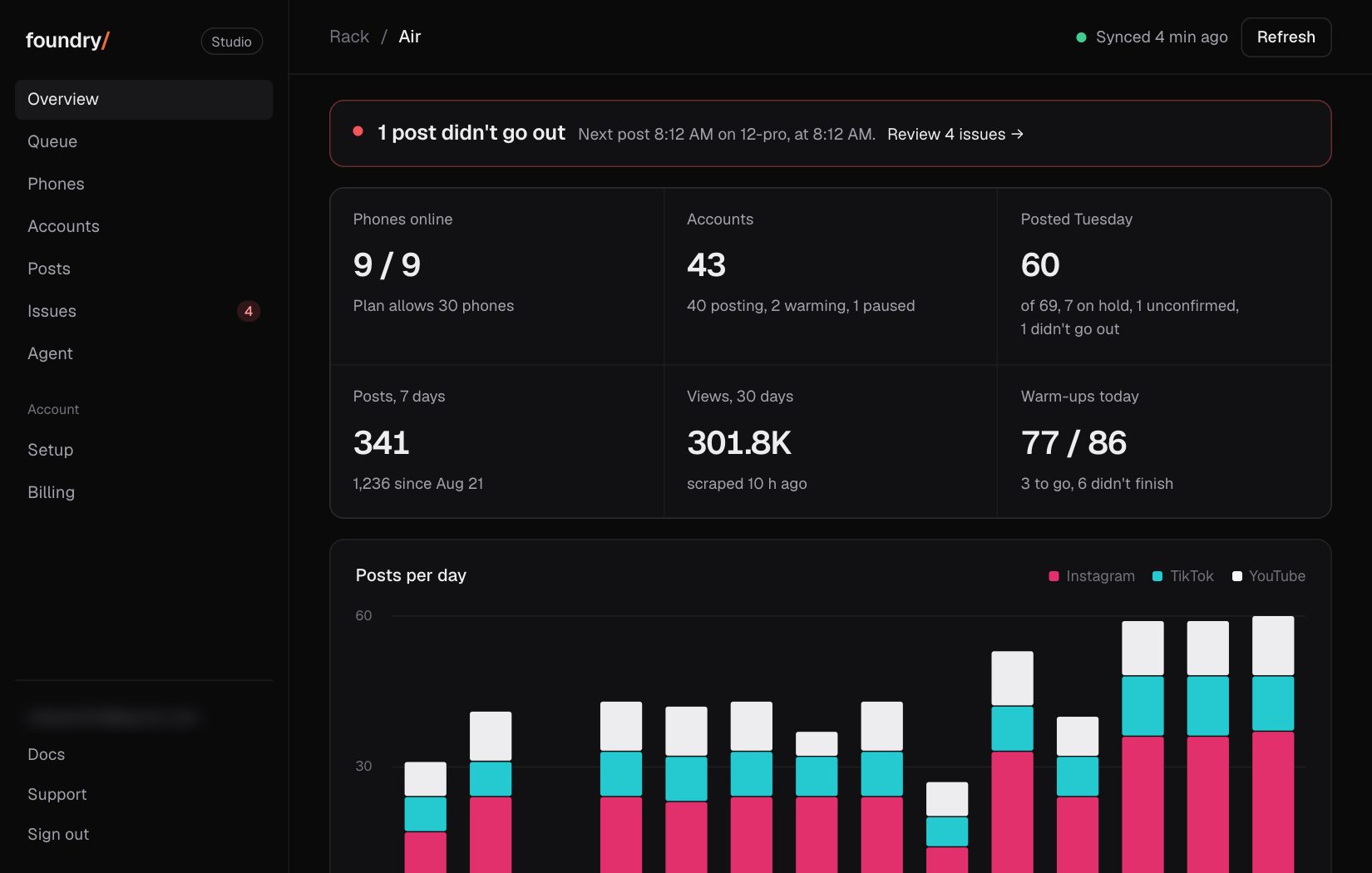
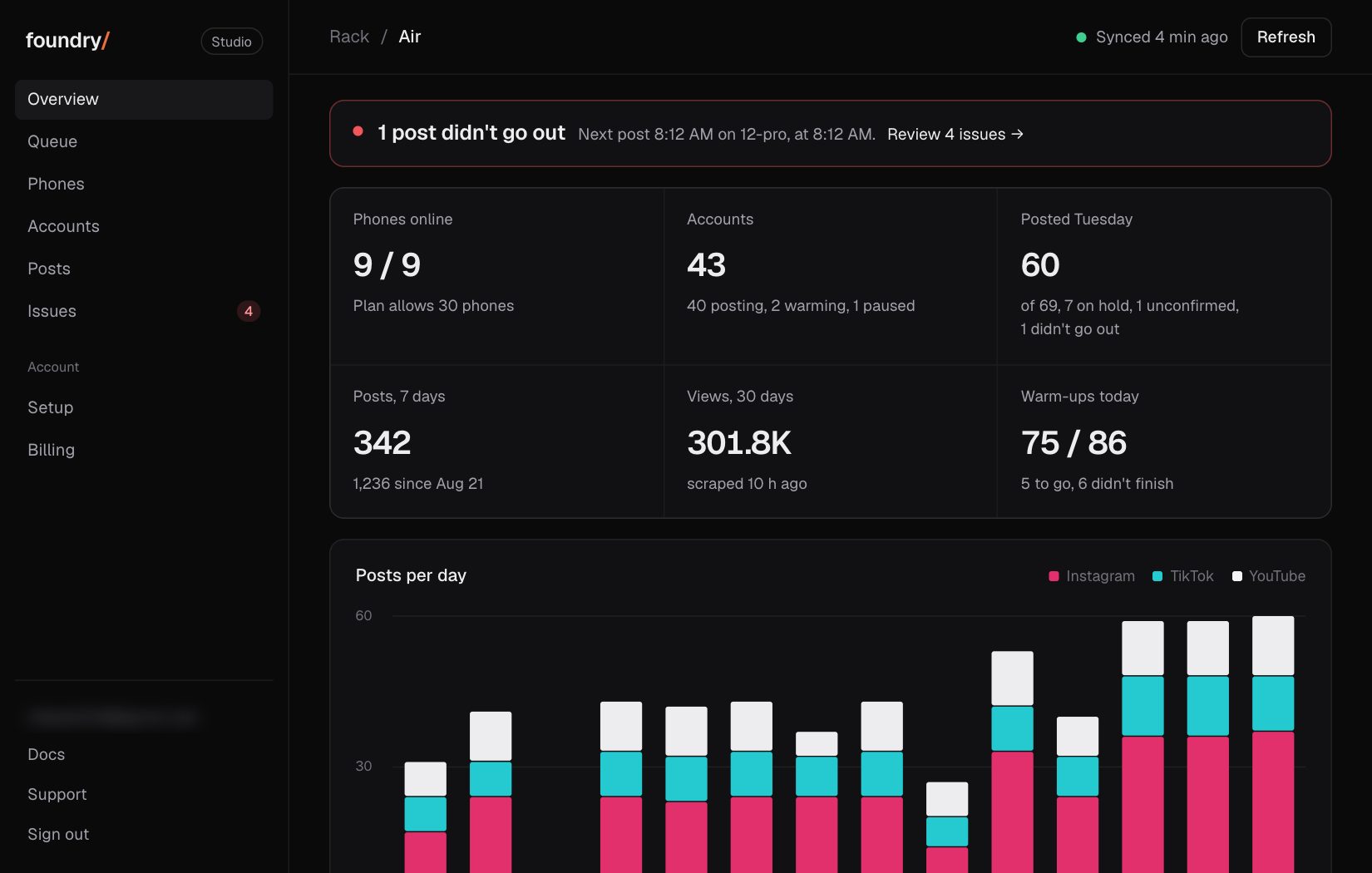
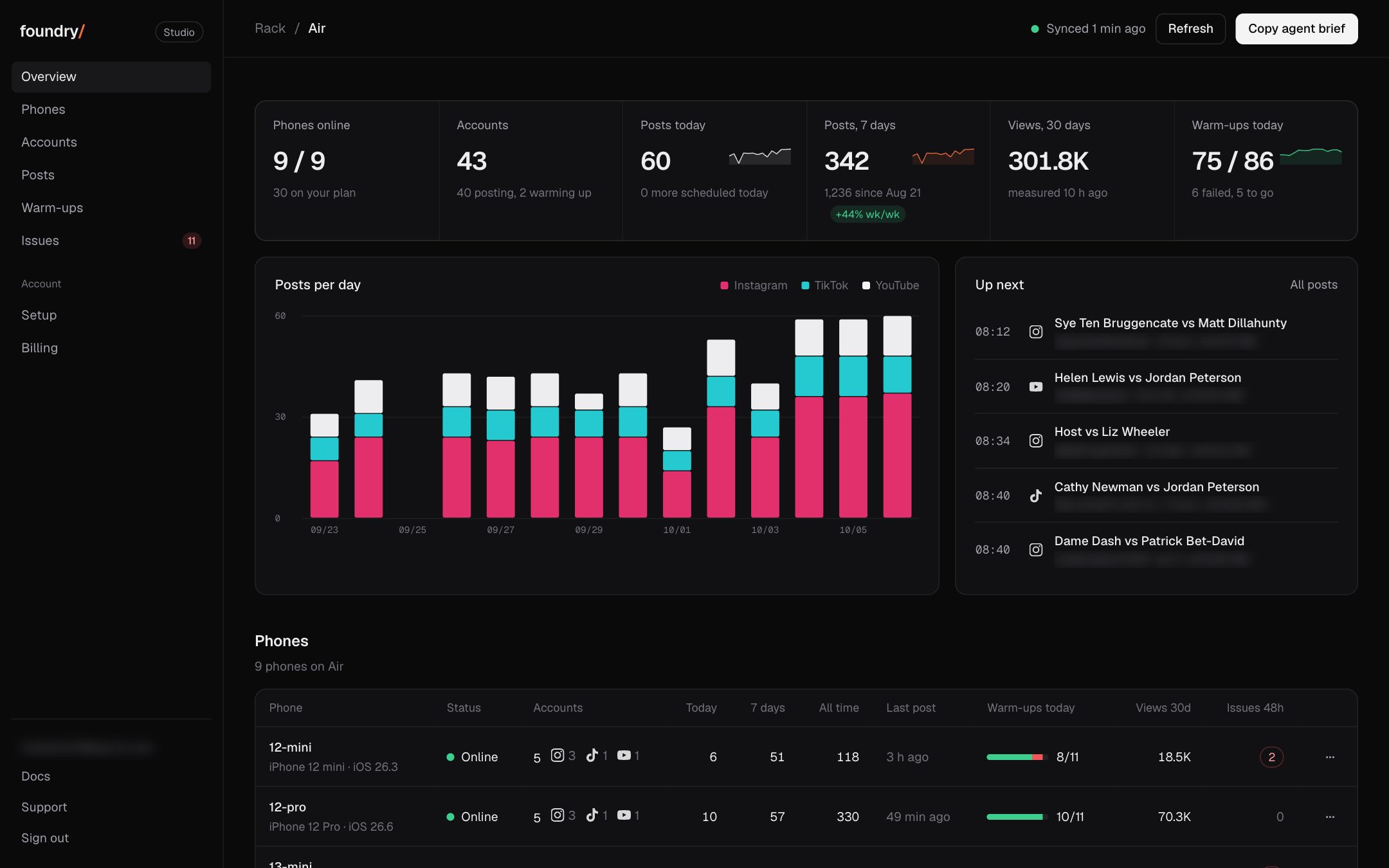
The four numbers on top of the Dashboard now carry the days behind them, the way Stripe's Home does. Phones online shows a dot per phone, green when it is online. Posted today shows posts per day for 14 days with today lit. Posts, 7 days draws this week's posts a day over the week before (dashed), says how many went out the week before, and its change in a green or red chip. Views, 30 days draws the views of each day's posts for the last 30 days.
Where to click Dashboard (the first tab), the four numbers on top. Open it
BeforeAfter
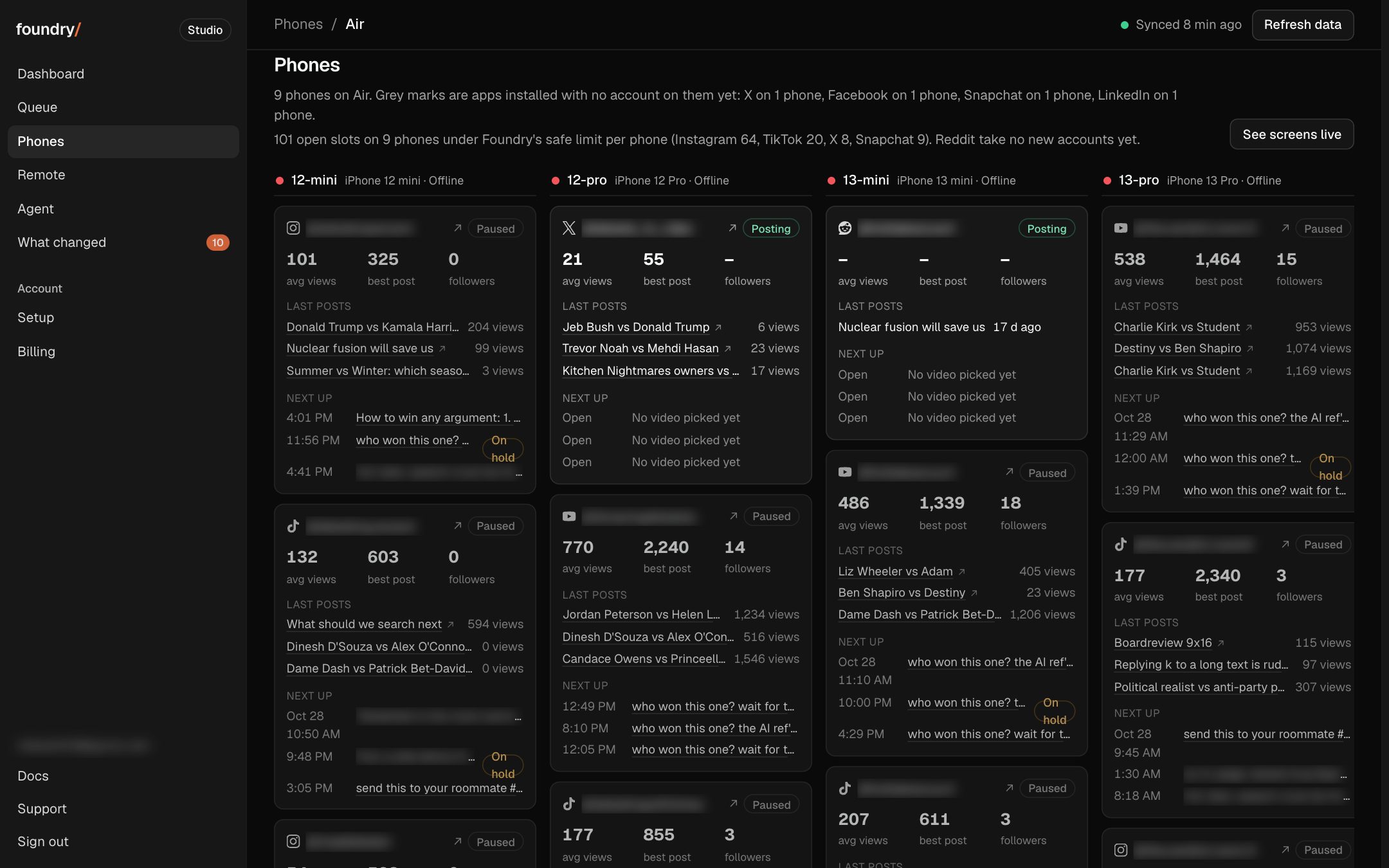
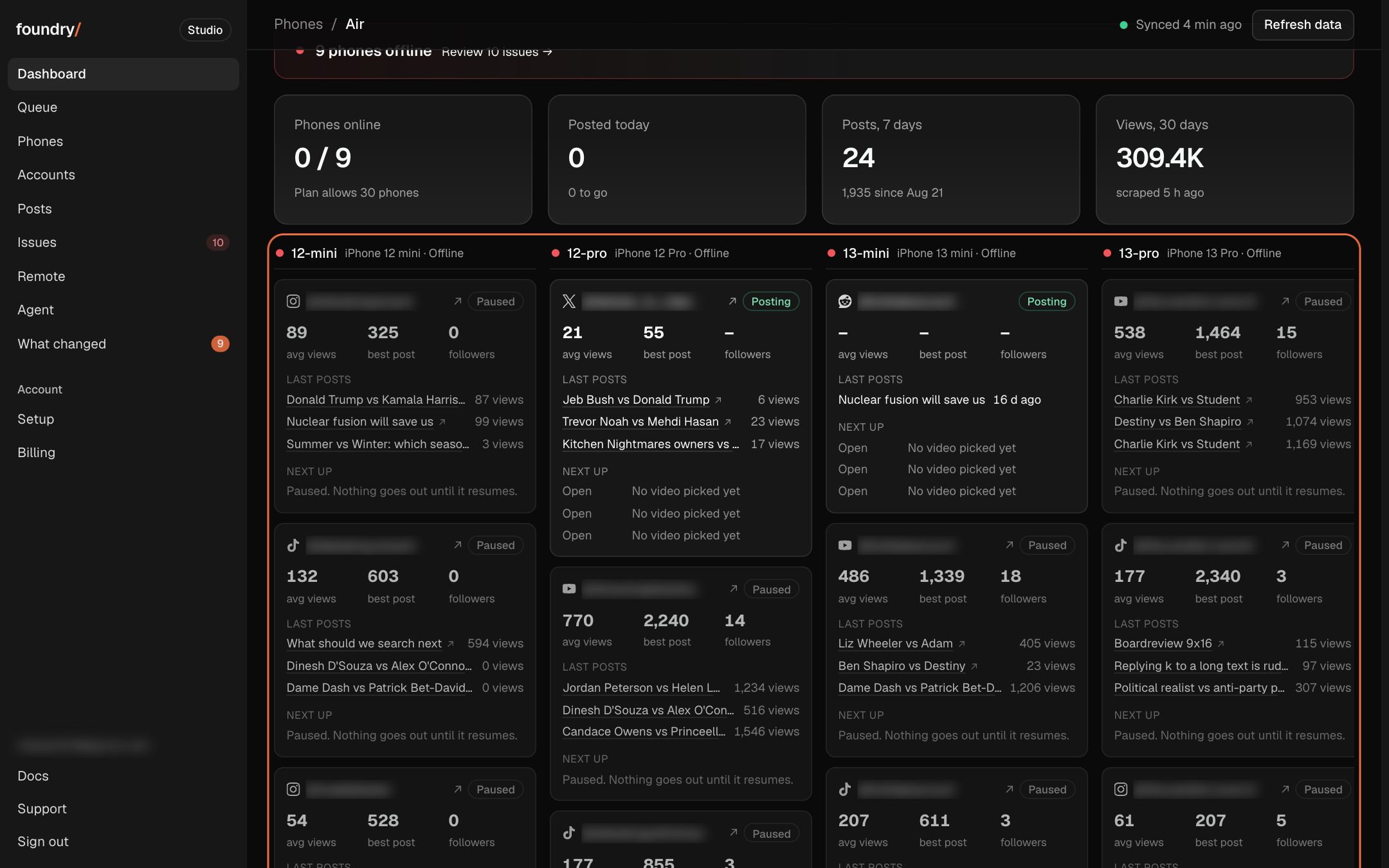
The Dashboard shows your phones and accounts, not our rack
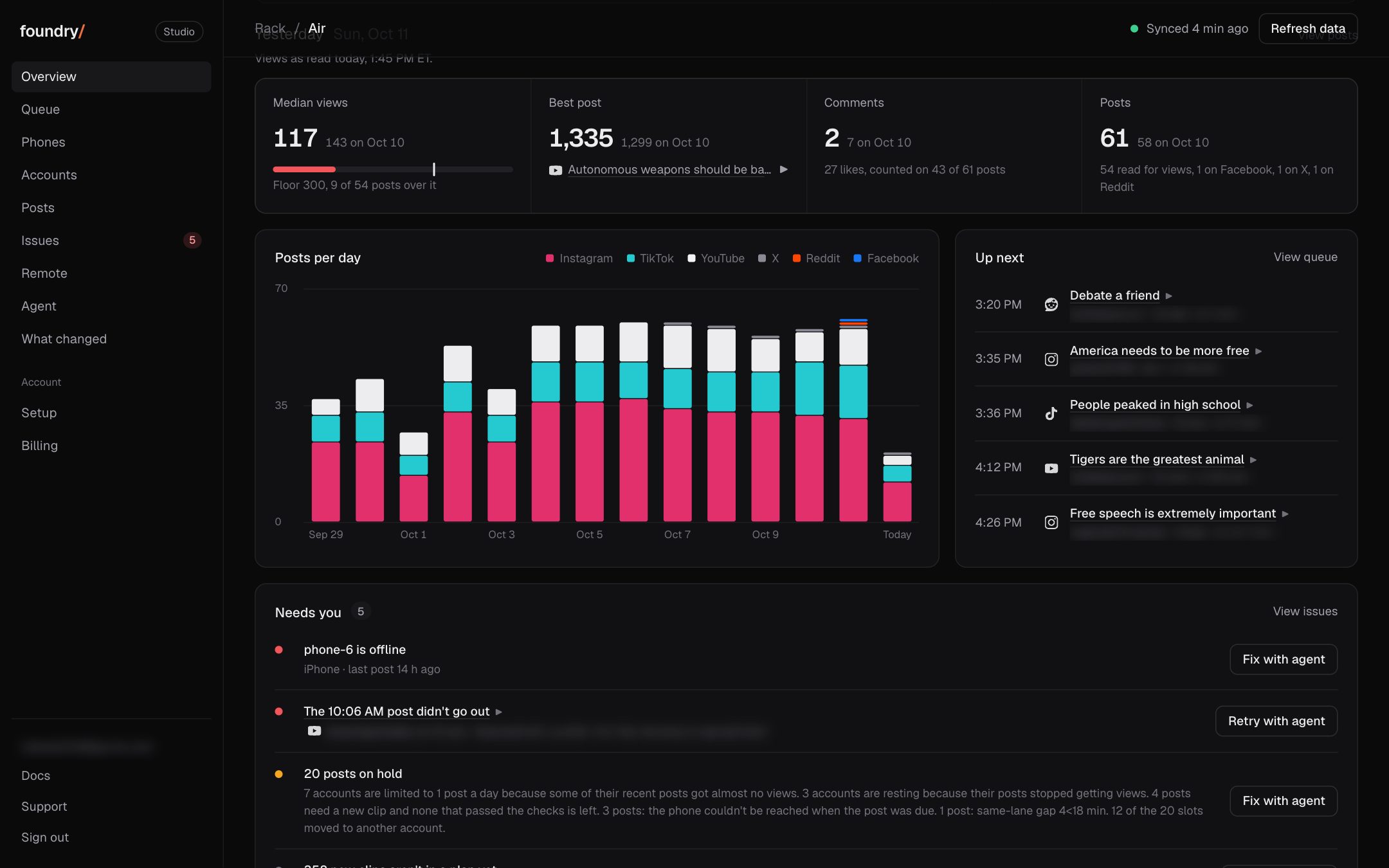
Overview is now Dashboard and leads with one board: each phone, the accounts on it, each account's average views, best post and followers, its last 3 posts with views and the next 3 planned. The activity feed, yesterday card, platform and creatives cards, the post chart and the long phone table are gone, KPIs are down to 4, and the births grid and open account slots no longer show to customers.
Where to click Dashboard (the first tab), the board under the 4 numbers. Open it
BeforeAfter
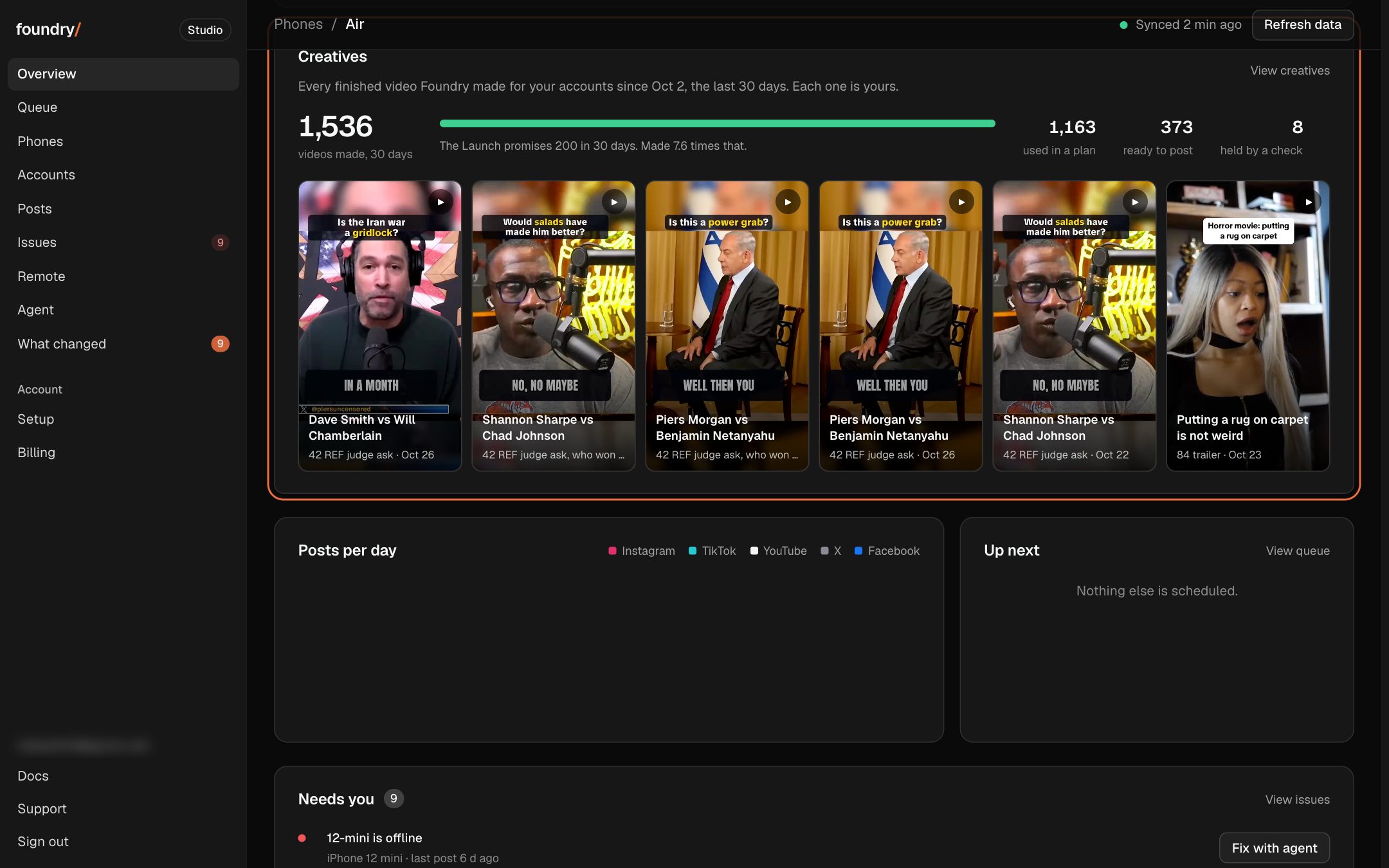
Every video the rack made for you, counted
Overview now has a Creatives card under Platforms: every finished video Foundry made for your accounts in the last 30 days, against the 200 the Launch promises, how many are already used in a plan and how many are ready, and the newest ones playing right there. It opens a Creatives page with every format's count; tap a format to see only its videos.
Where to click Overview, the Creatives card under Platforms; View creatives opens the page. Open it
BeforeAfter
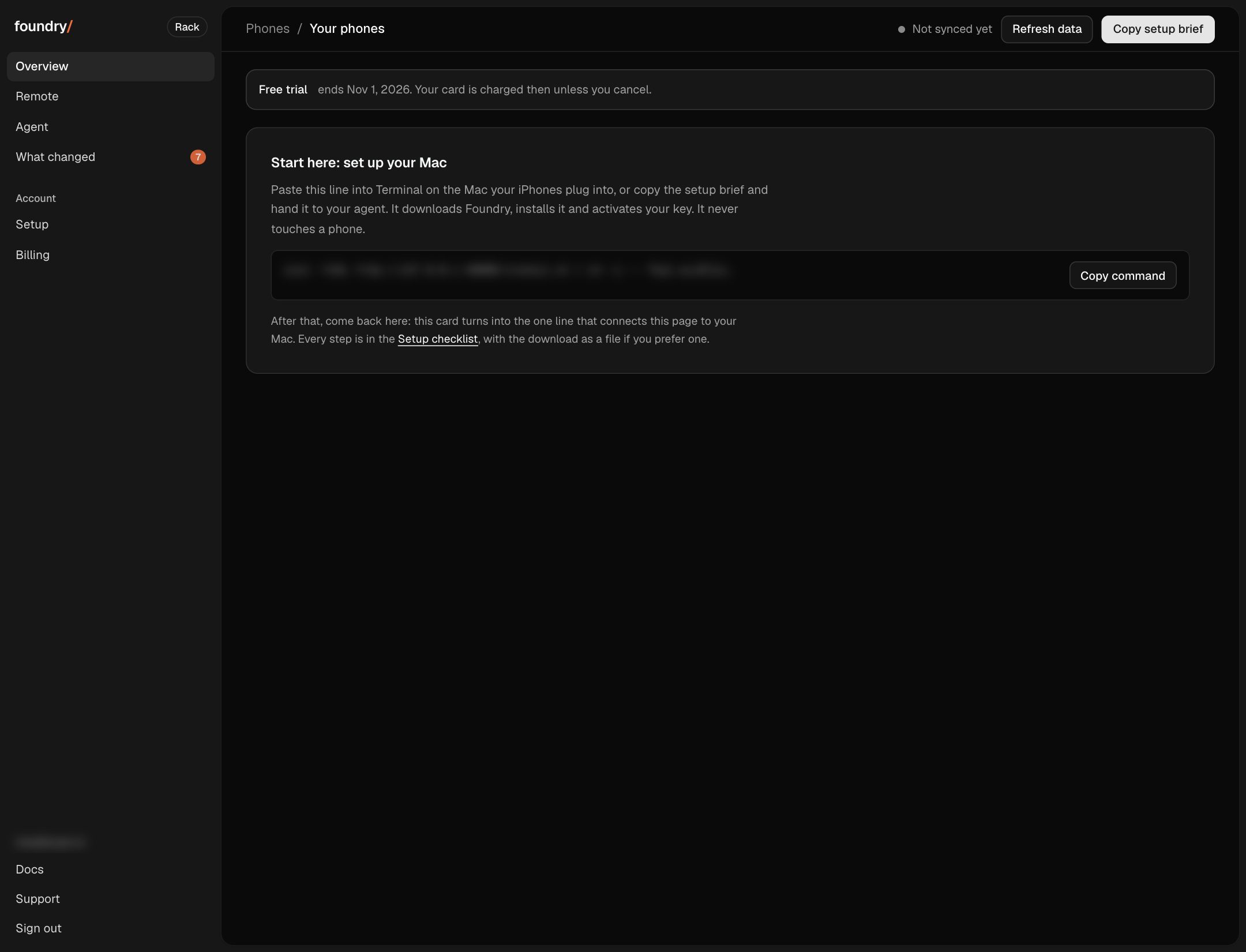
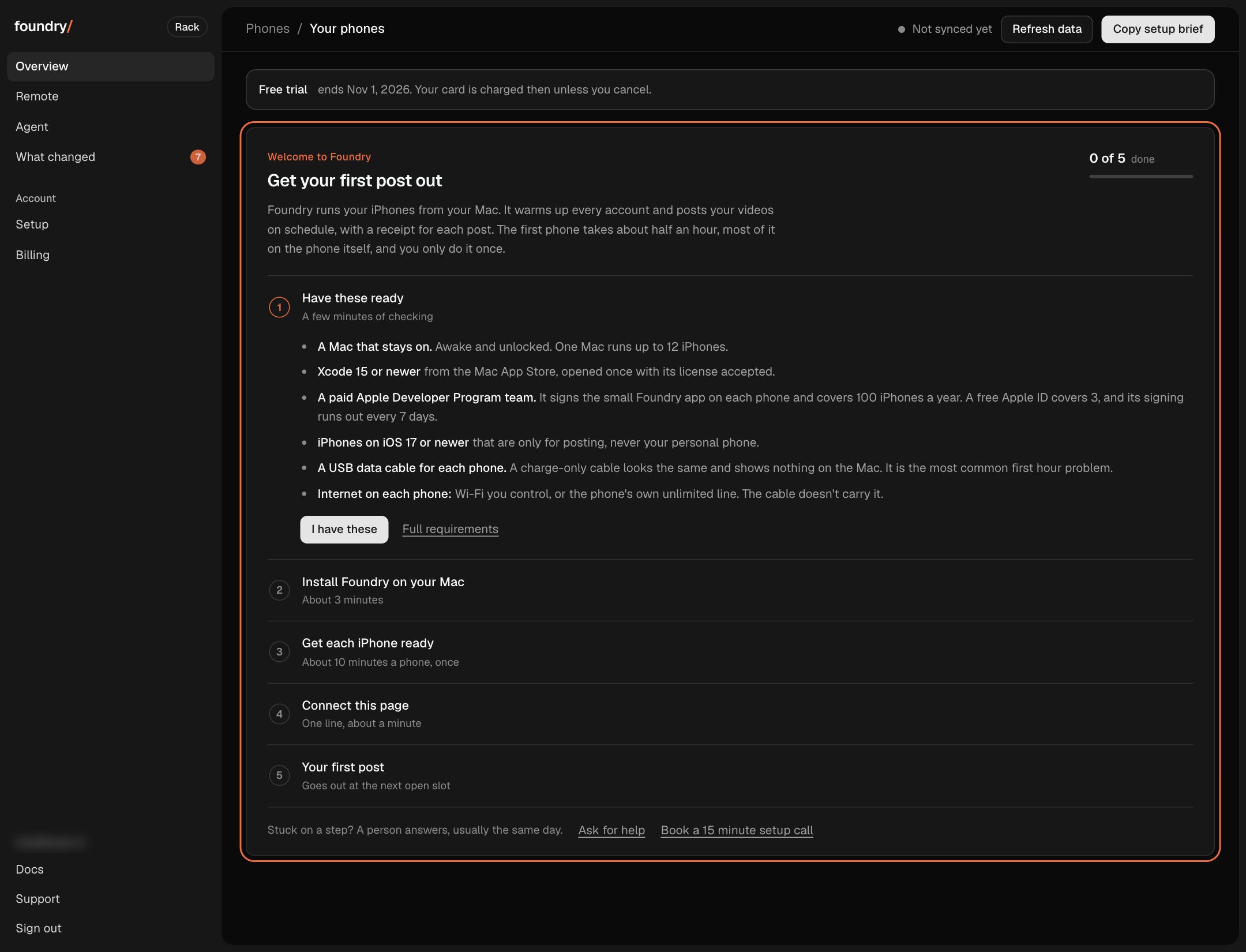
A new customer gets a five step start, one step at a time
A brand new account used to open on one Terminal command and nothing else. Overview now says what Foundry does and walks you through five steps: what to have ready (with the charge-only cable warning), installing on your Mac, getting each iPhone ready tap by tap, connecting this page, and your first post. The step you are on is open, each one ticks itself when your Mac, phones and first post report in, and a person to ask is one tap away.
Where to click Overview, the first time you sign in, until your first post goes out. Open it
BeforeAfter
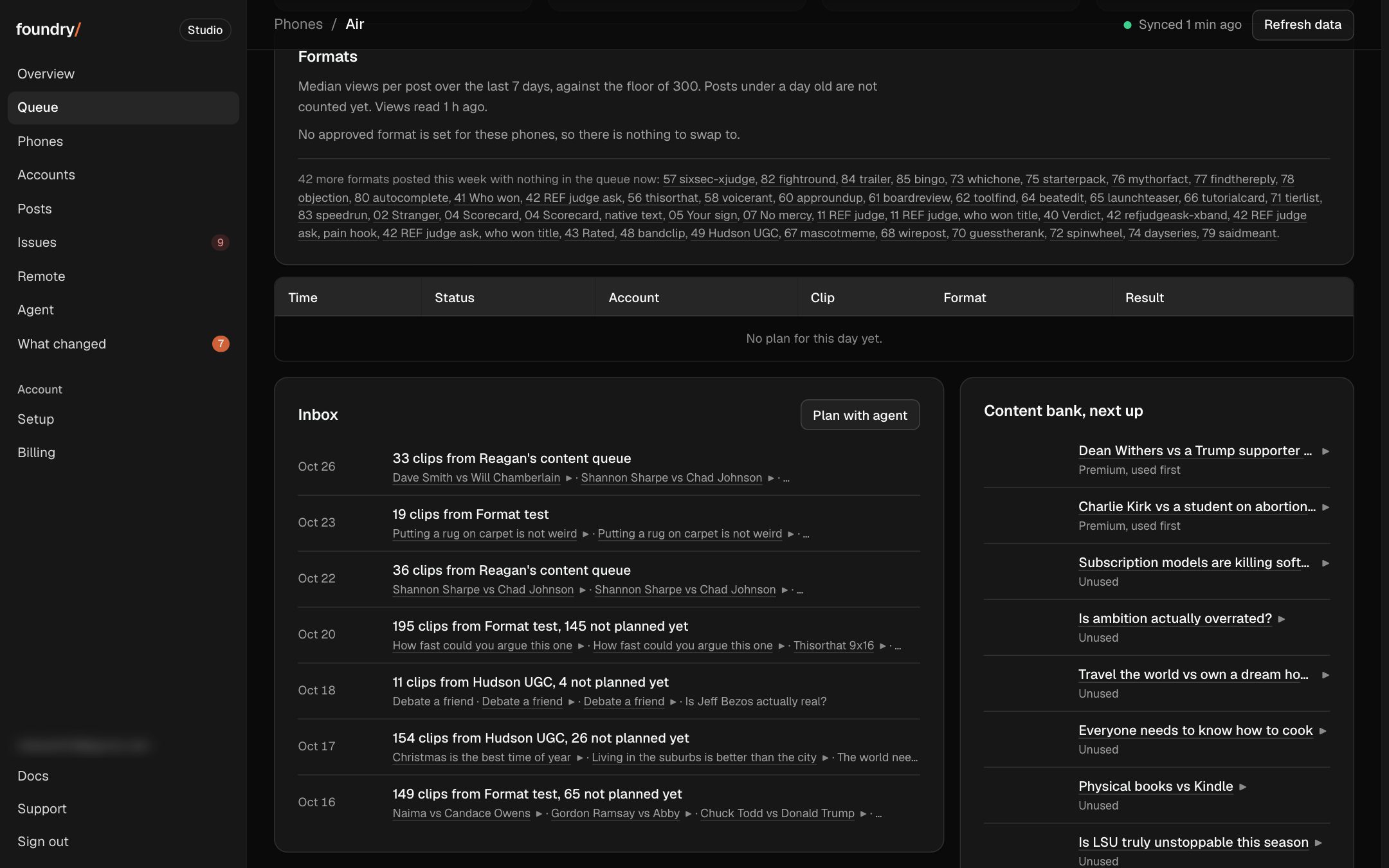
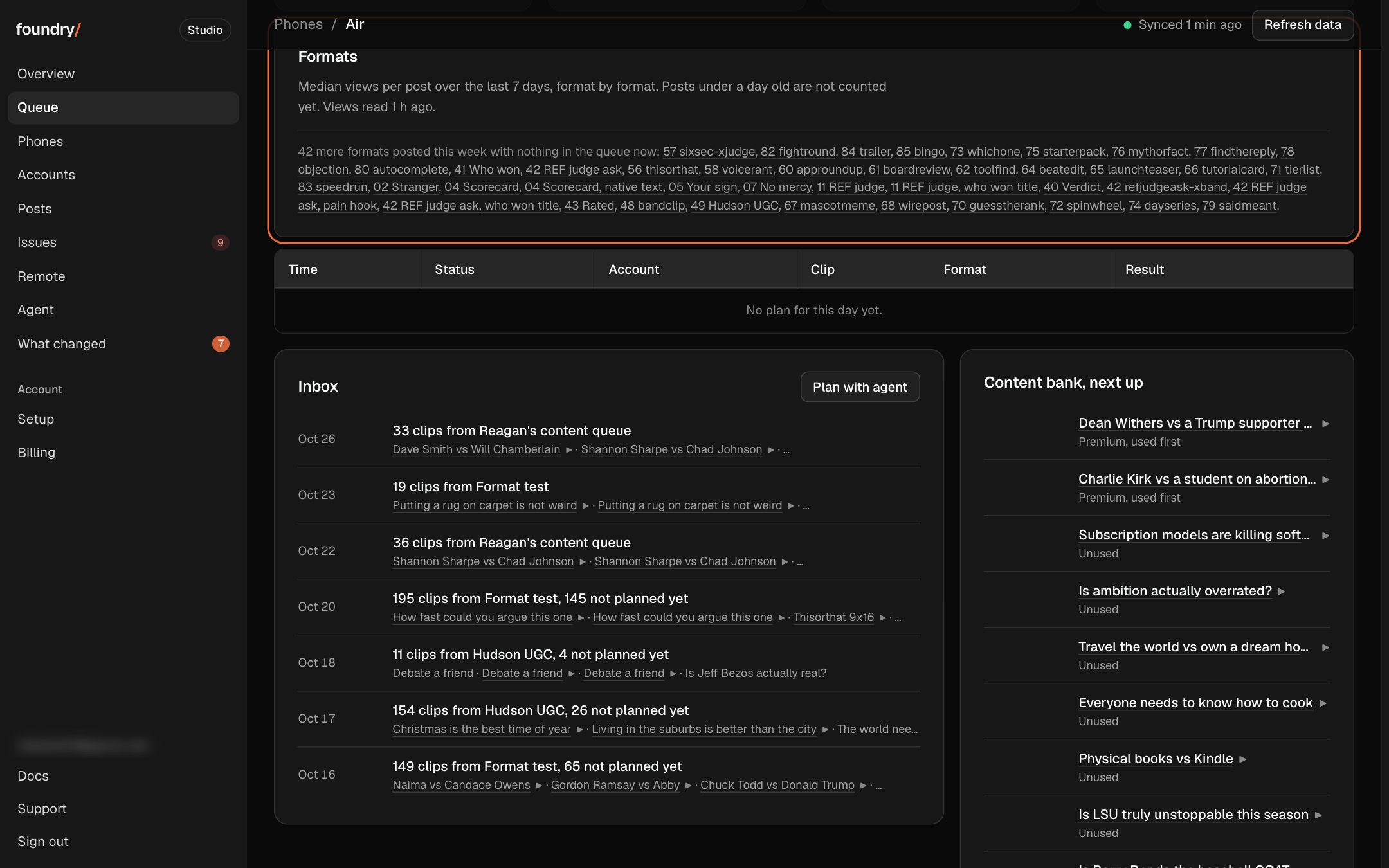
Your Formats card shows your numbers, not our house rules
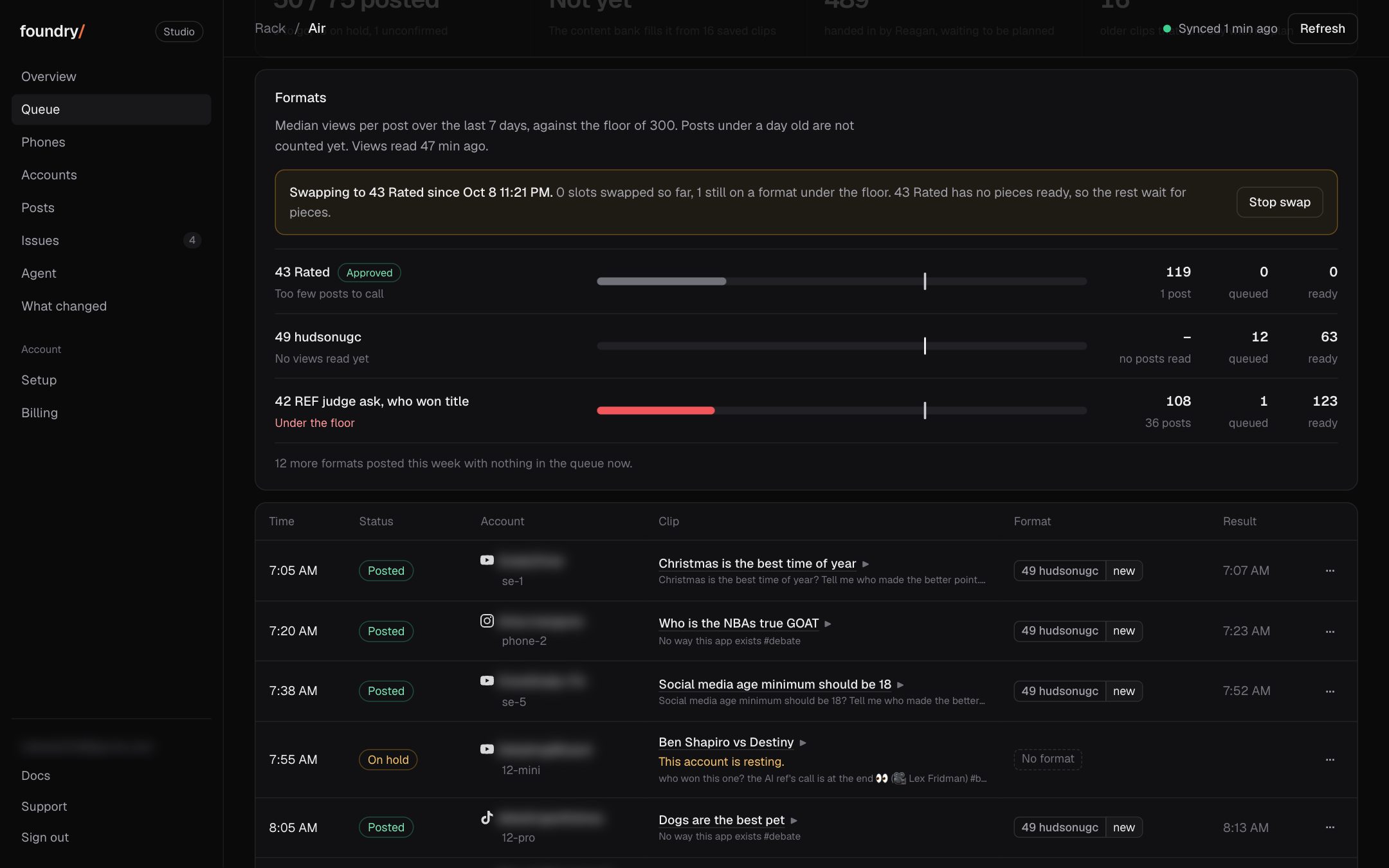
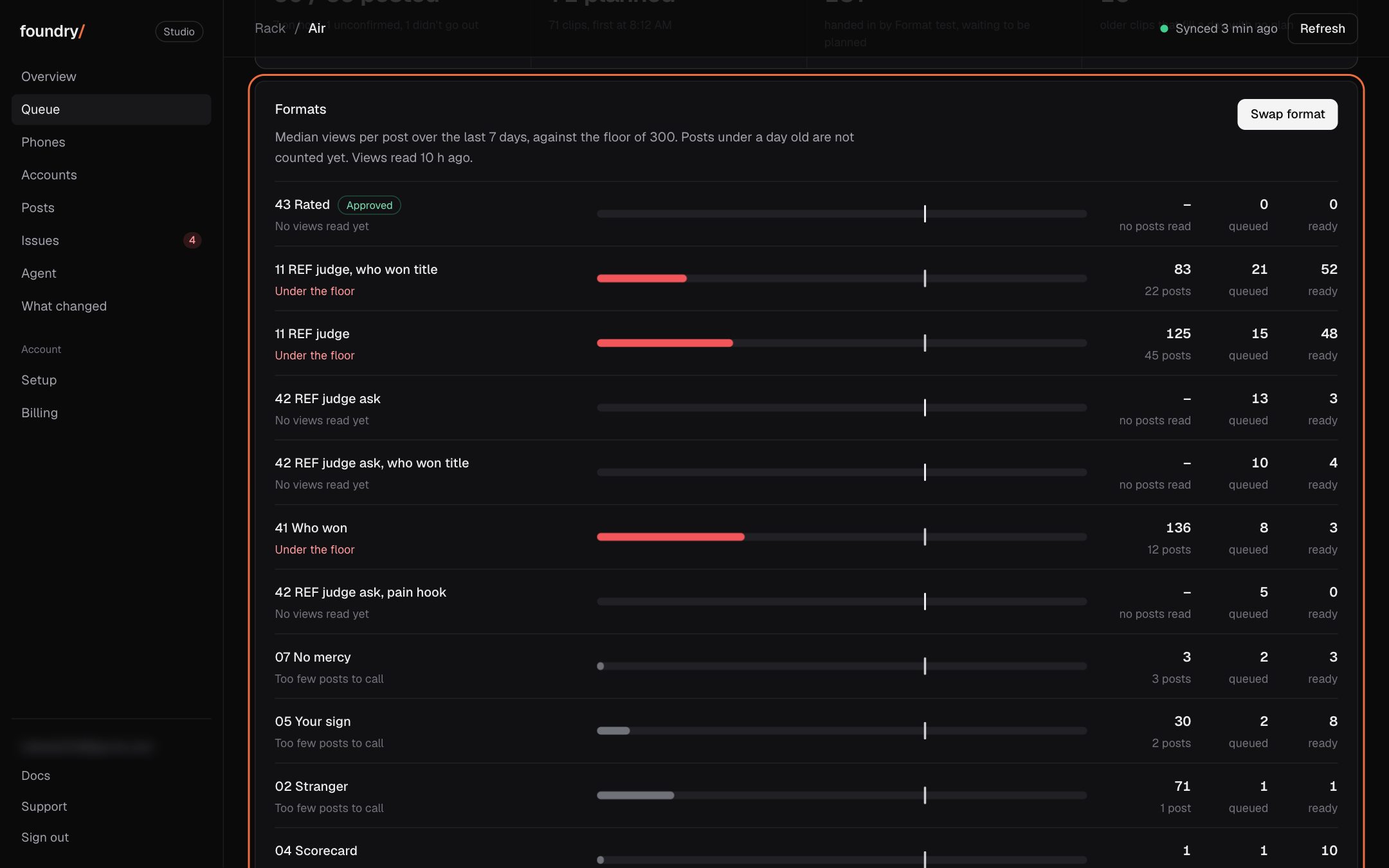
The Formats card on Queue used to judge every customer's formats against our own 300 view floor, call them Under or Over it and offer a Swap format button that only works on our phones. Now your formats show their median and best post with no floor you never set, and the swap order is gone.
Where to click Queue: the Formats card, and each format's own page. Open it
BeforeAfter
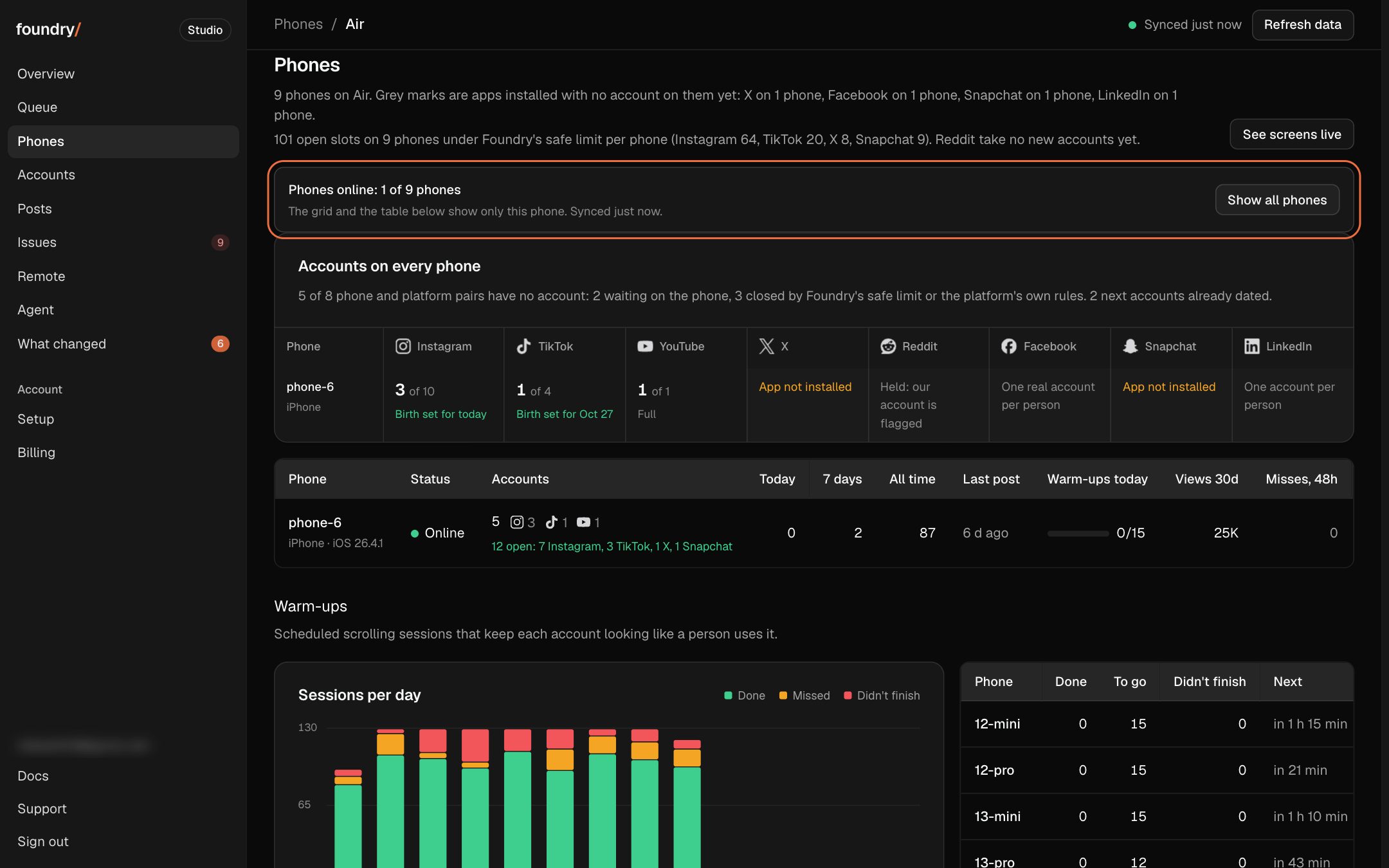
Every number on Overview opens just what it counts
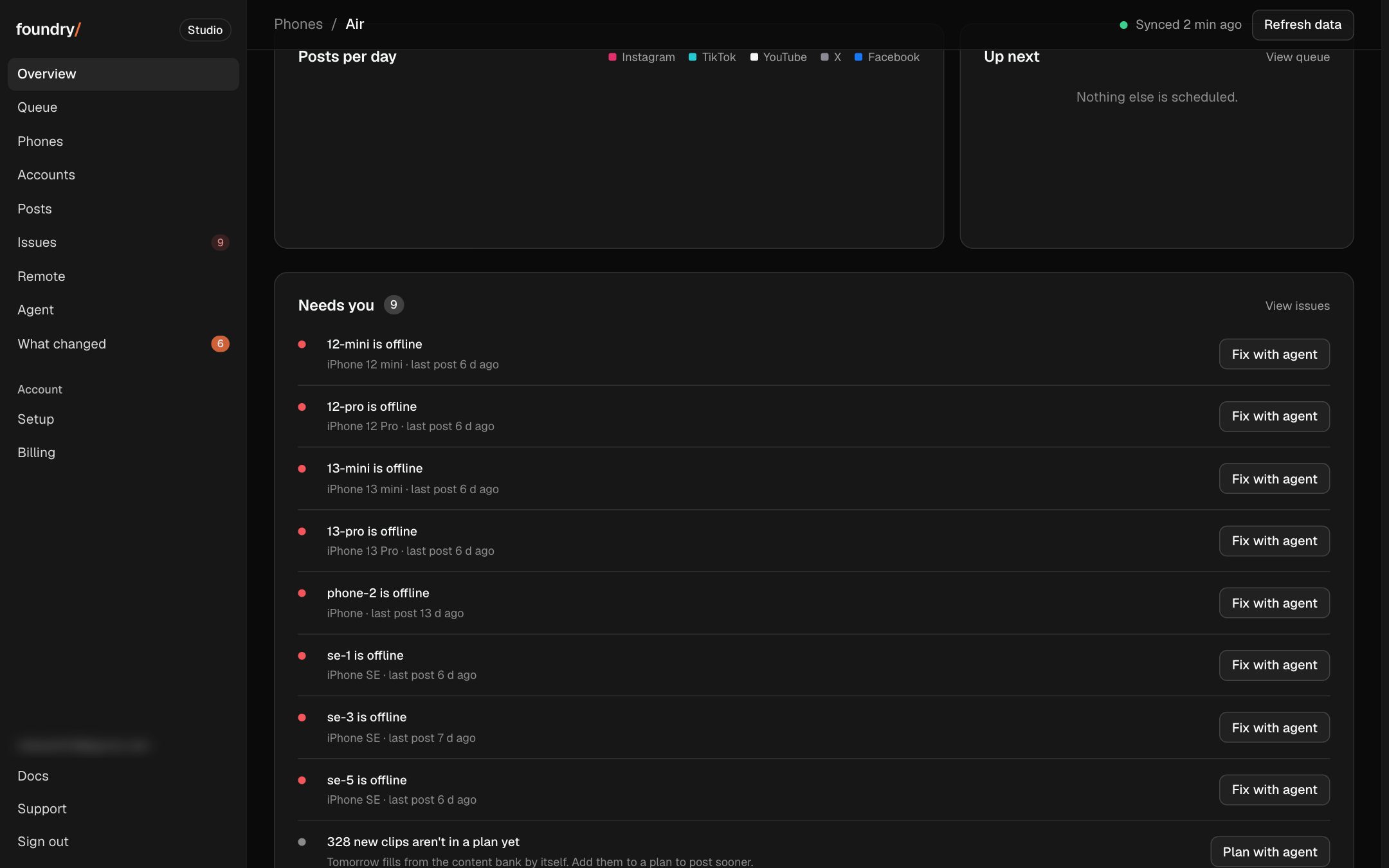
Tap Phones online and Phones shows only the phones that are online, with the filter named at the top and one tap to show all phones again. The posting, warming and paused counts under Accounts open just those accounts the same way, and "8 phones offline" opens only the offline ones.
Where to click Overview: the Phones online and Accounts numbers, and the offline line at the top. Open it
BeforeAfter
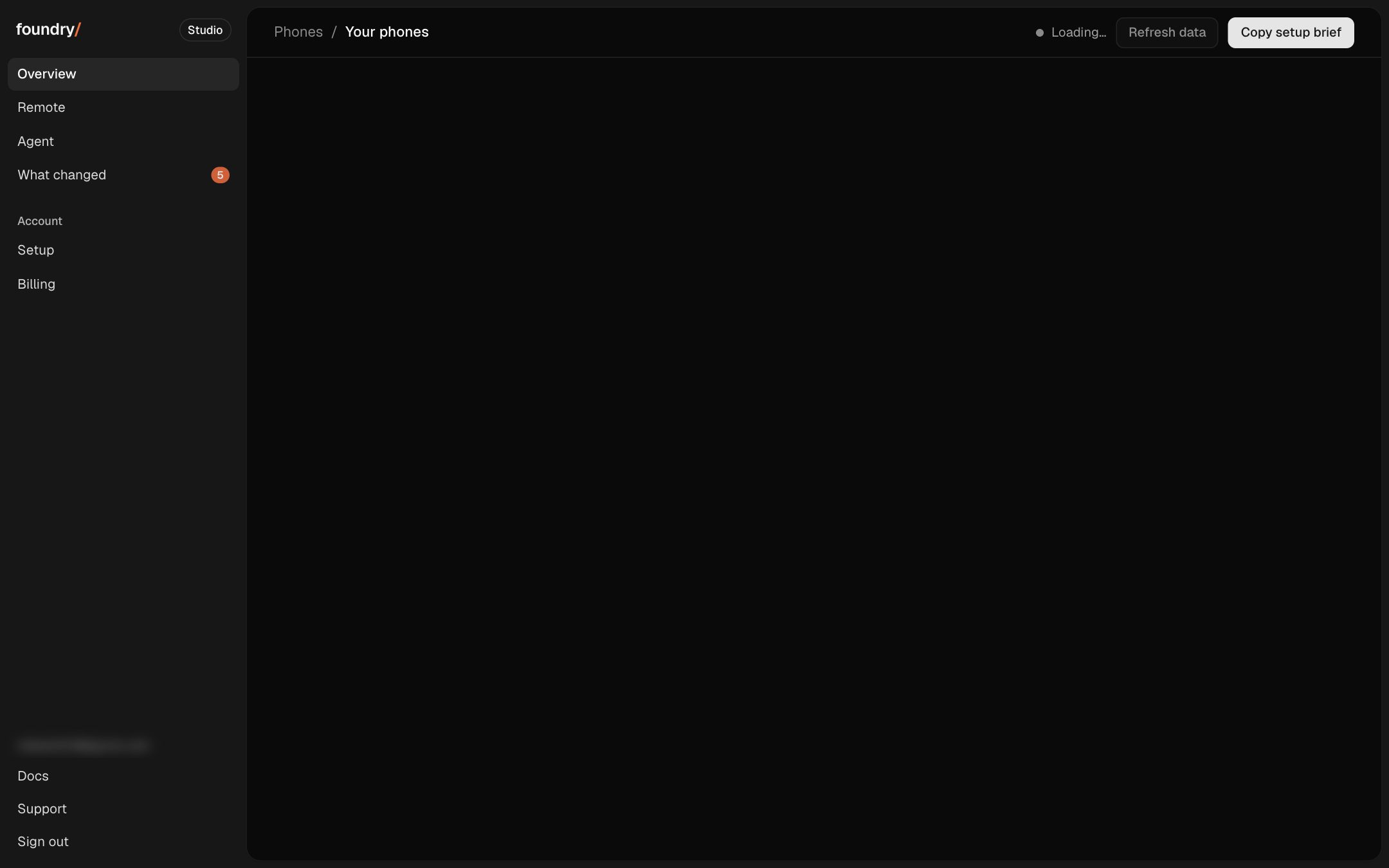
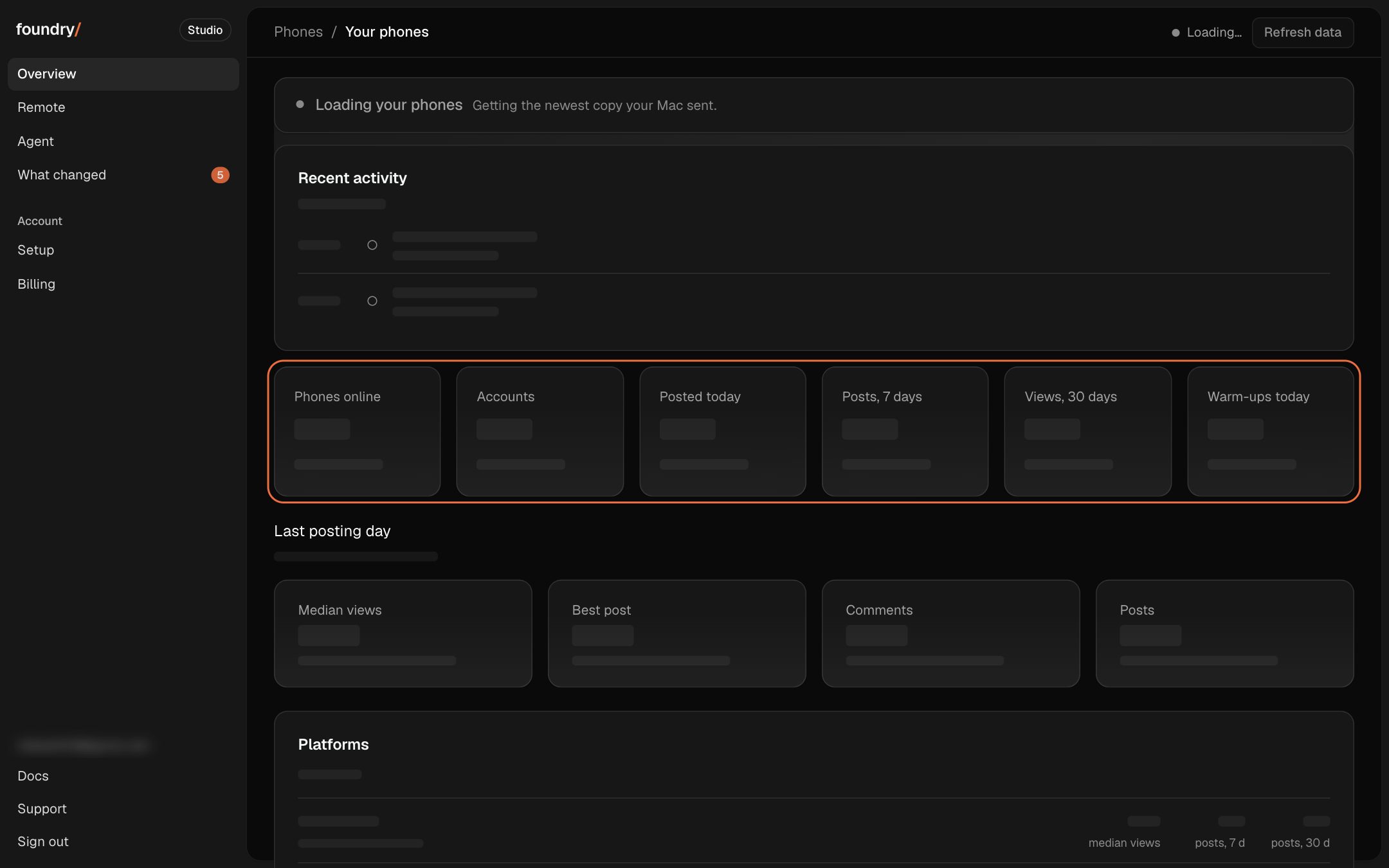
The dashboard shows its shape while it loads
While your phones' numbers load, Overview, Queue, Phones, Accounts and Posts draw grey blocks where each card and row will be, with the real card names on them, instead of an empty page that jumps when the data lands. If the last copy this browser saw is more than an hour old, the loading line says how old.
Where to click Overview (and every tab) in the first second after you open the dashboard or press Refresh data. Open it
BeforeAfter
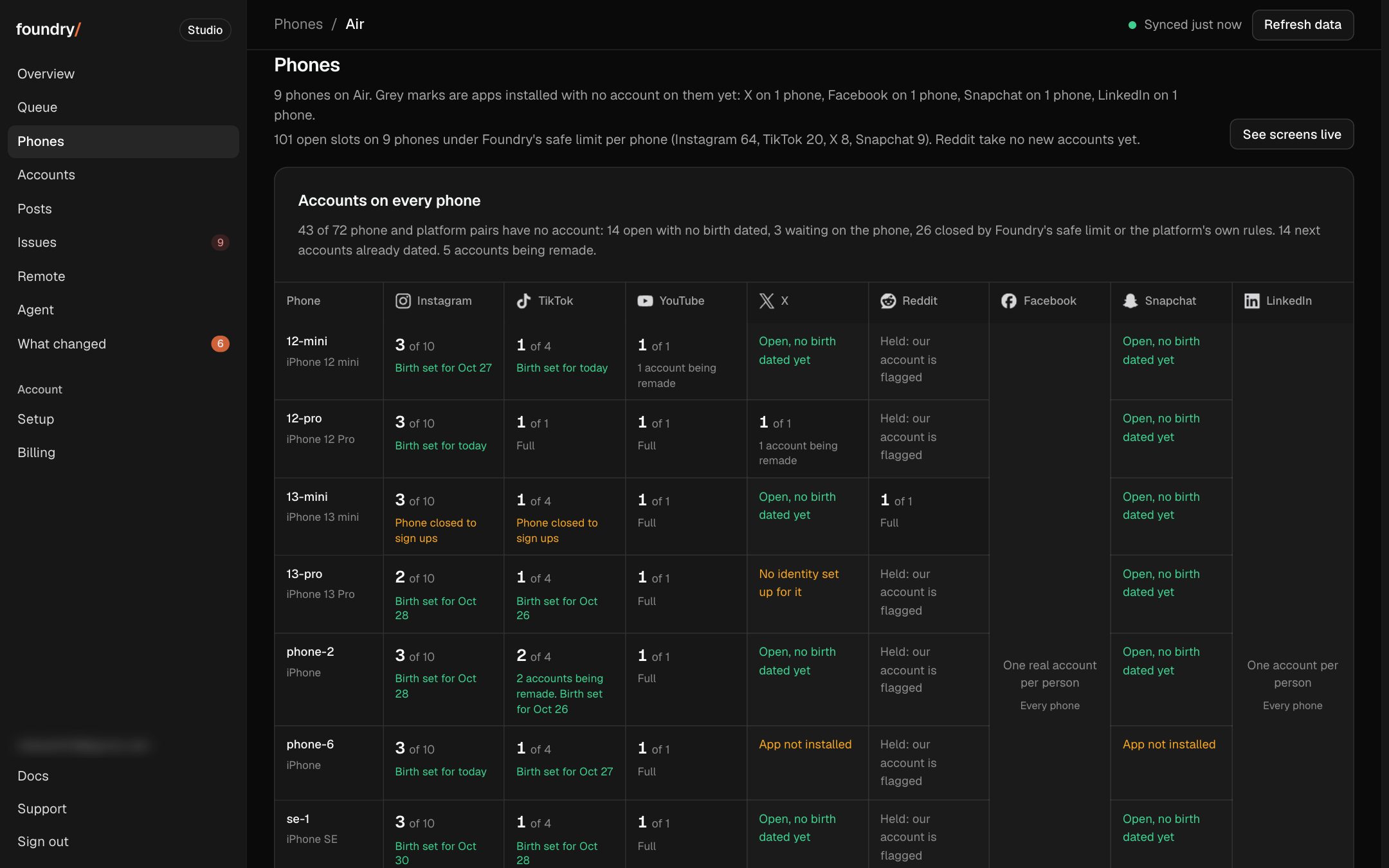
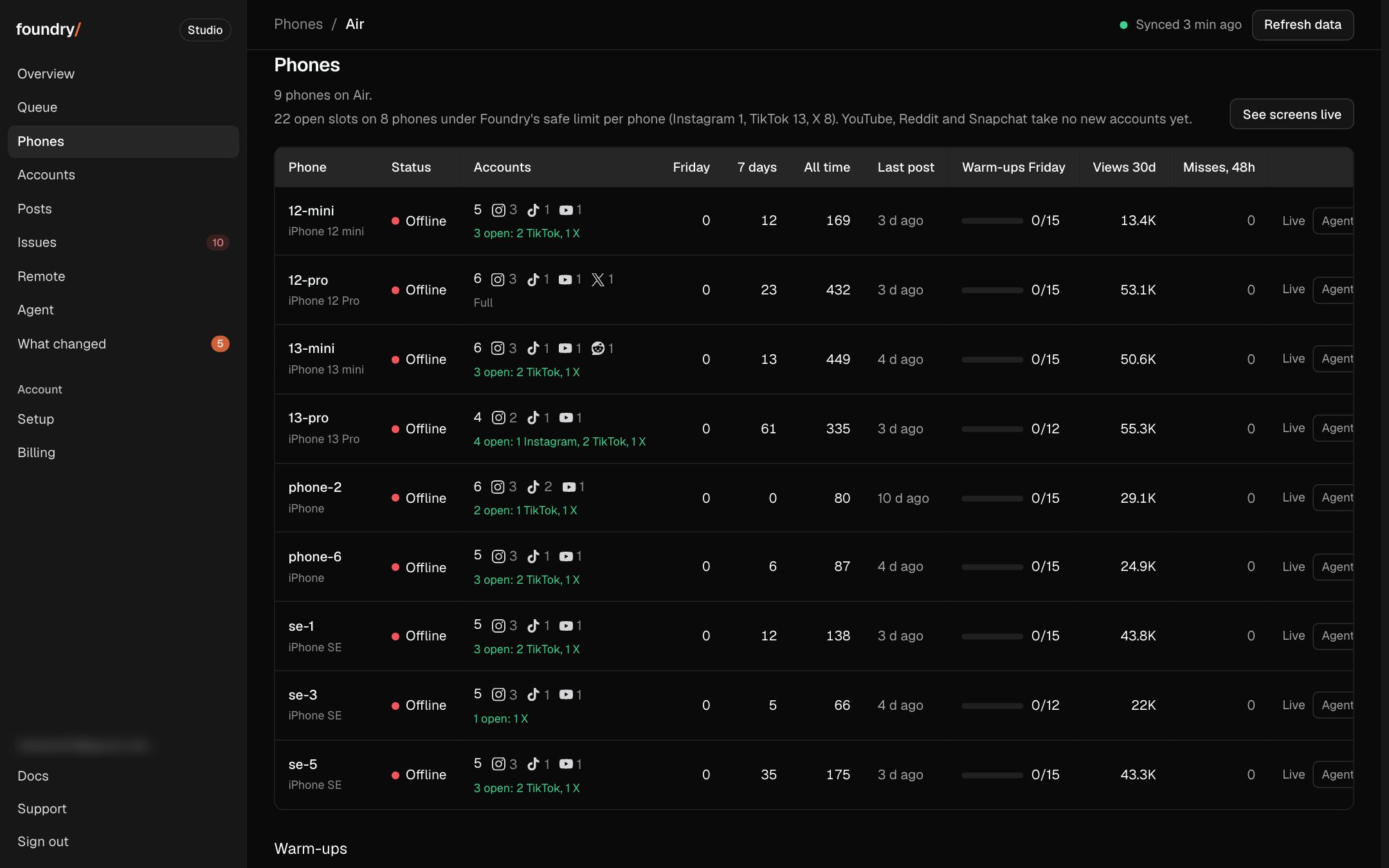
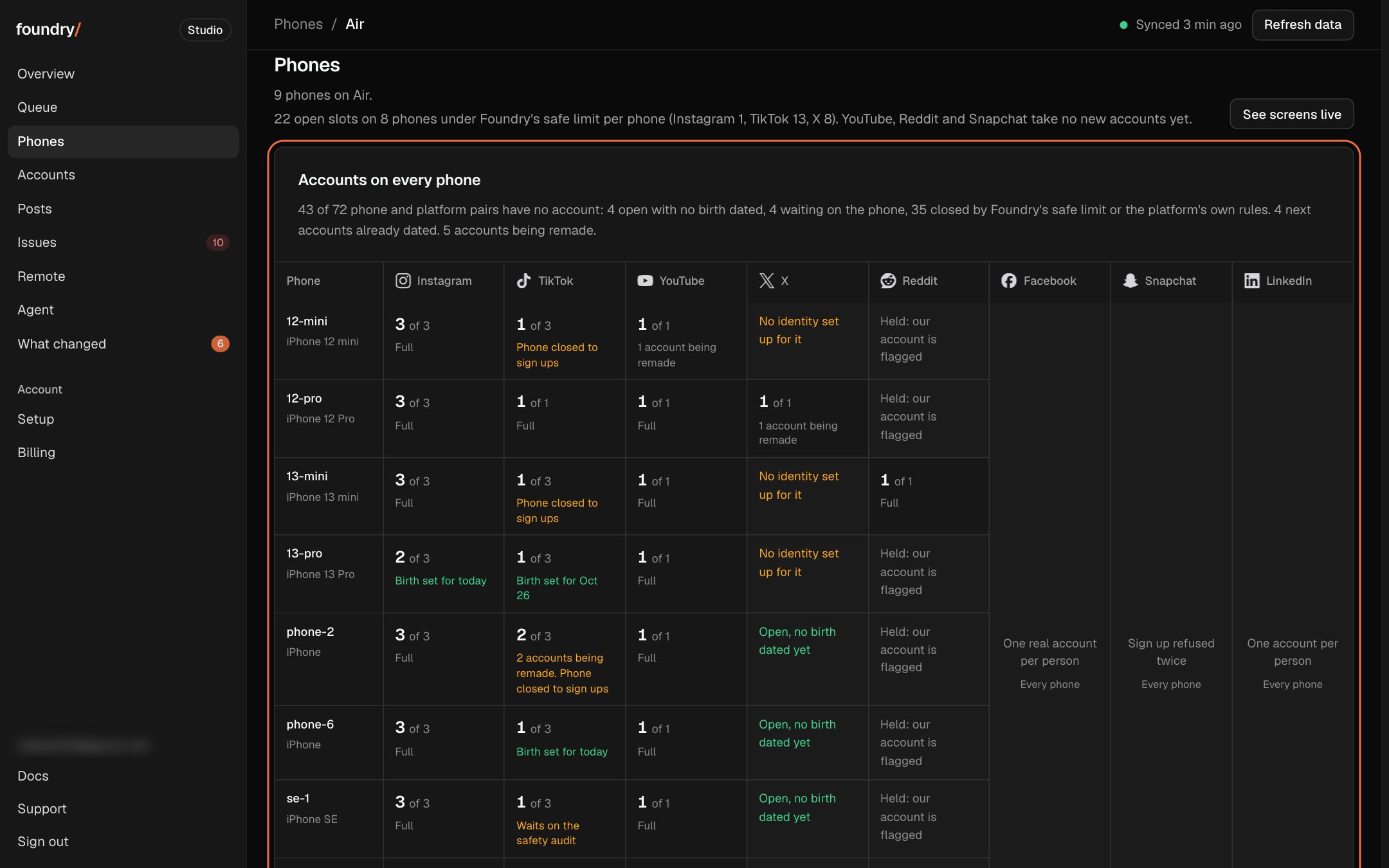
Why a phone has no account on a platform
Phones opens on one grid: a row per phone, a column per platform, each cell the accounts there or, when it is empty, the reason in plain words from the account births' rules (open for a new account, closed on that phone, closed on that platform). Accounts being remade say so, and the count of empty cells sits on top.
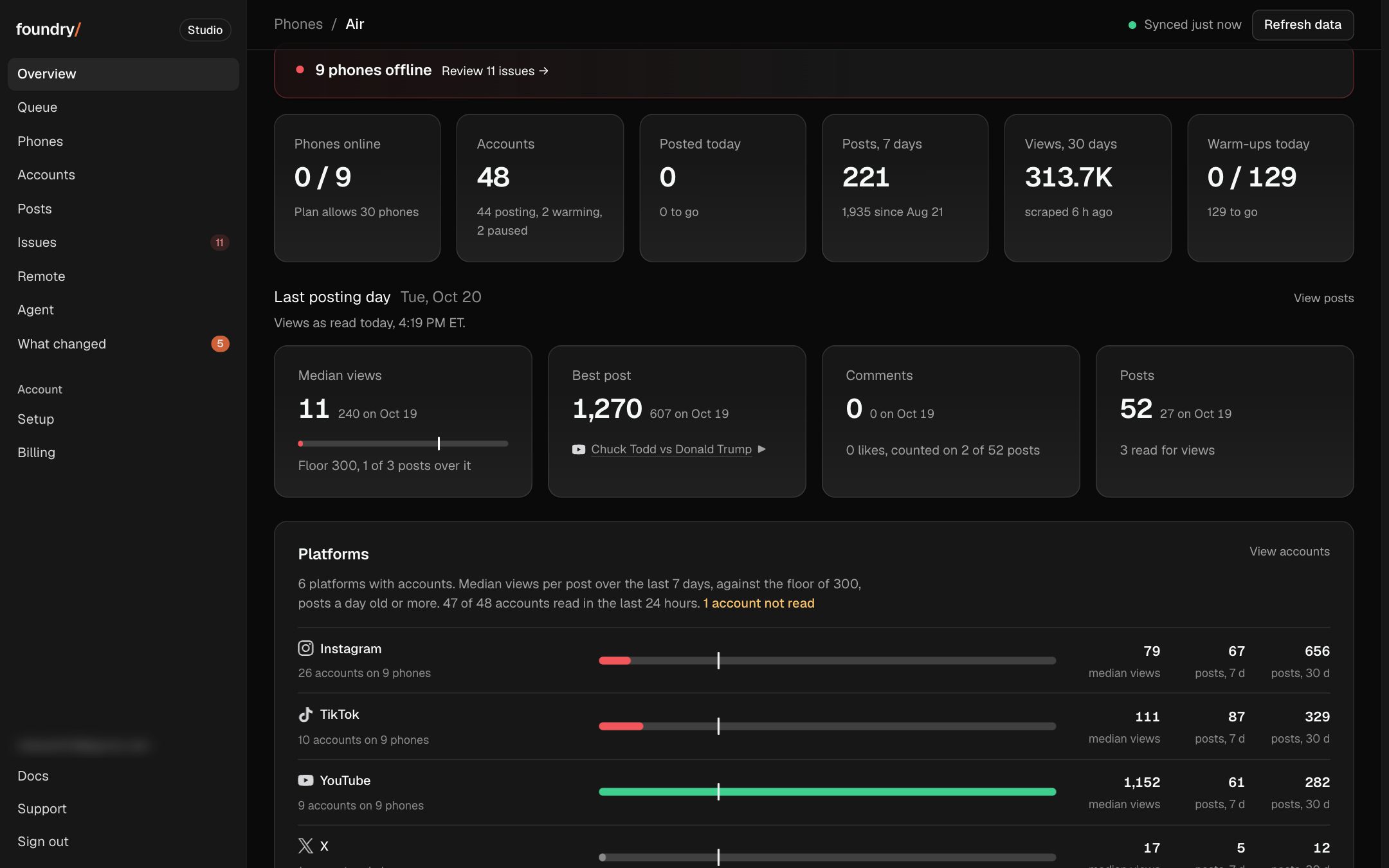
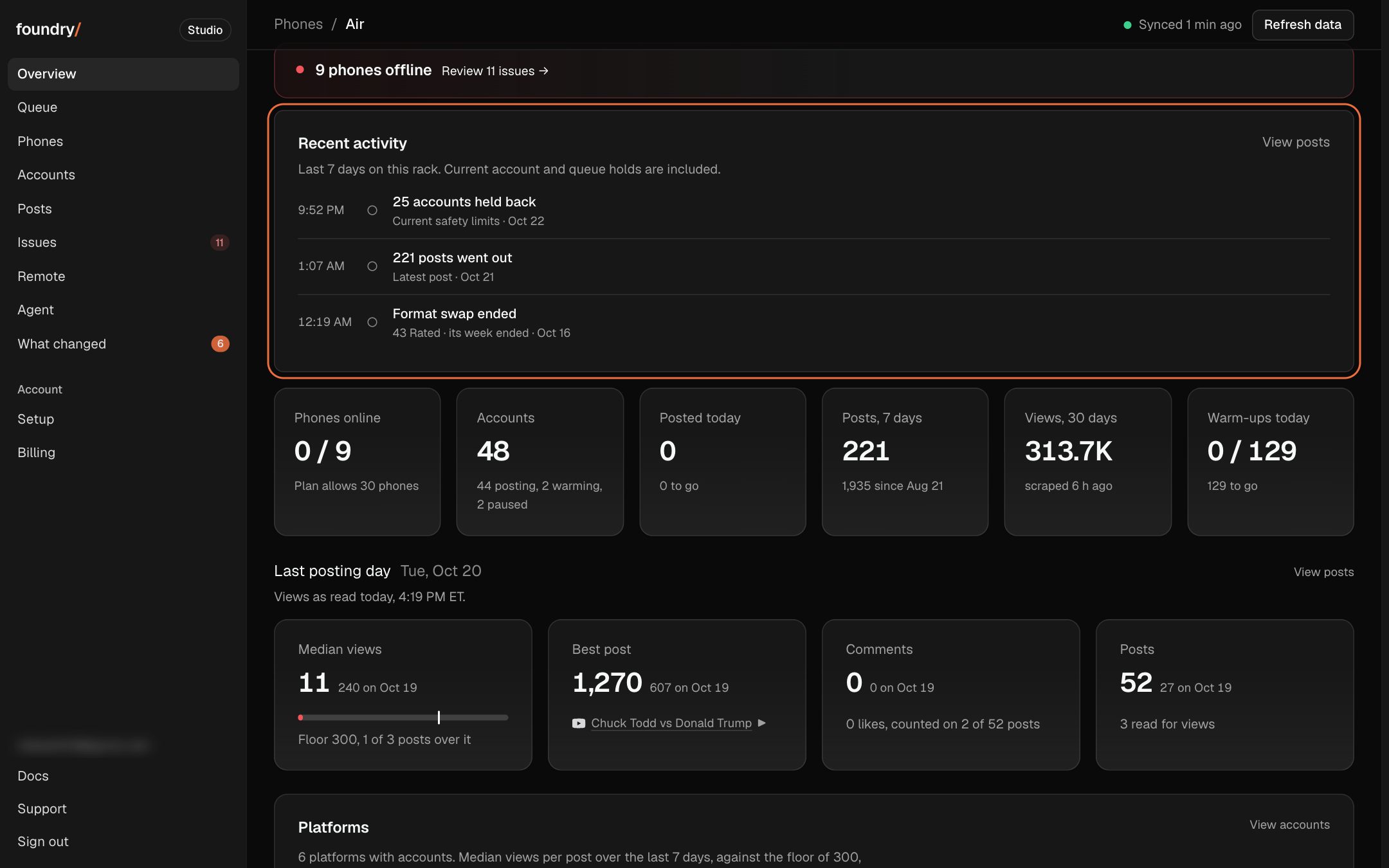
Overview now shows newest-first posts and control changes since this browser last viewed Overview, plus current queue and account safety holds. Tap a row to open the Posts, Queue, Issues, Accounts, phone or account record behind it.
Where to click Overview, under the status line. Open it
BeforeAfter
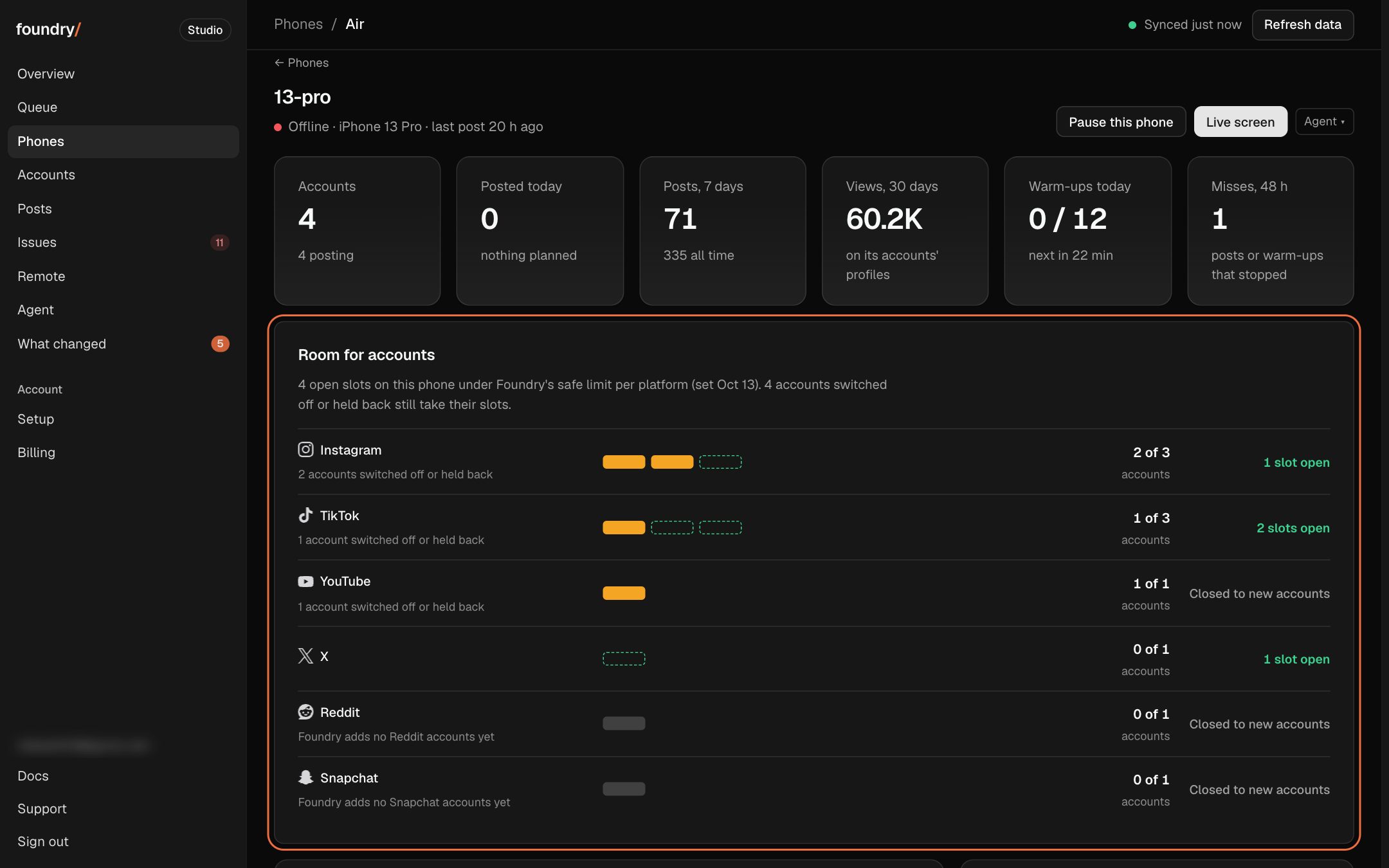
See how many more accounts each phone can take
Each phone now shows its accounts against Foundry's safe limit per platform, "1 of 3 TikTok", with the open slots counted. Phones says how many open slots the rack has in all, and each row says how many are open on that phone.
Where to click Phones: the line under the title and the Accounts column, or open any phone: Room for accounts. Open it
BeforeAfter
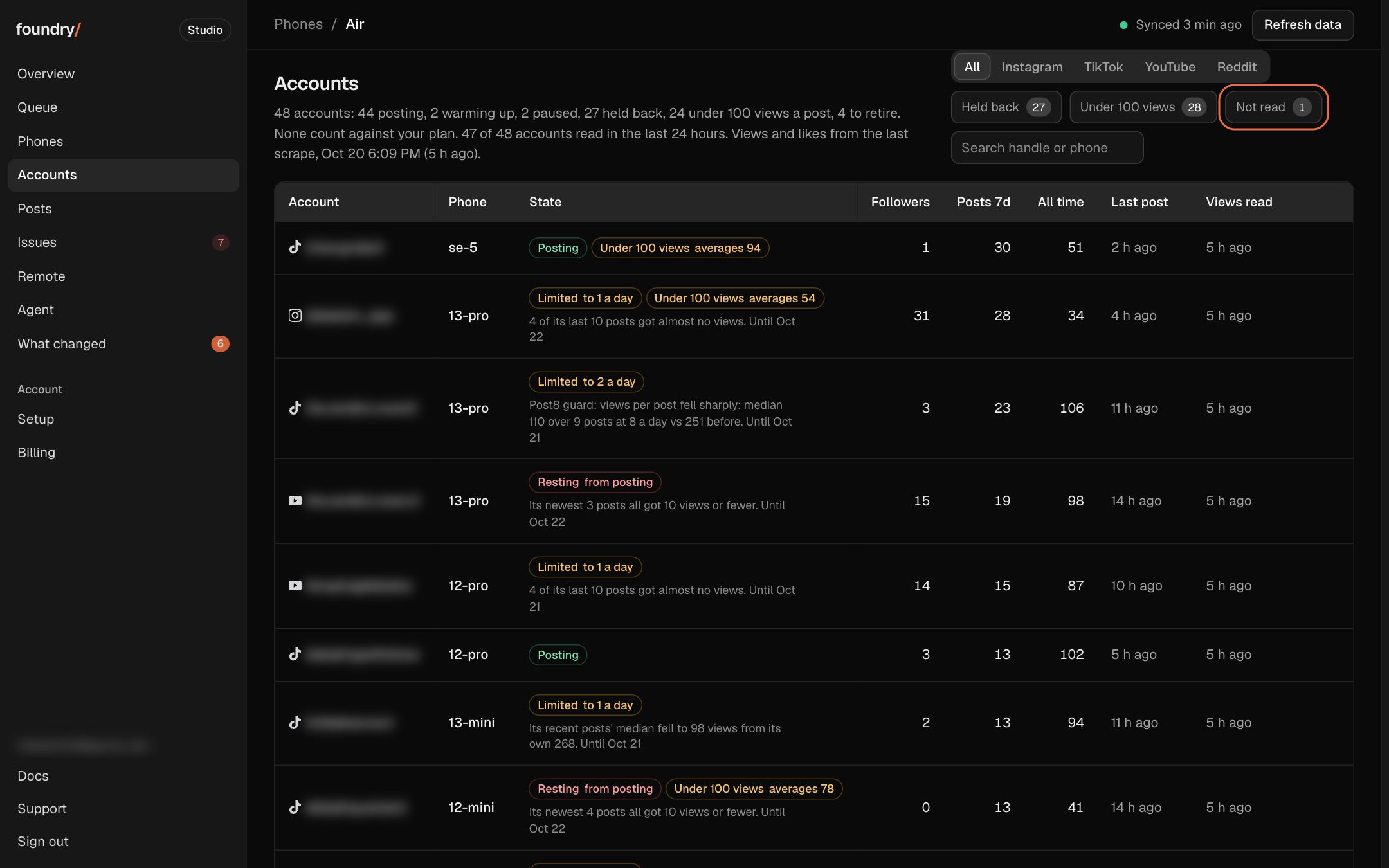
See when each account's views were last read
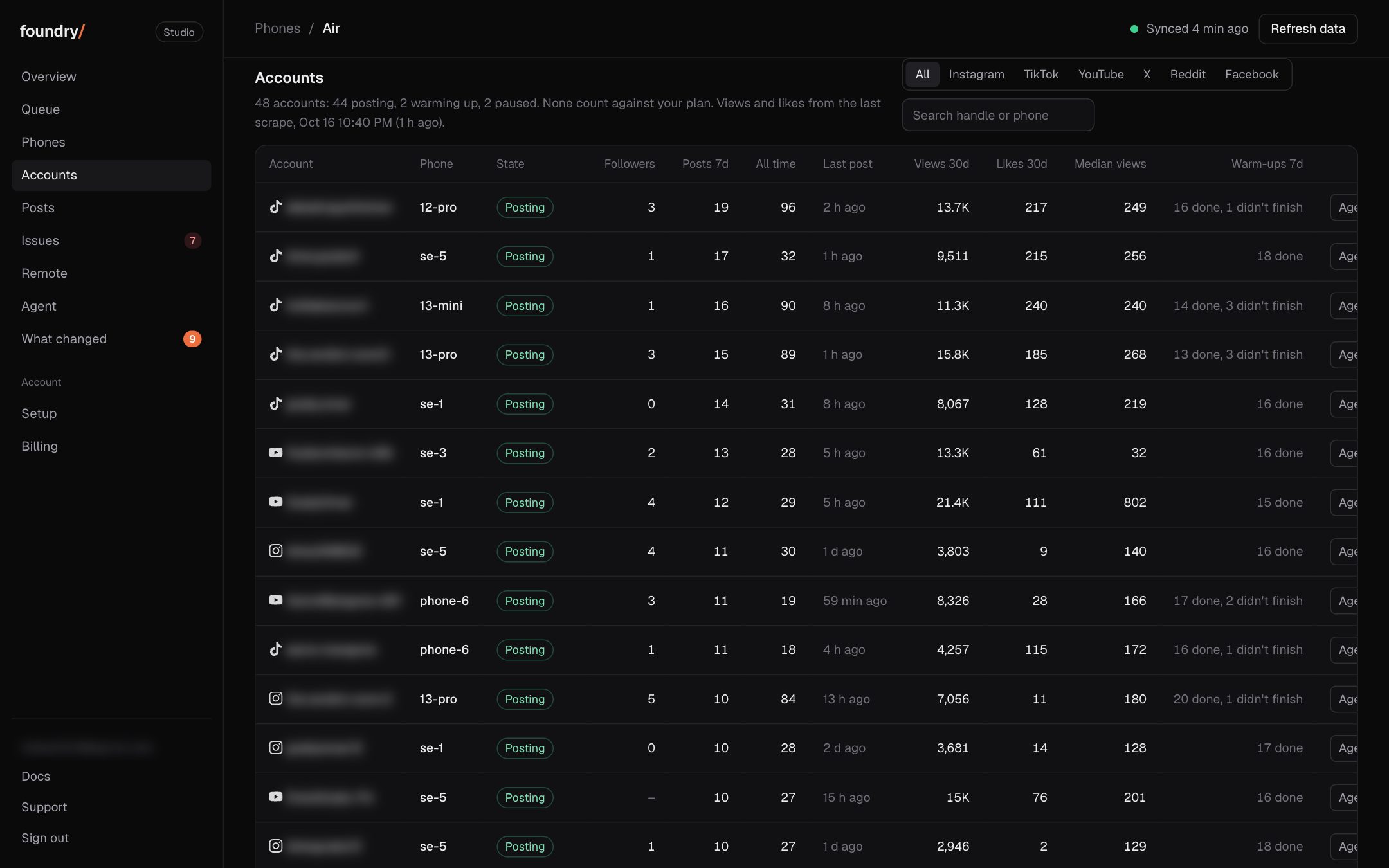
Accounts now has a Views read column: when Foundry last read each account's views from its platform. An account not read in the last 24 hours turns amber and says why, Not read shows only those, and Overview and Issues count them.
Where to click Dashboard, Accounts: the Views read column, or tap Not read. Open it
BeforeAfter
See which days every post went out
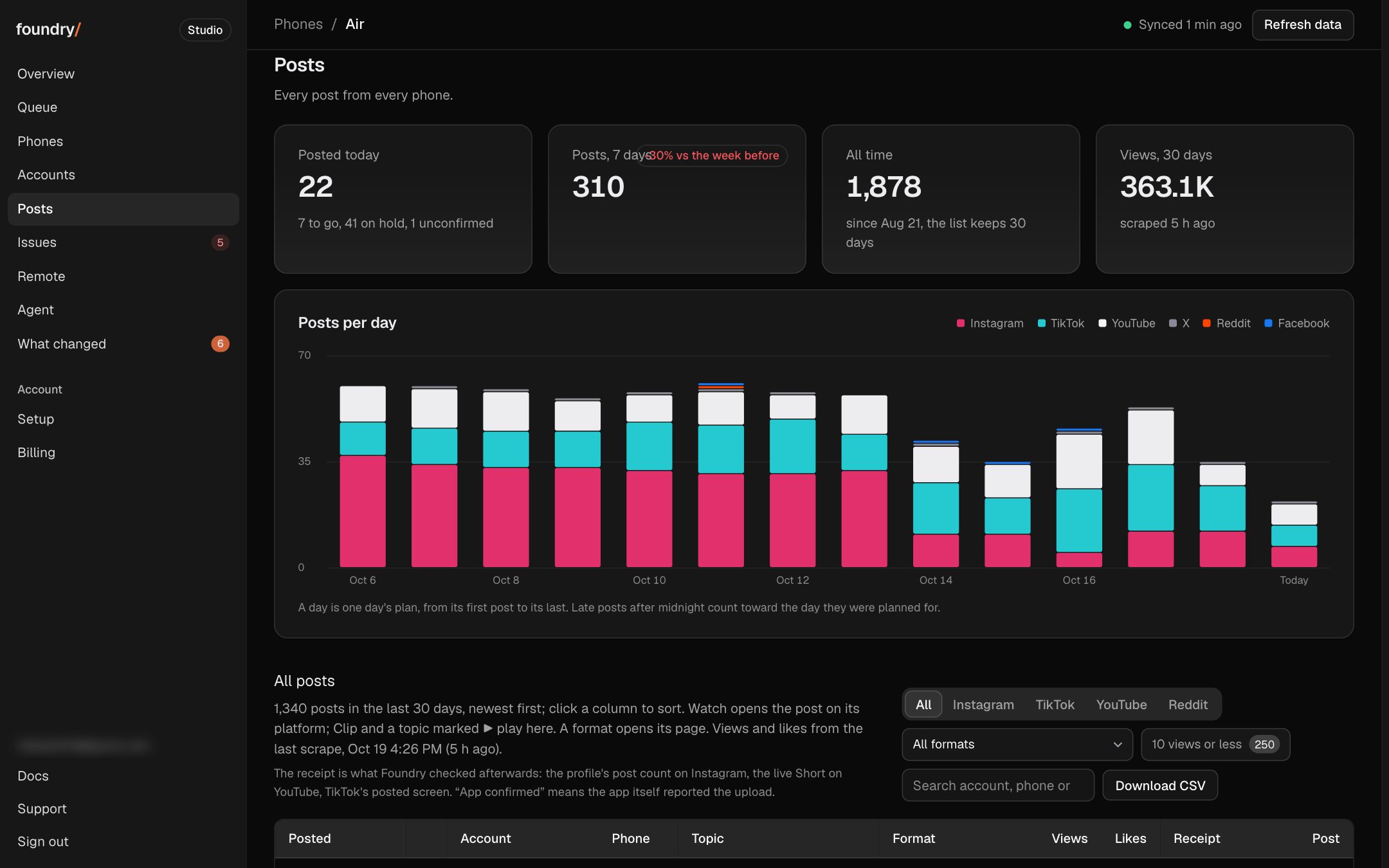
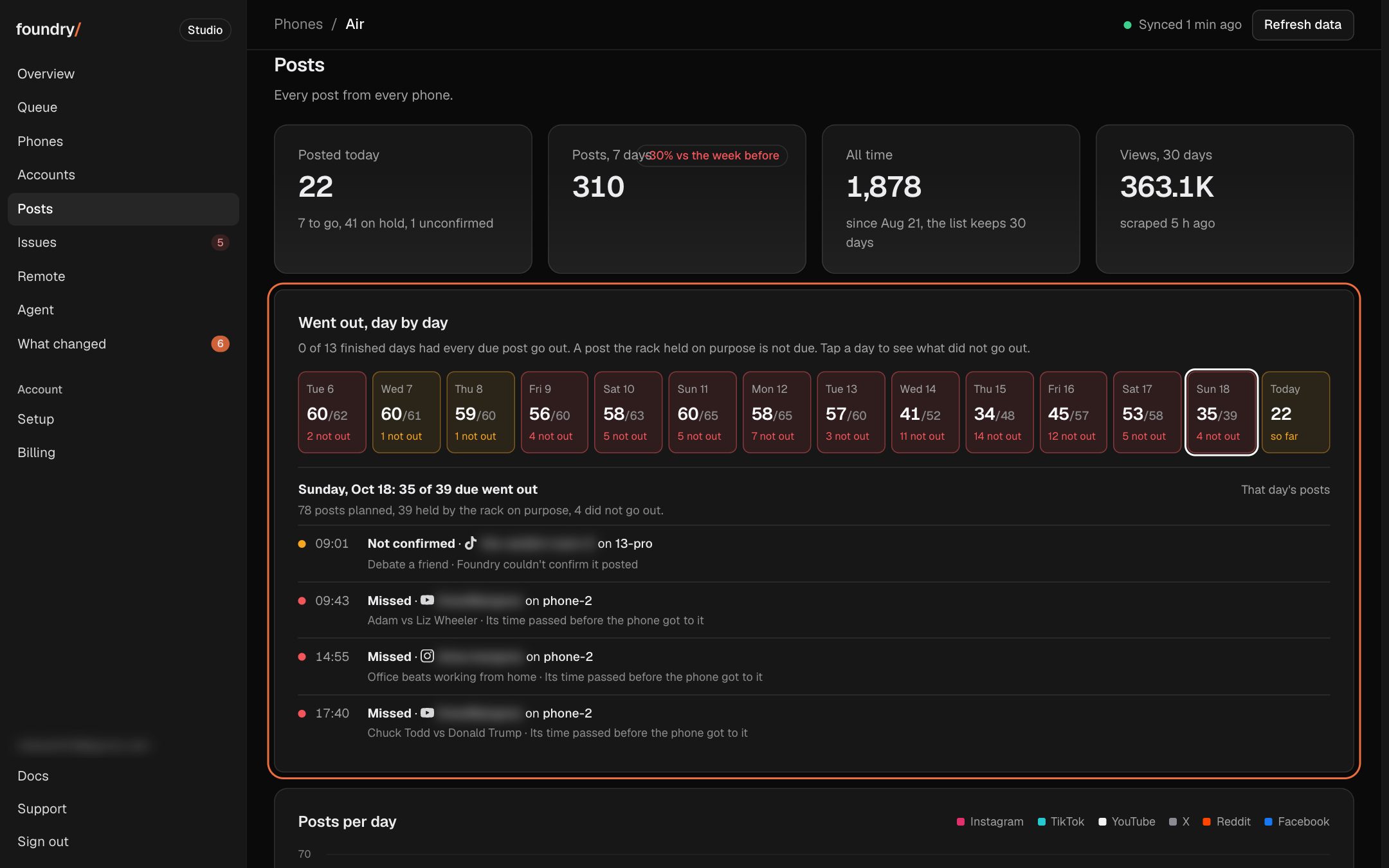
Posts now opens on the last 14 posting days, one square a day with how many posts went out of those due ("35 of 39"): green when all went out, red when some did not. Tap a day to see each post that did not go out, its time, account and reason.
Where to click Posts, the Went out card at the top. Open it
BeforeAfter
Your browser saves your sign in
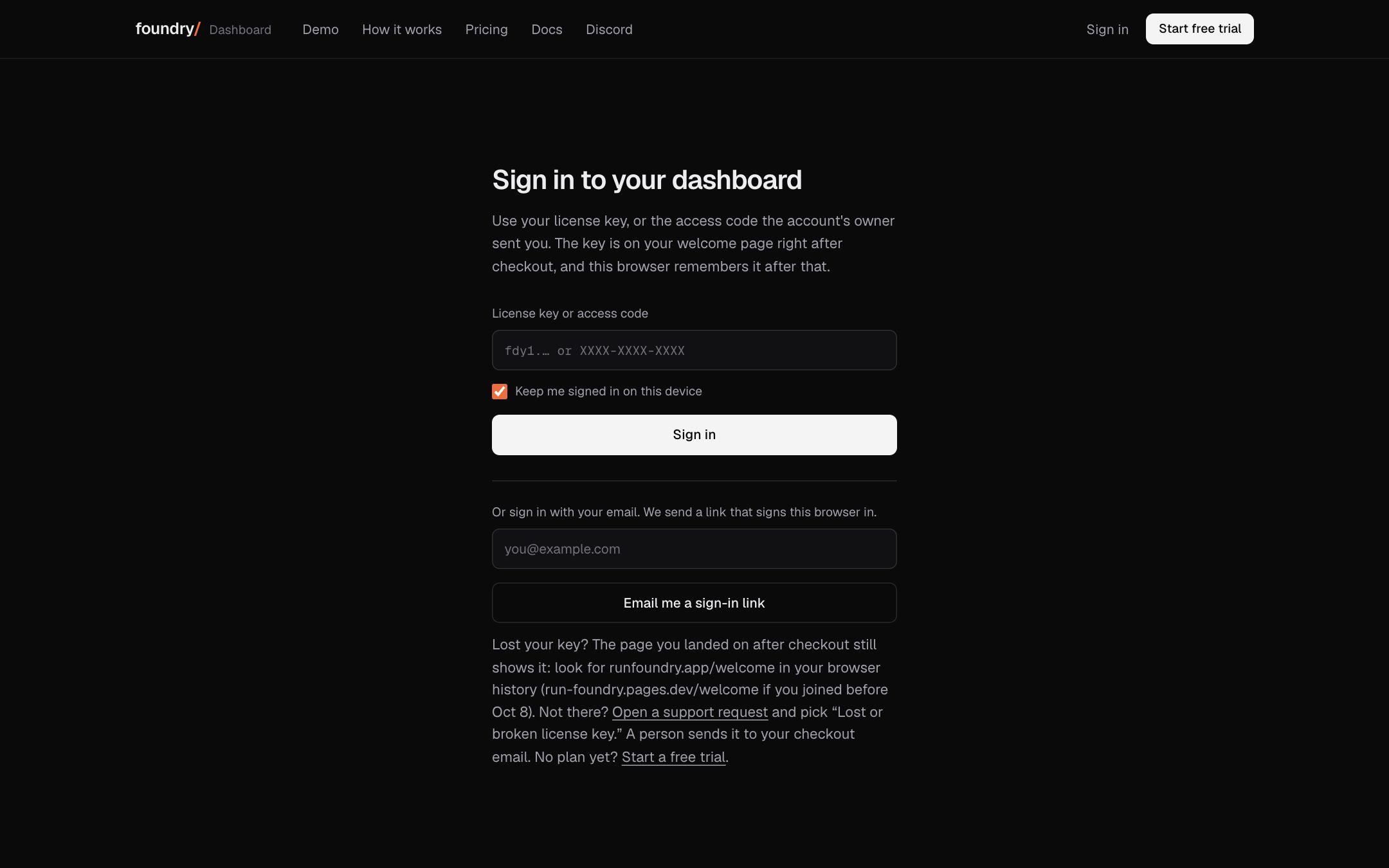
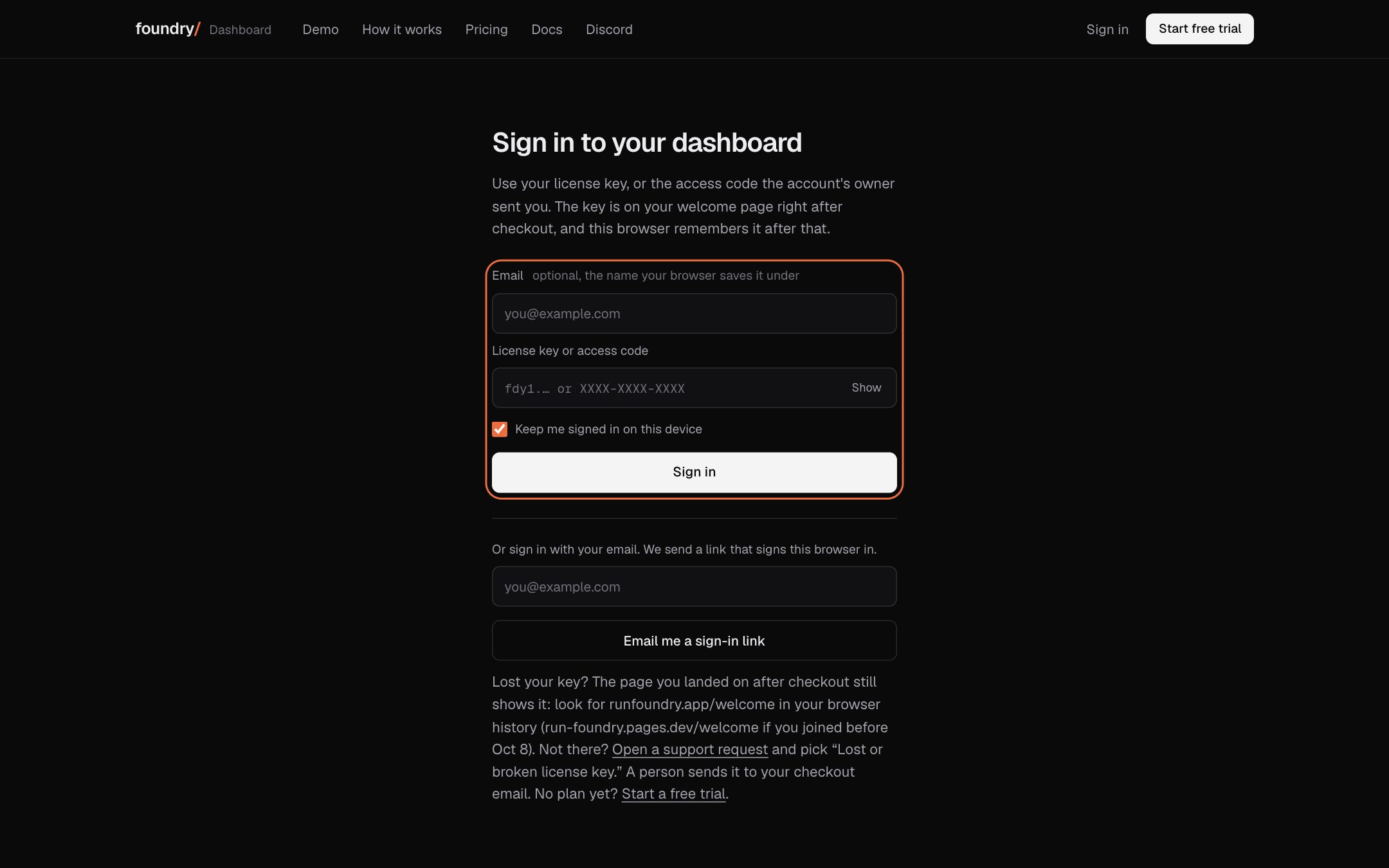
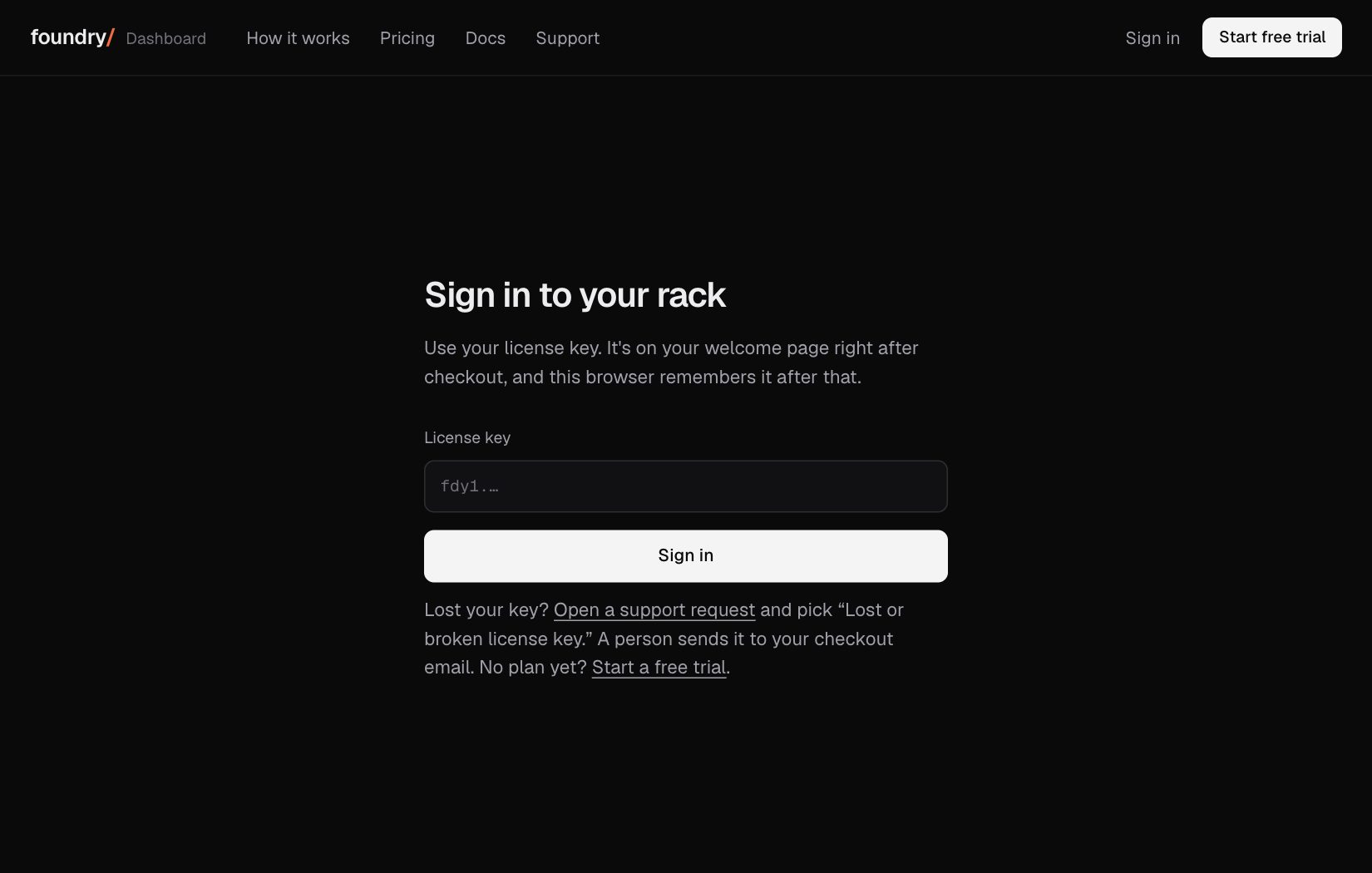
The sign in card now has an email field and a hidden key field, the way Stripe and Vercel sign in, so Safari, Chrome and iCloud Keychain offer to save your key or access code once and fill it in next time with one tap (Face ID on an iPhone). Before, the browser was told not to remember it.
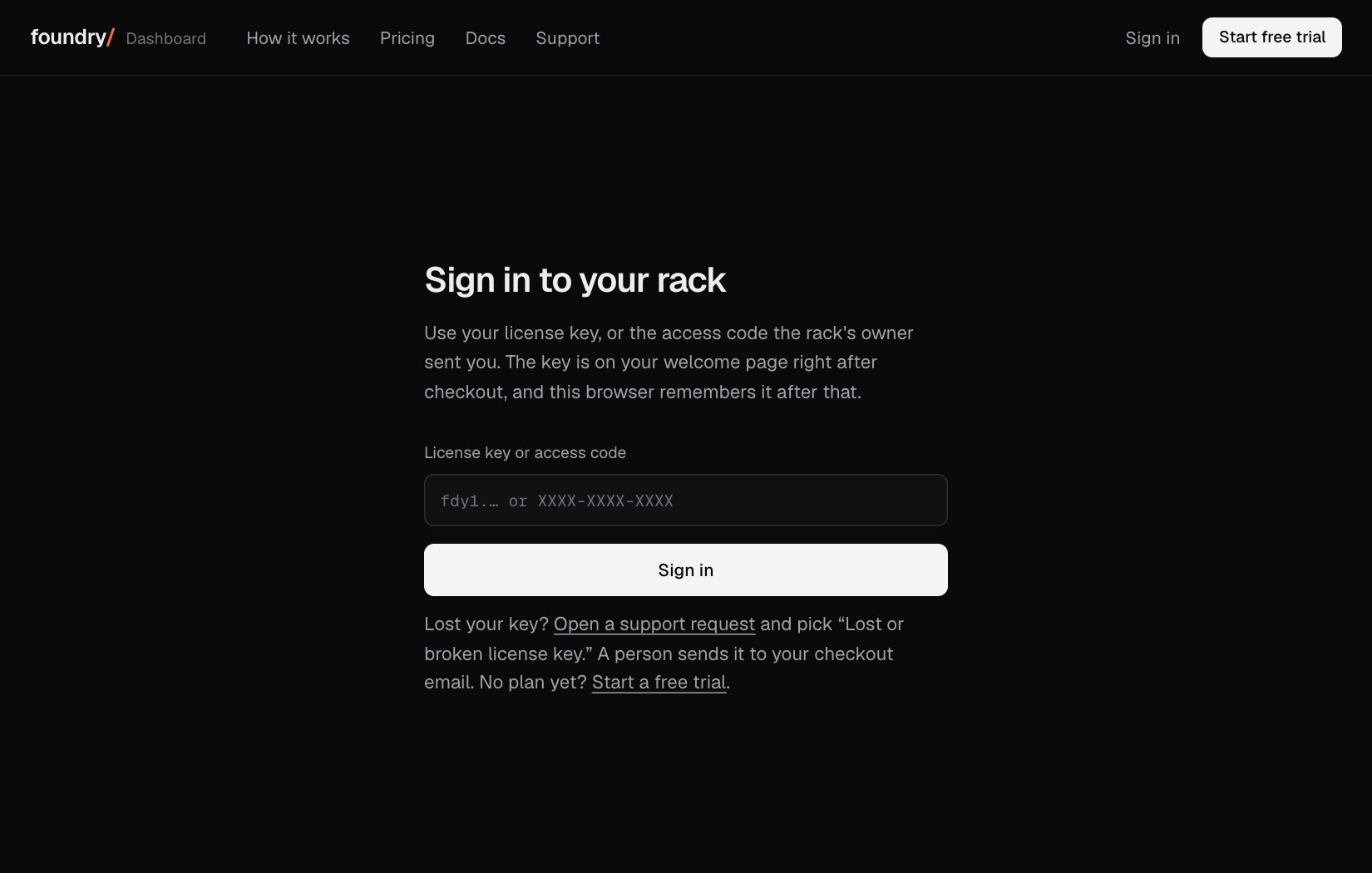
Where to click Sign in at /account, signed out. Open it
BeforeAfter
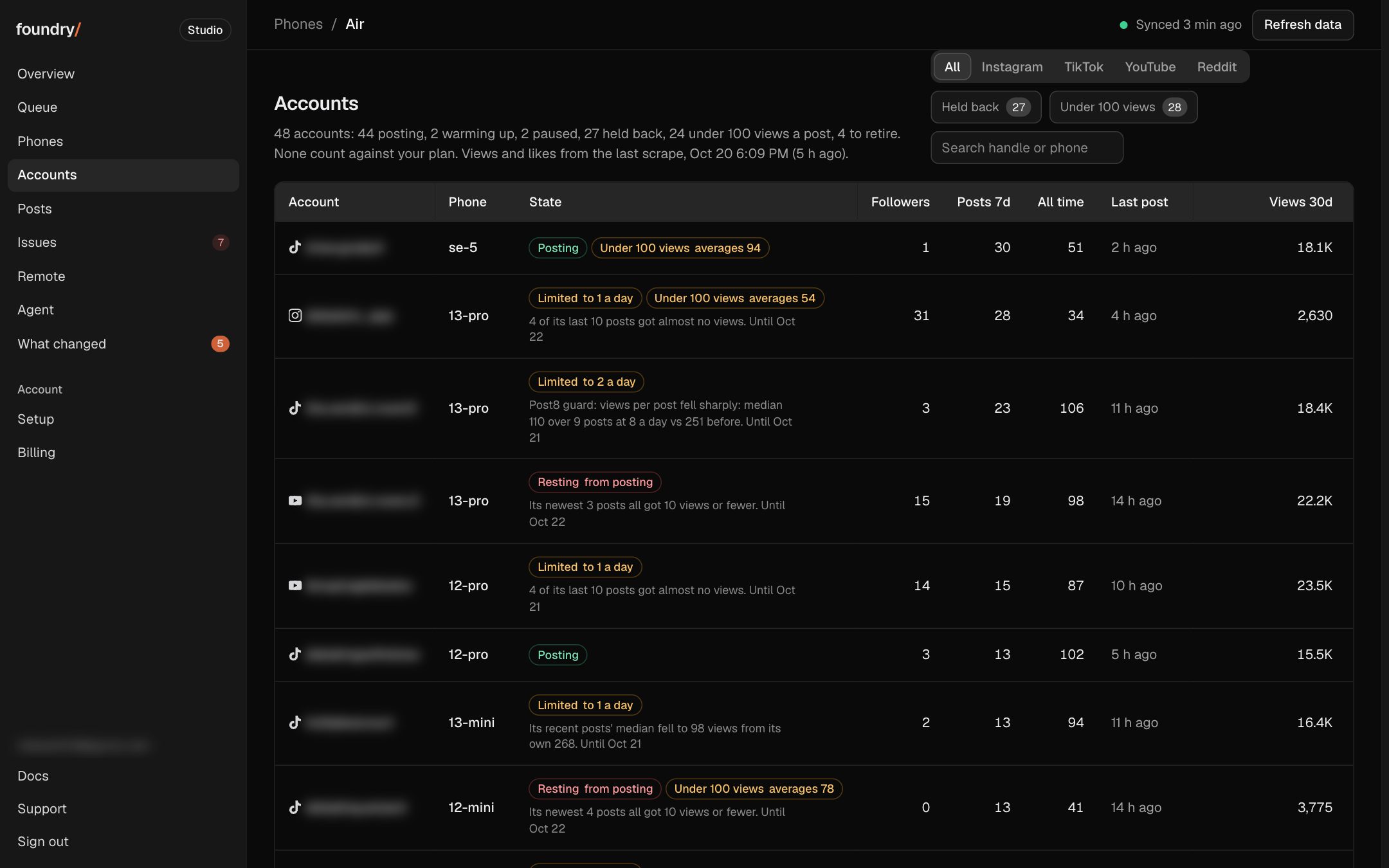
See which accounts are held back
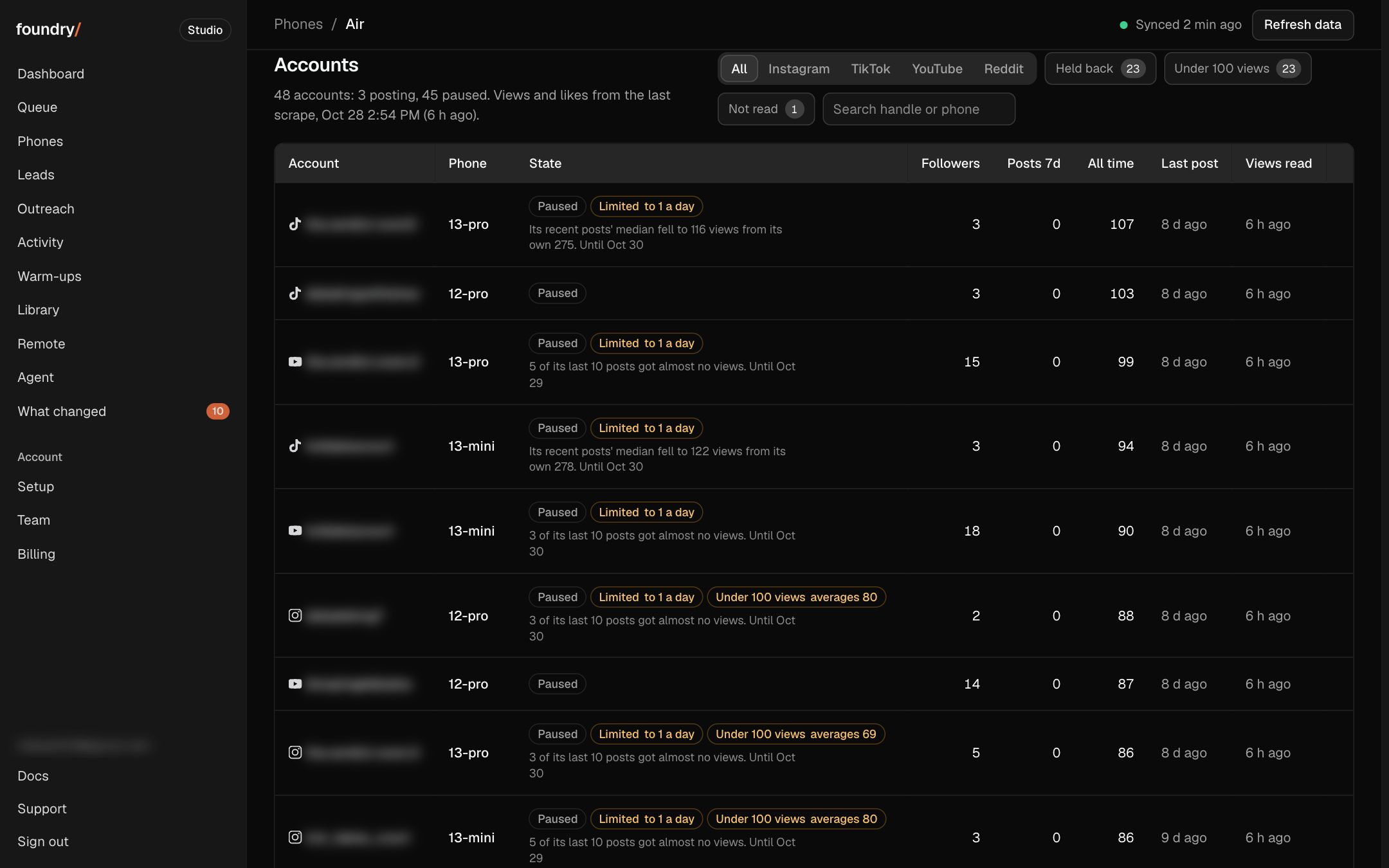
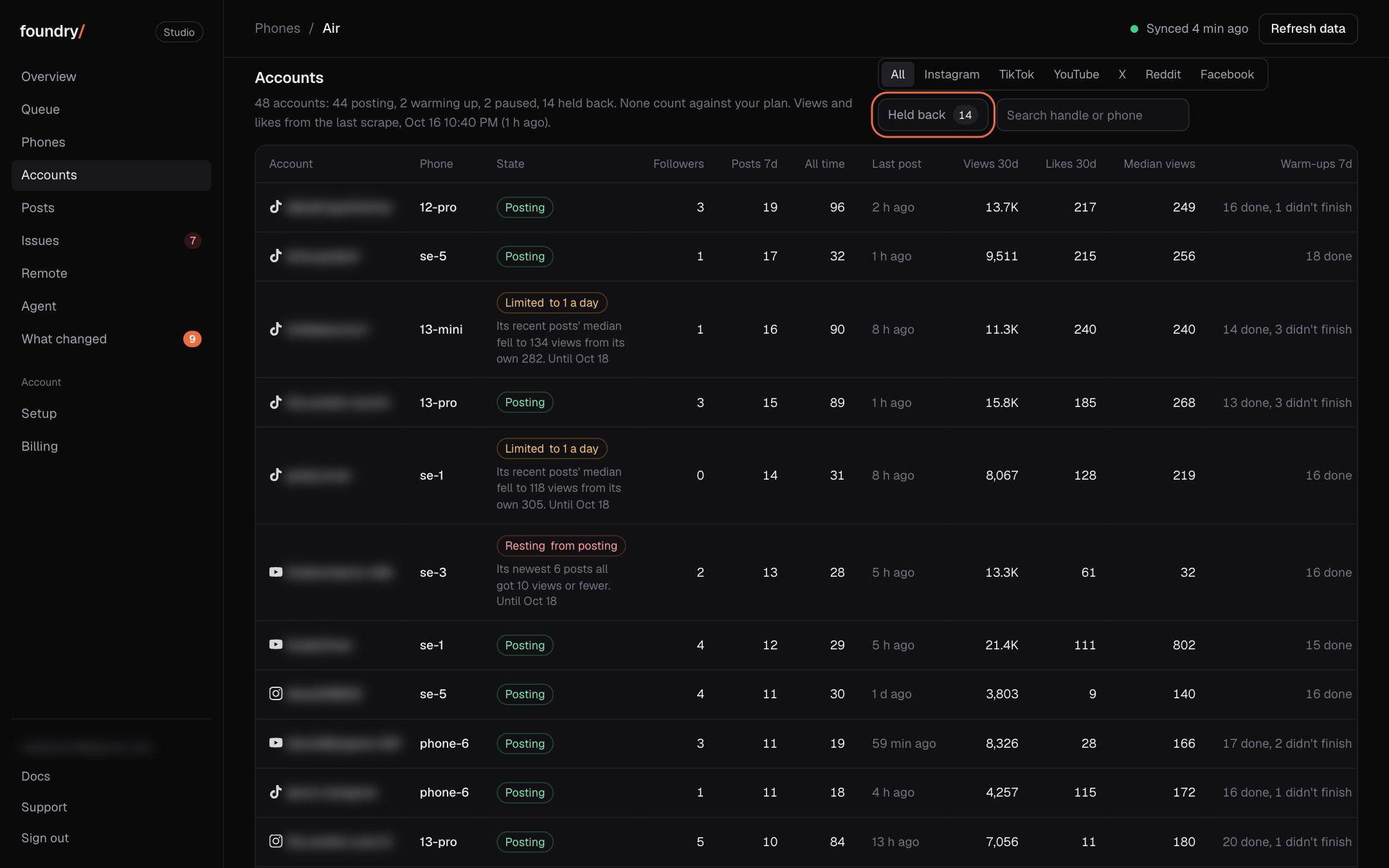
An account Foundry limits to 1 post a day, or rests from posting, now says so on its own row: Limited or Resting, the reason in one plain sentence and the day the limit ends. Held back on Accounts shows only those, and the account's own page says it at the top. Before, you saw it only after a post was already on hold.
Where to click Dashboard, Accounts: the State column, or tap Held back. Open it
BeforeAfter
See when something is new
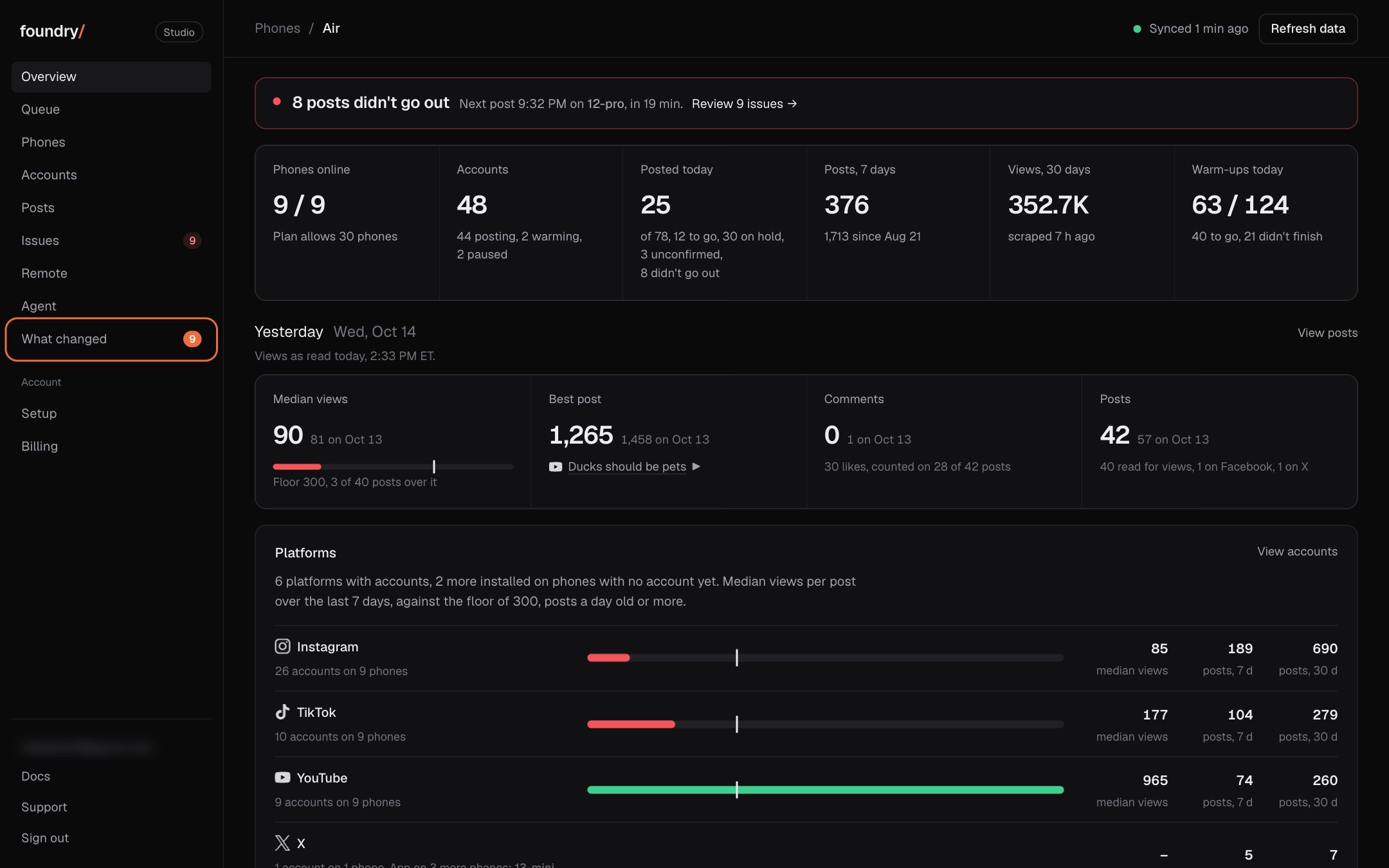
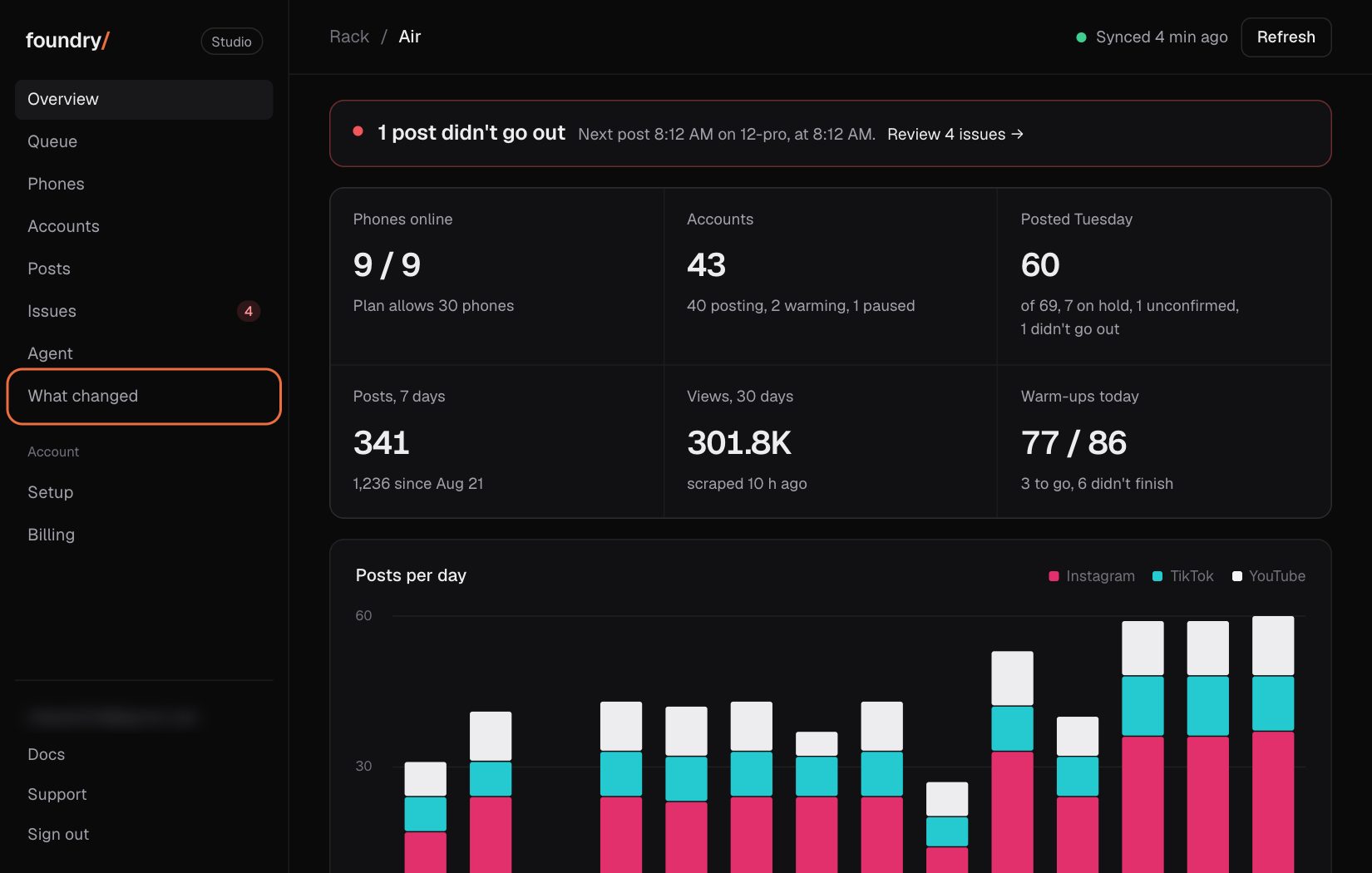
What changed in the sidebar now carries an orange count of the changes you have not seen yet, and on a phone the More button carries a dot. Open What changed once and the count clears on that device until the next change ships.
Where to click Dashboard sidebar: What changed, under Agent (on a phone, More). Open it
BeforeAfter
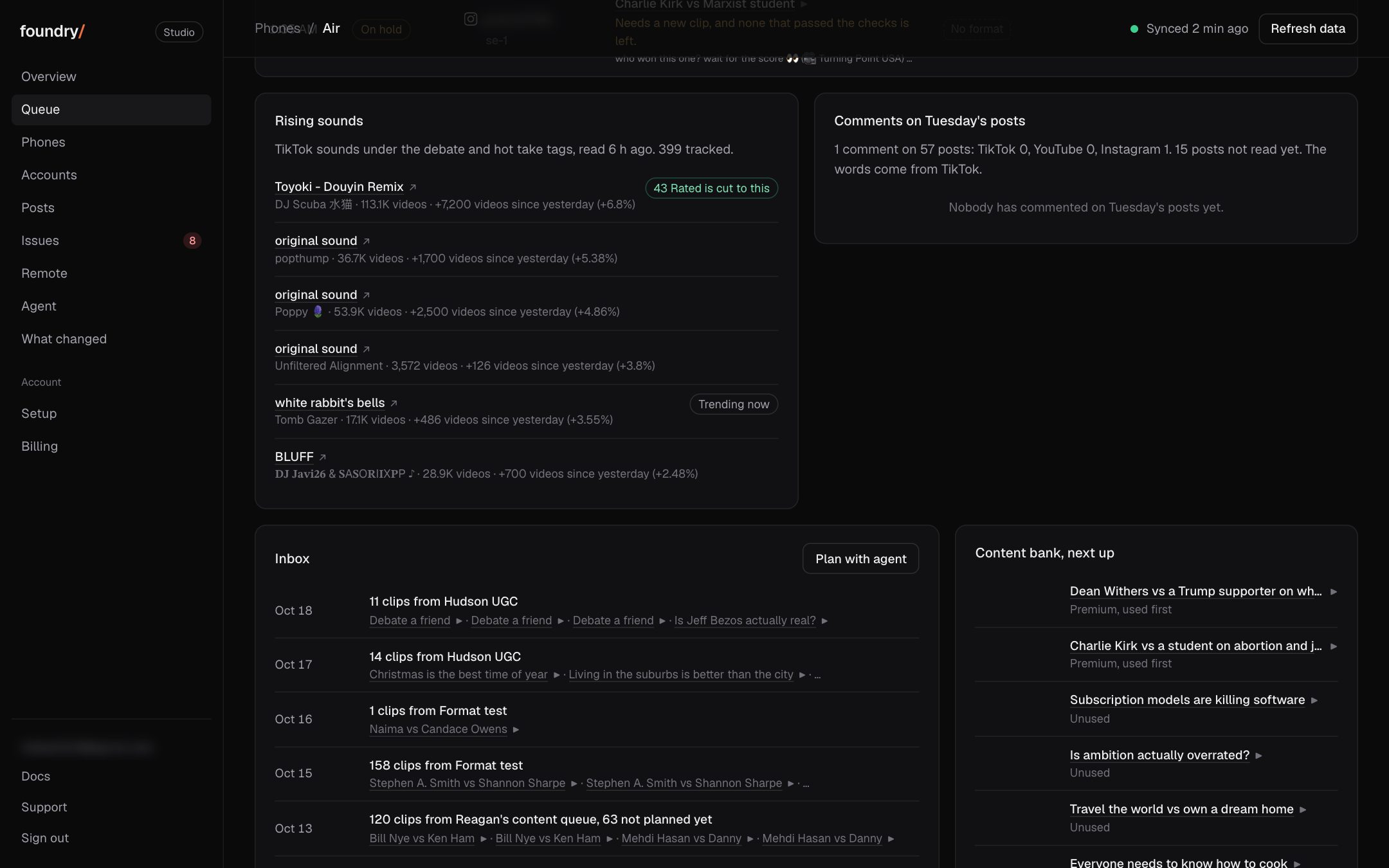
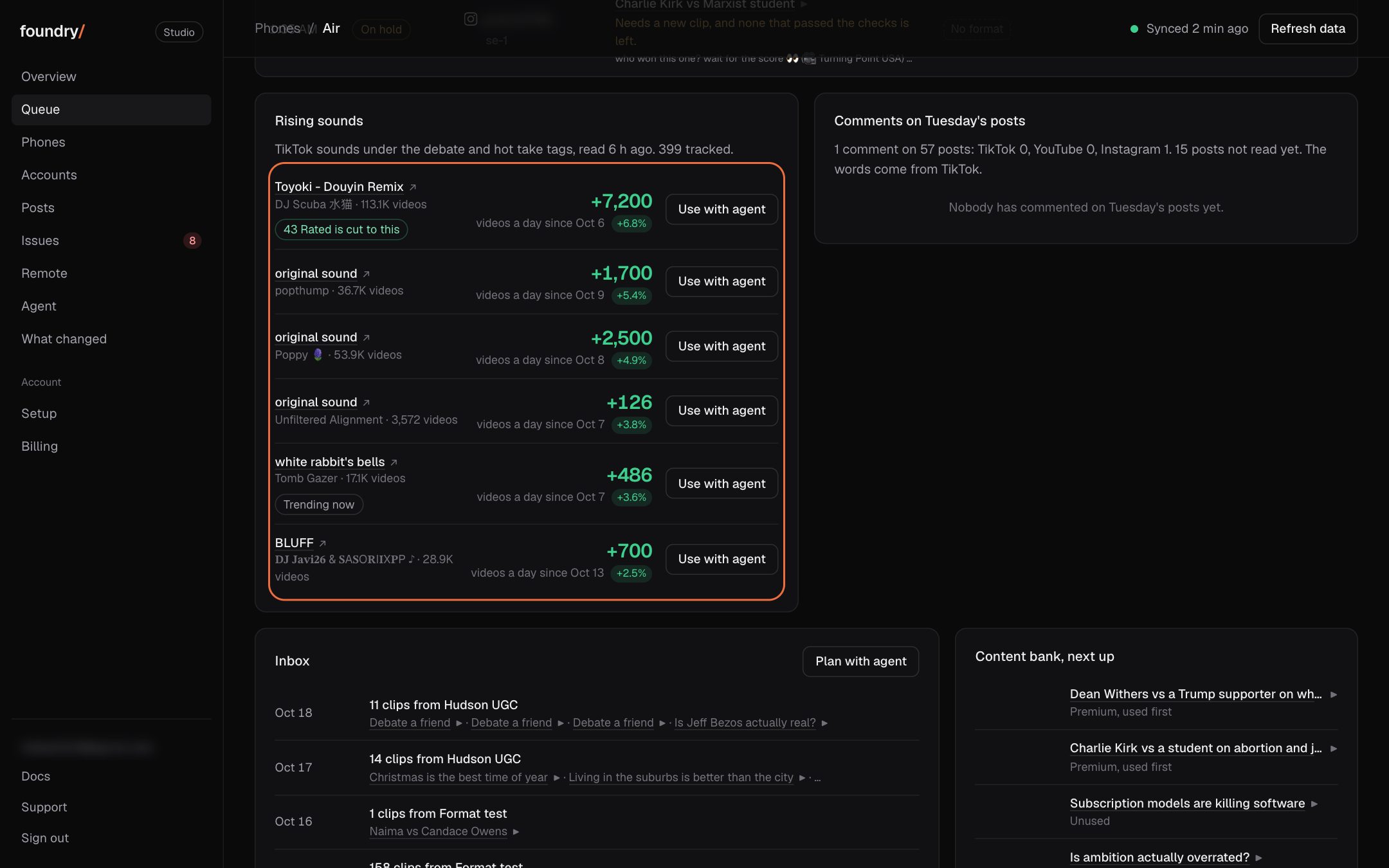
Rising sounds you can use
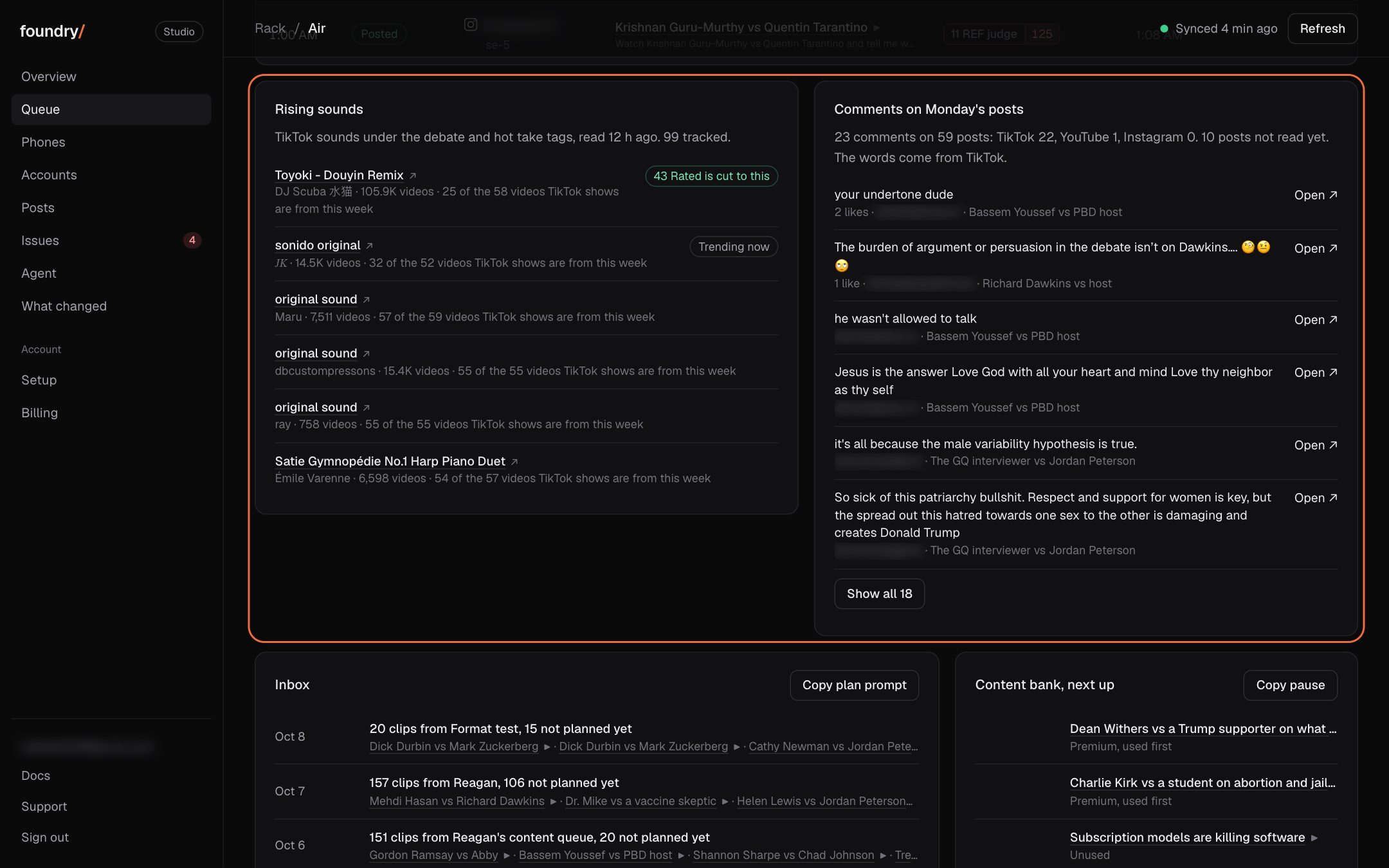
Each rising TikTok sound on Queue now shows, big and green, how many more videos use it each day since it was last read, with its daily growth beside it. One tap on Use with agent (Copy for agent on a Mac without the agent) hands your agent the sound's name, link and id and asks it to attach the sound to the next TikTok post, or say if the poster cannot yet.
Where to click Dashboard, Queue: the Rising sounds card under the queue. Open it
BeforeAfter
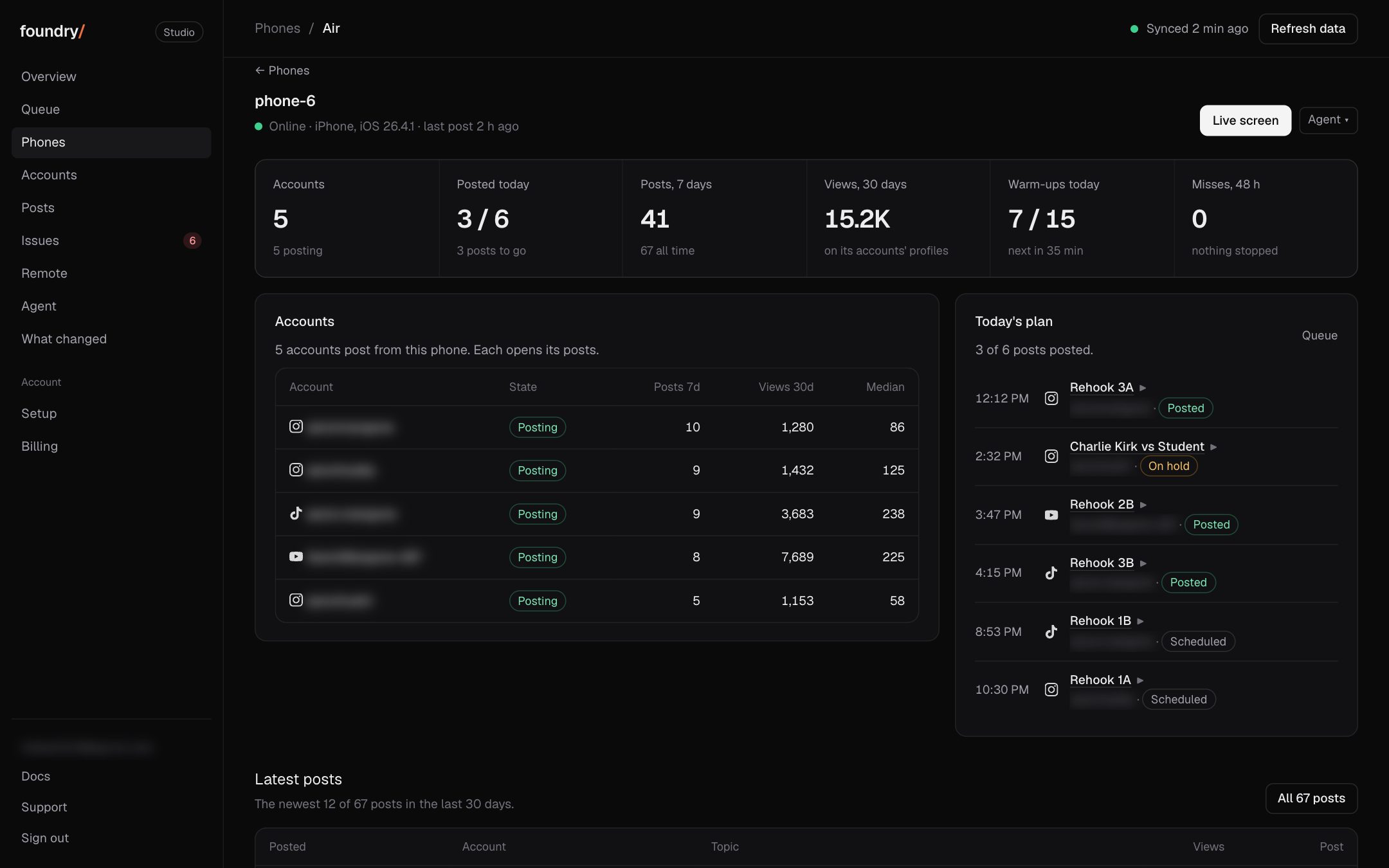
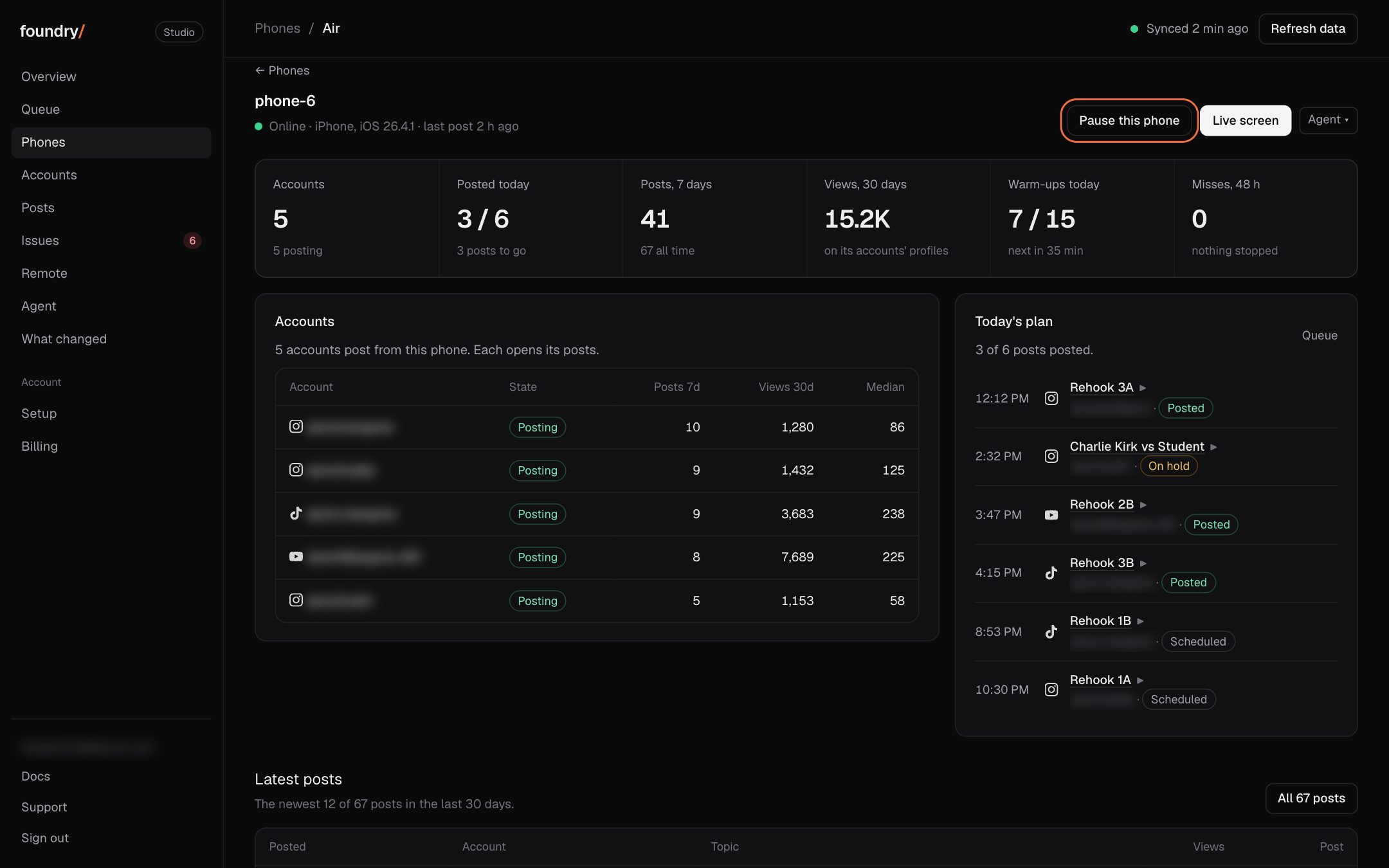
Pause one phone or one account
Every phone's page and every account's page now has its own Pause button. It asks first, then within a minute or two that phone or that account stops: its posts wait and its warm-ups are skipped, while every other phone and account keeps going. The page says who paused it and when, and Resume starts it again. Before, the only stop was Pause posting for everything at once.
Where to click Dashboard, Phones or Accounts: open one, top right. Open it
BeforeAfter
Each account shows what works on it
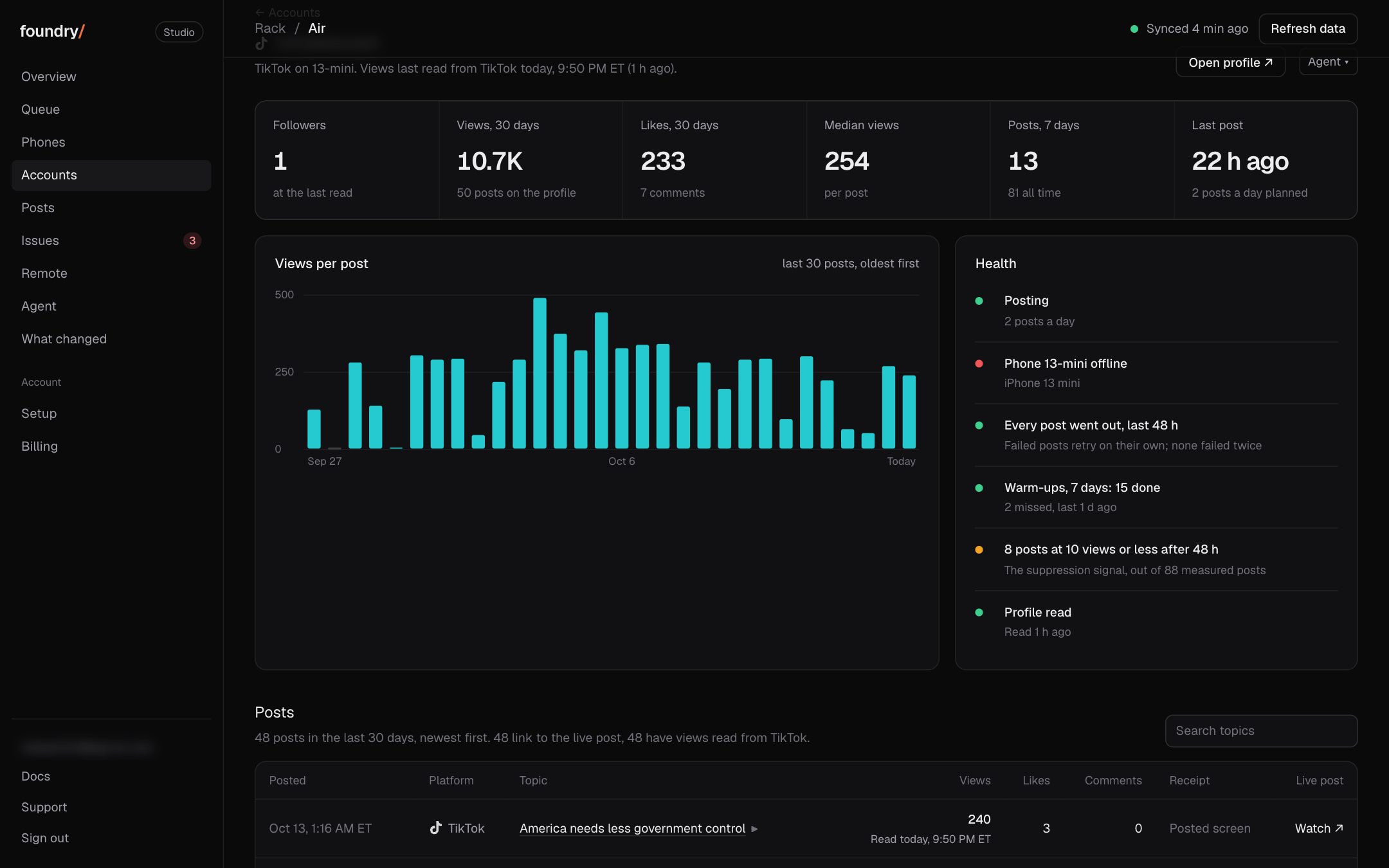
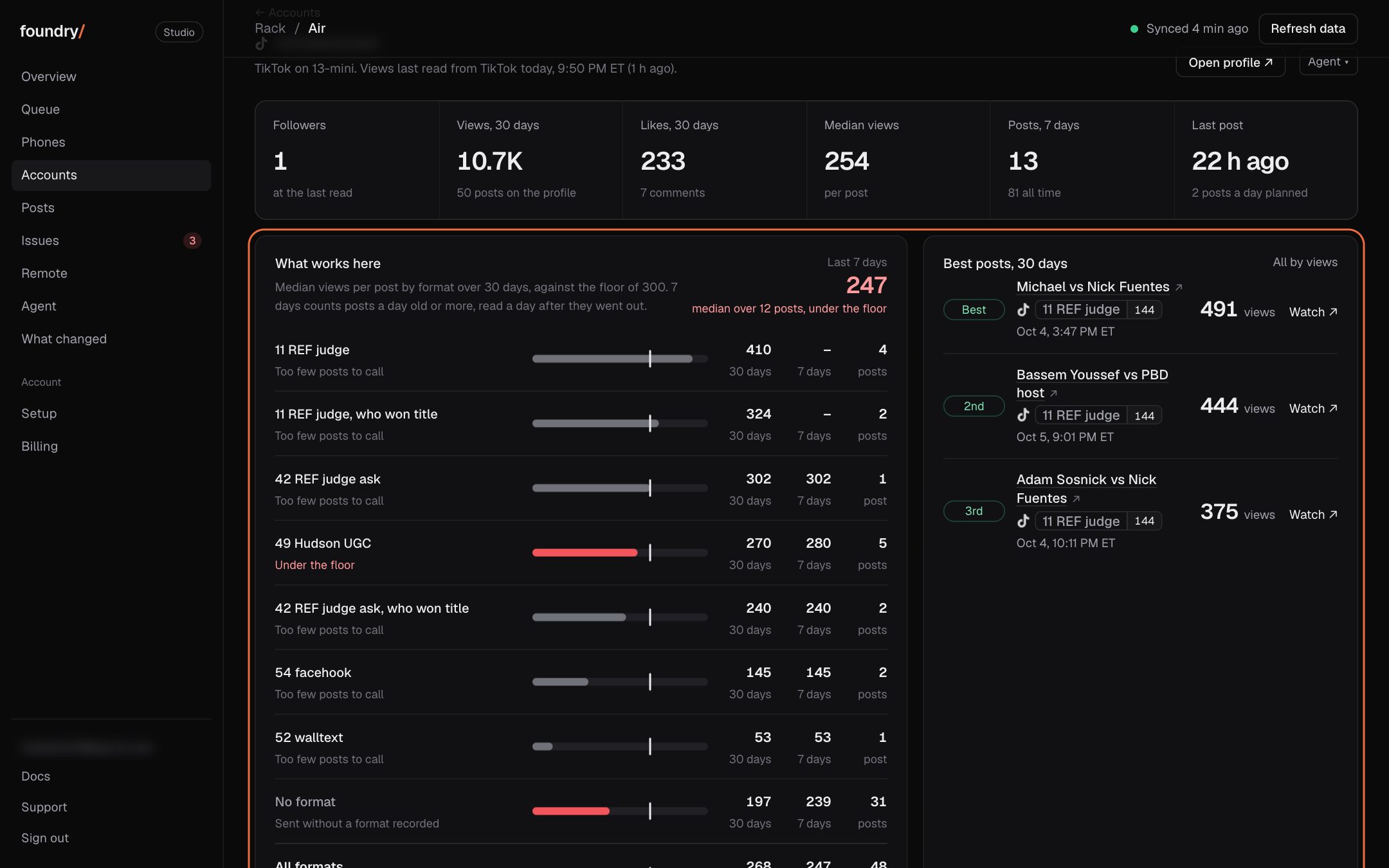
An account's page now has a What works here card right under its numbers: every format it posted in the last 30 days with its median views against the floor, its last 7 days' median, and its three best posts, each one tap to play or open. Tap a format to see its own page, or its post count to see those posts.
Where to click Dashboard, Accounts: open any account. Open it
BeforeAfter
Pause and resume posting with one button
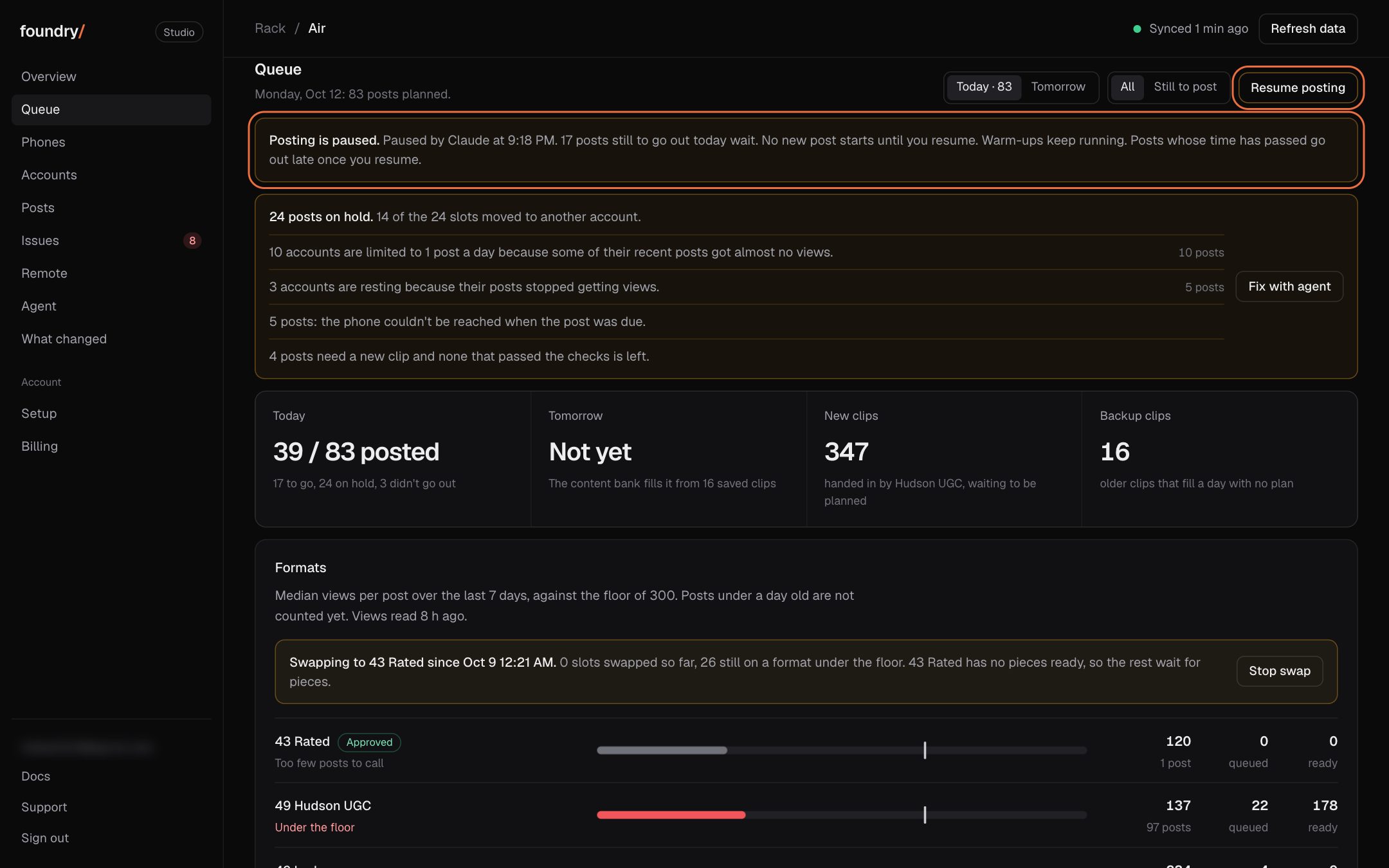
Queue now has a Pause posting button. It asks first, then your phones stop starting new posts within a minute or two and the page says Posting is paused, who paused it and when. Resume posting starts it again. Warm-ups keep running the whole time. Before, the button only copied a sentence for you to paste to the agent.
Where to click Dashboard, Queue: Pause posting, top right. Open it
BeforeAfter
Every platform at a glance
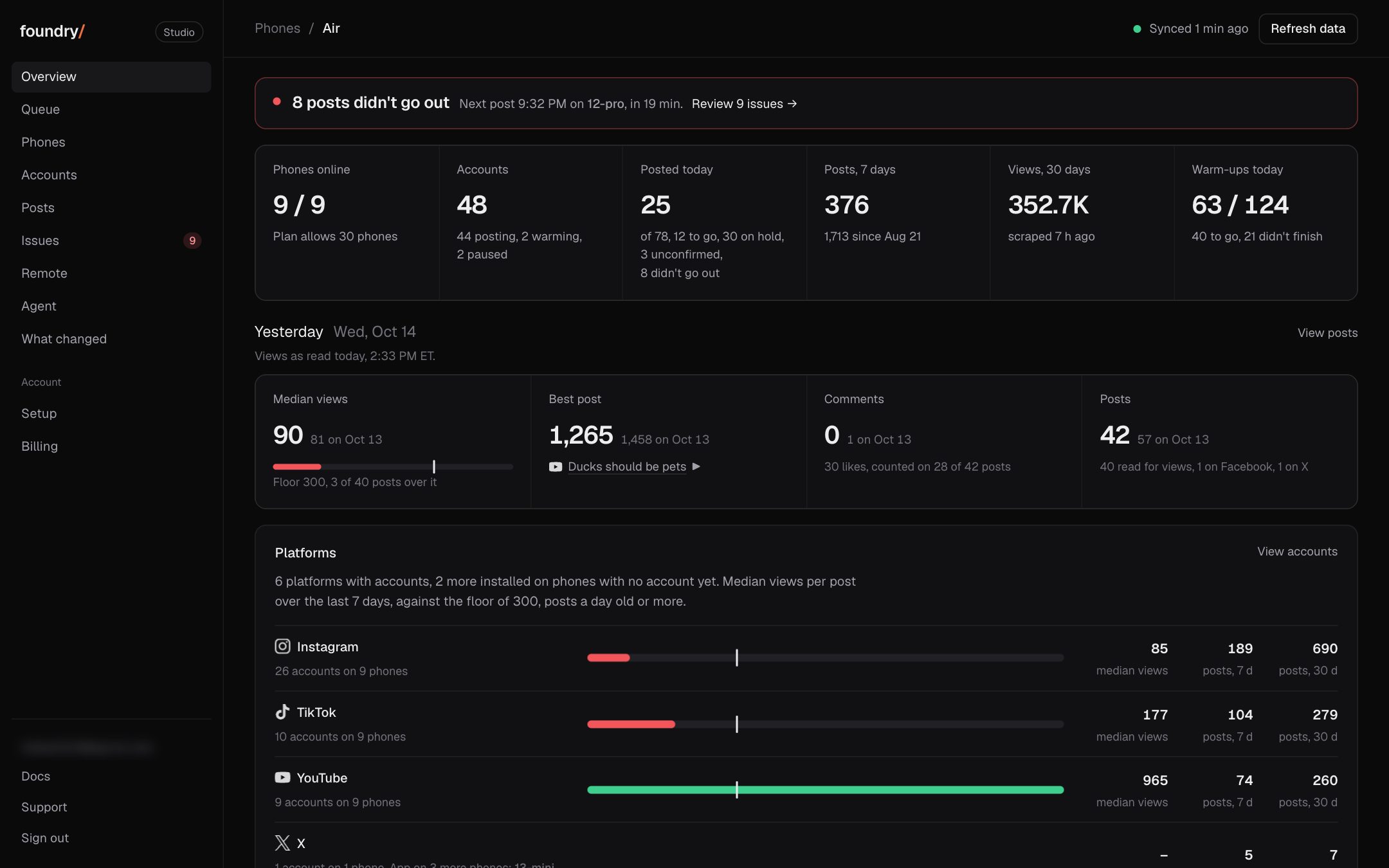
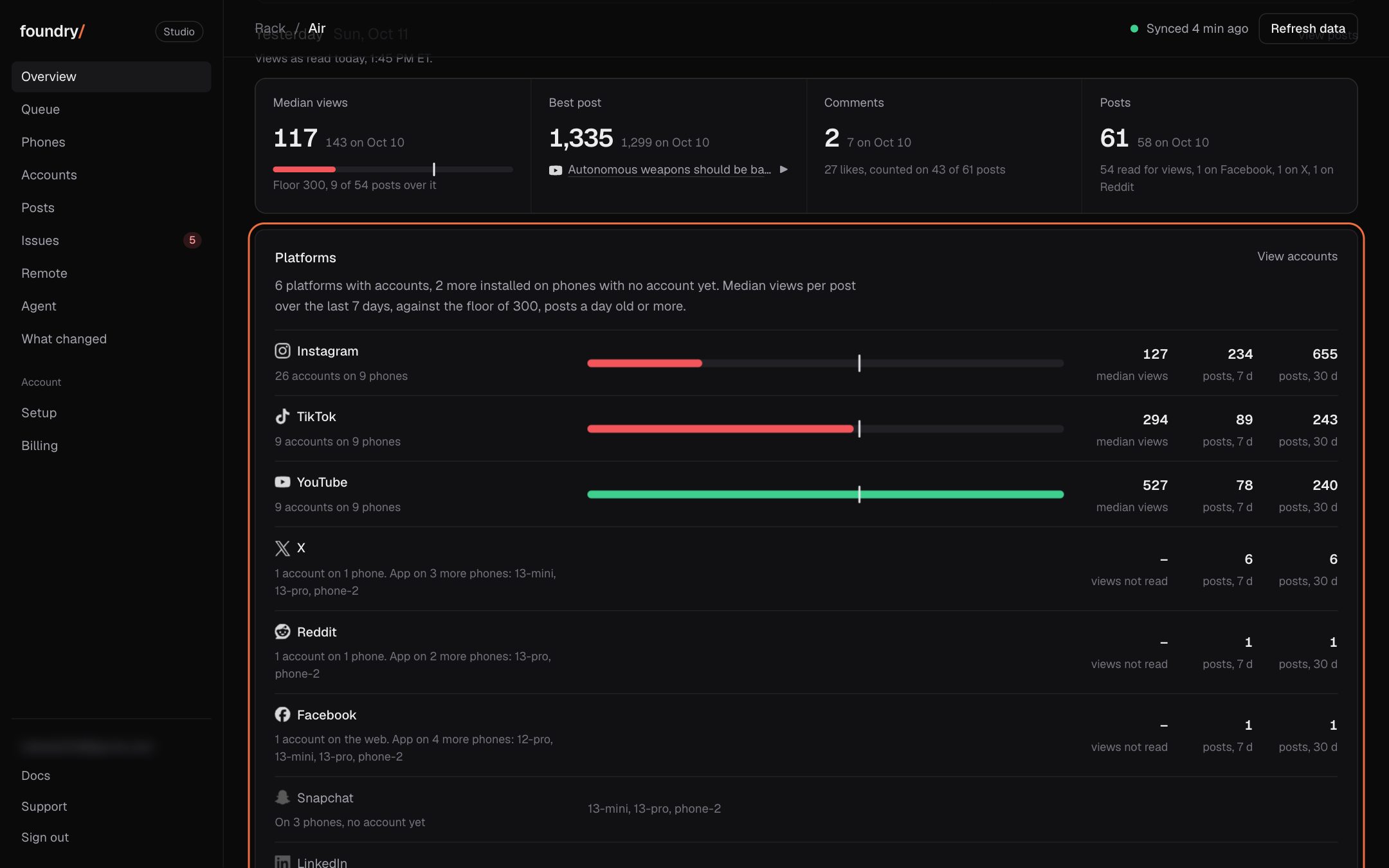
Overview now has a Platforms card with one line for each platform: how many accounts it has and on which phones, its median views over the last 7 days against the floor, and its posts in the last 7 and 30 days. A platform whose app is on phones with no account yet, like Snapchat and LinkedIn, reads "On 3 phones, no account yet" and names the phones. Tap a line to open Accounts on that platform.
Where to click Dashboard, Overview: under yesterday's scoreboard. Open it
BeforeAfter
Each phone shows its platforms
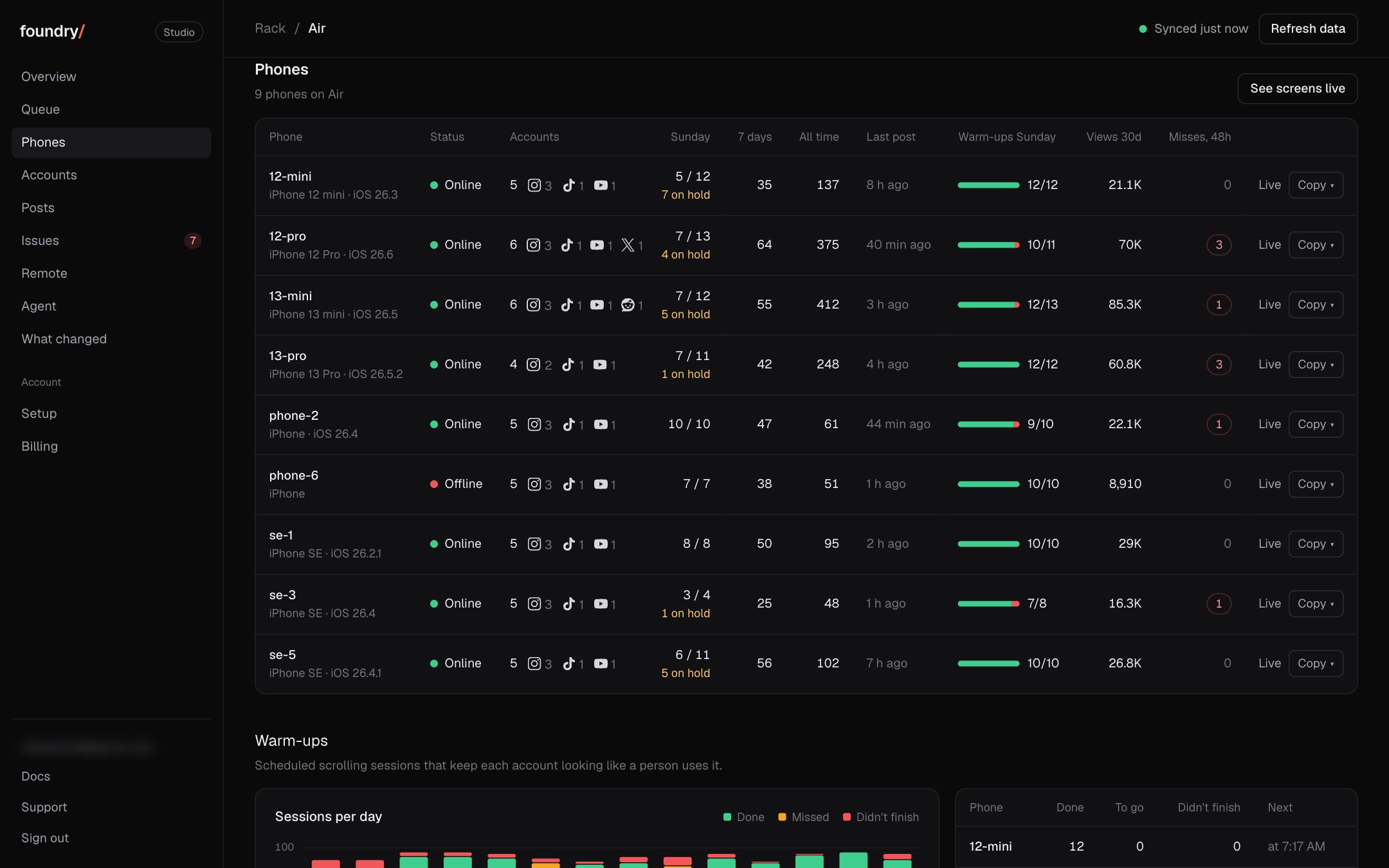
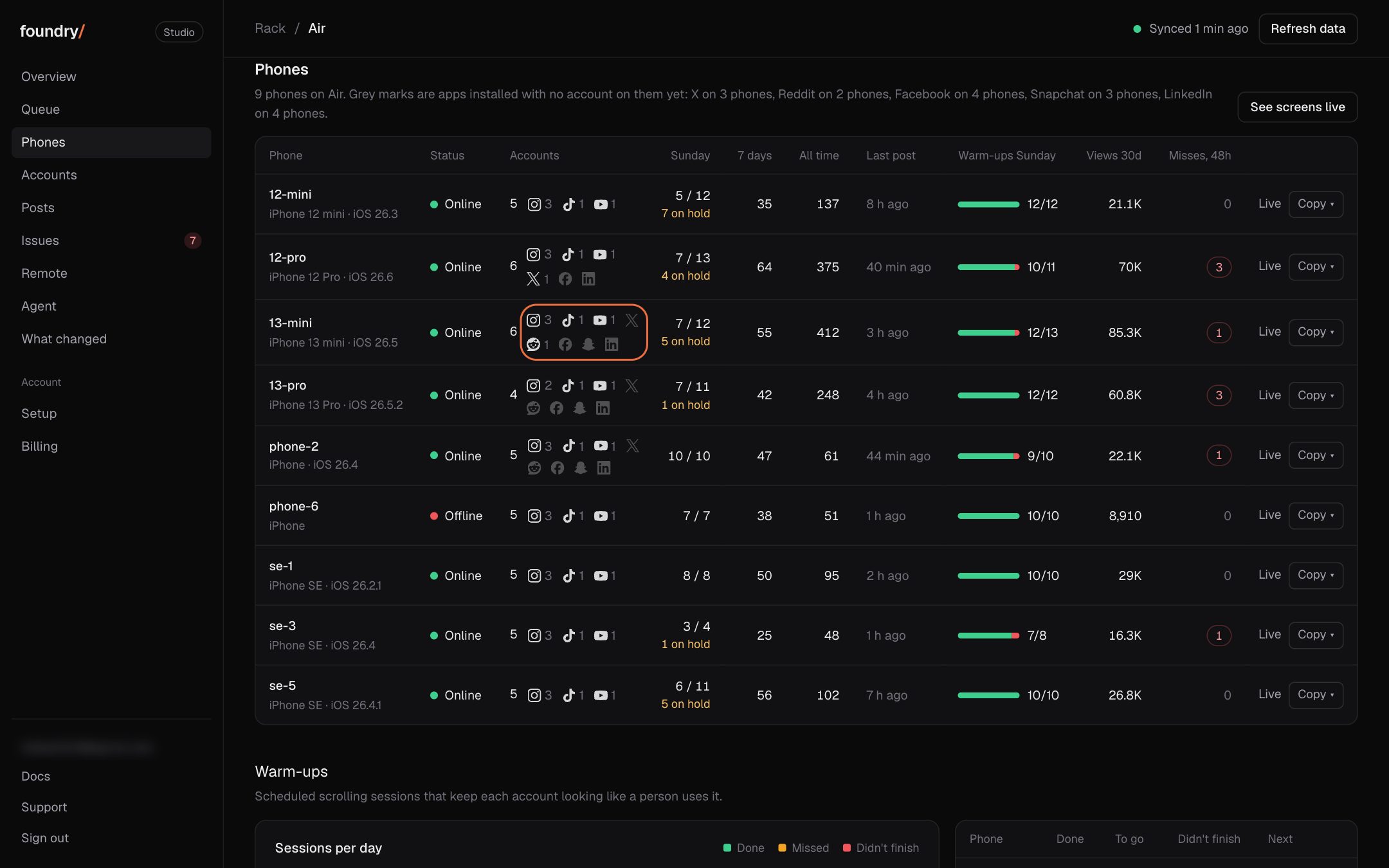
Every phone now shows a mark for each platform app it has. A bright mark with a number is a platform an account on that phone uses. A grey mark is an app that is on the phone with no account on it yet, so you can see where X, Reddit, Facebook, Snapchat and LinkedIn are ready to set up. Foundry checks the phones once an hour.
Where to click Dashboard, Phones: the Accounts column, and under each phone's name on a phone. Open it
BeforeAfter
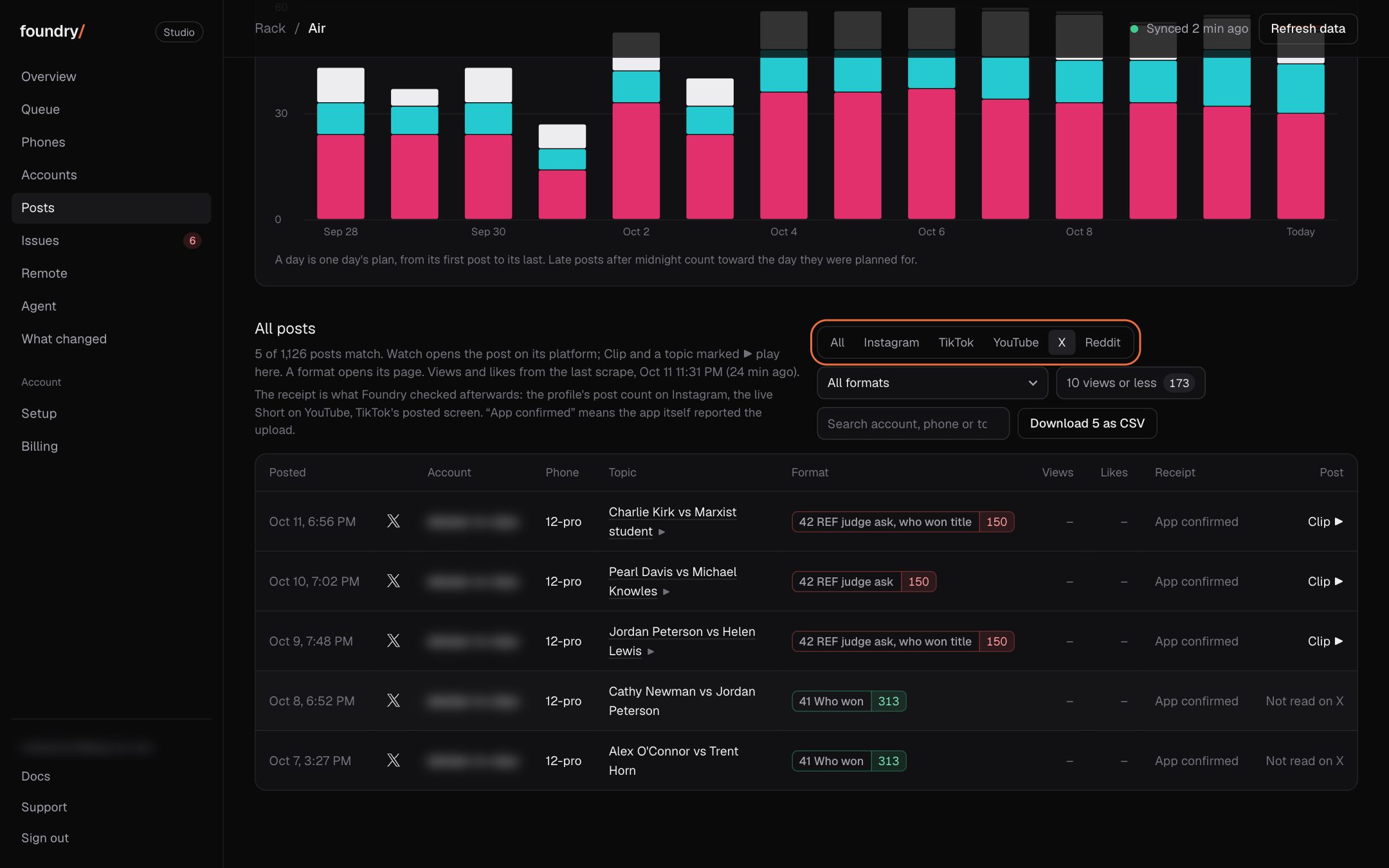
X and Reddit show as X and Reddit
Posts on X and Reddit now carry their own mark and name everywhere a post shows: Queue, Up next, Posts, Issues and the posts chart. Accounts and Posts have X and Reddit filters, and the X and Reddit accounts are listed with their posts.
Where to click Dashboard, Posts, All posts: tap X beside Instagram, TikTok and YouTube. Open it
BeforeAfter
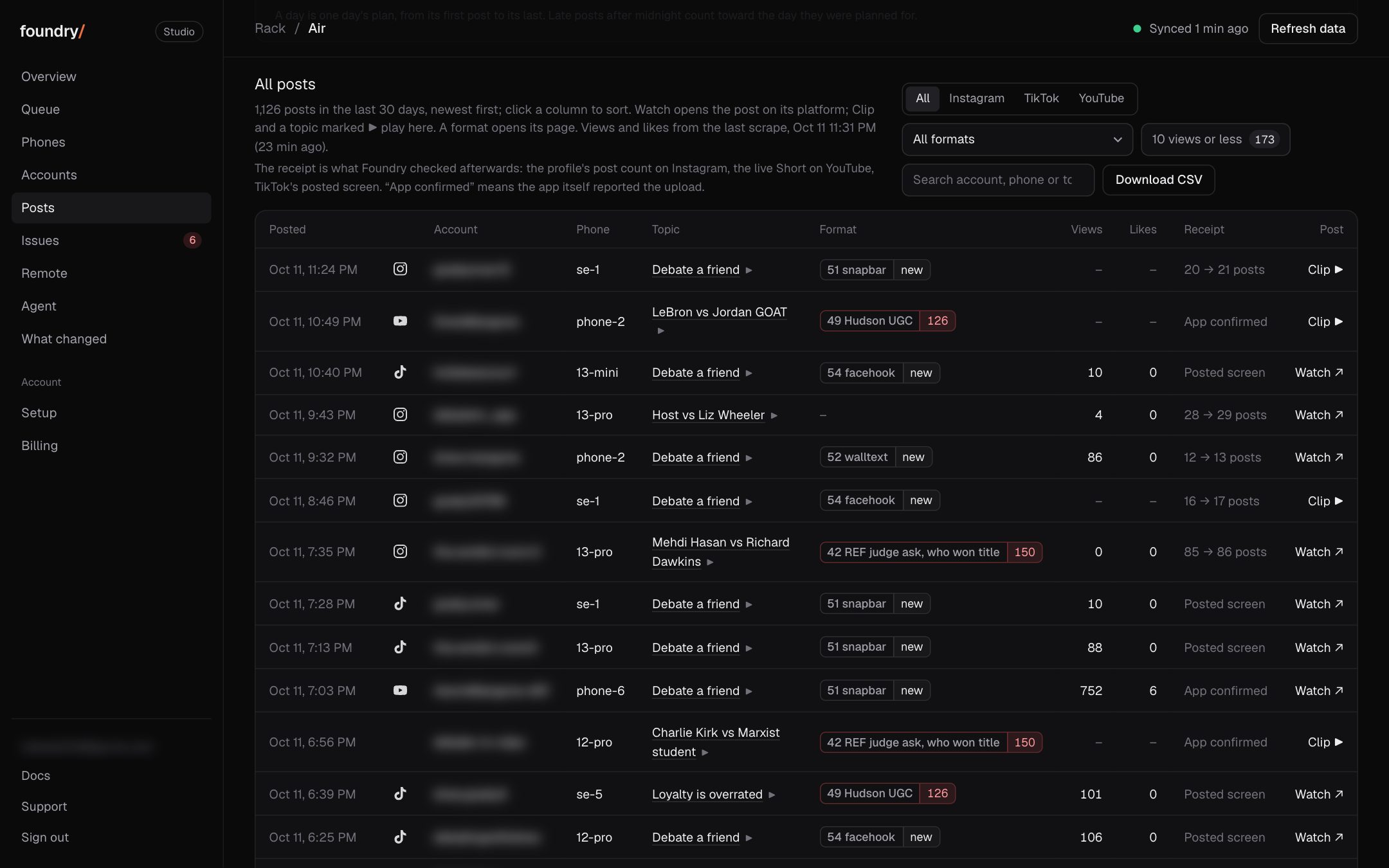
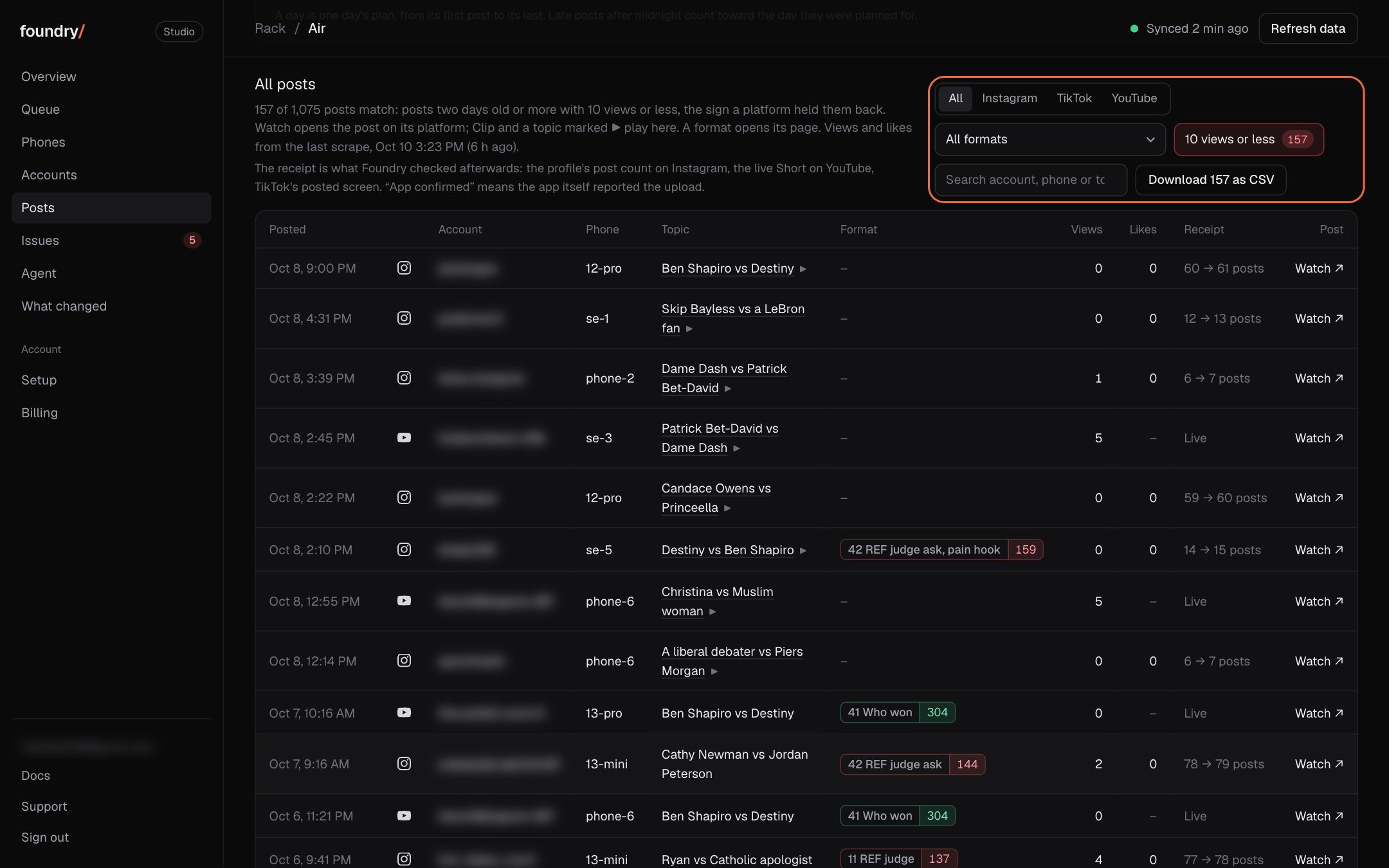
Posts: every post shows its format, and two new filters
Every post in the table now carries its format, which opens that format's page. Pick one format to see only its posts, or tap "10 views or less" to see the posts a platform held back; Download CSV takes what you see, format included.
Where to click Dashboard, Posts, All posts: the format menu and "10 views or less" beside the search. Open it
BeforeAfter
Queue: every format opens its own page
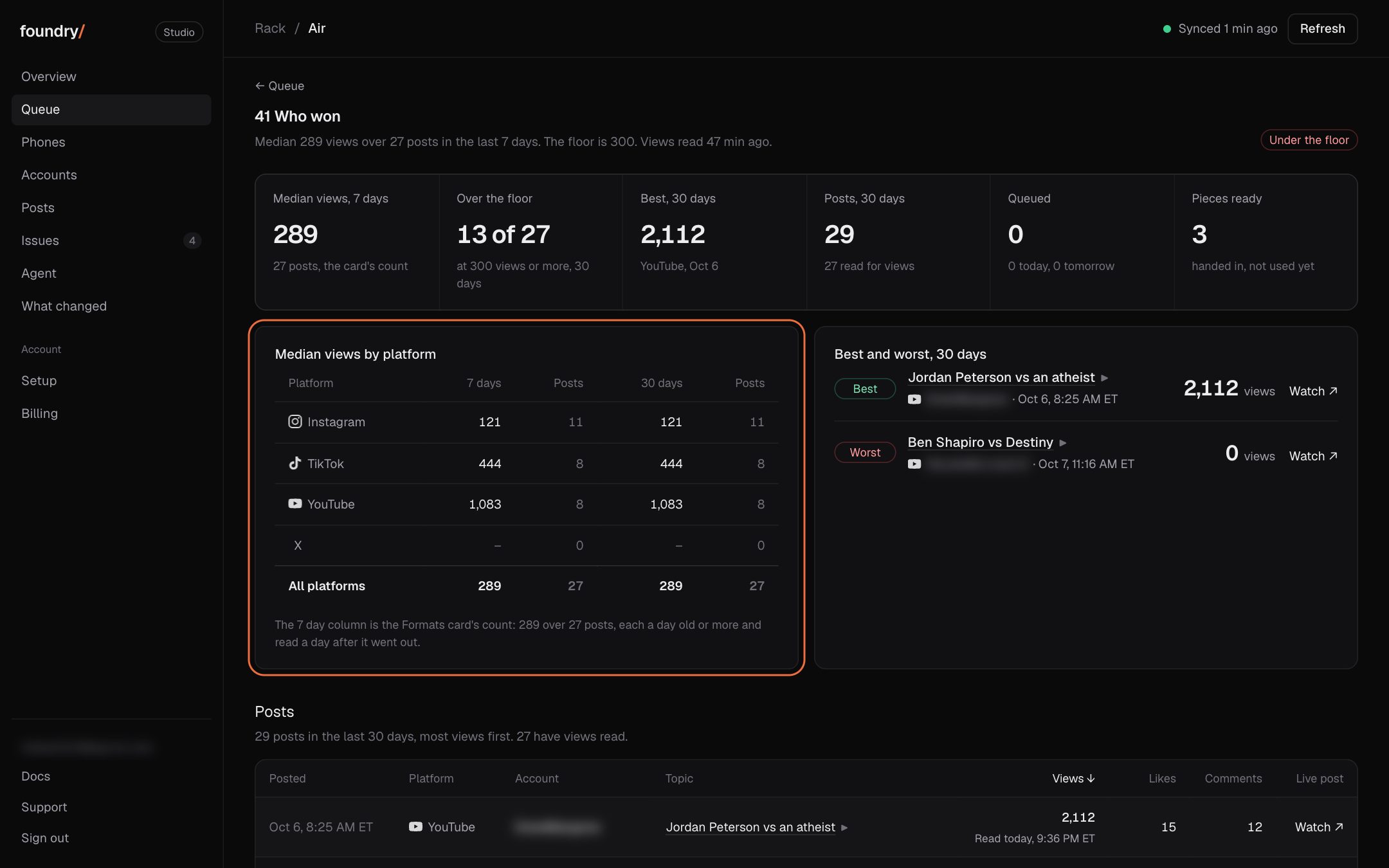
A format's name in the Formats card or on a queued post now opens its page: every post of that format in the last 30 days, most views first, the best and the worst post, and the median on each platform beside the card's number.
Where to click Dashboard, Queue, the Formats card: tap a format's name (41 Who won is under "more formats"). Open it
BeforeAfter
Overview: yesterday's scoreboard, views first
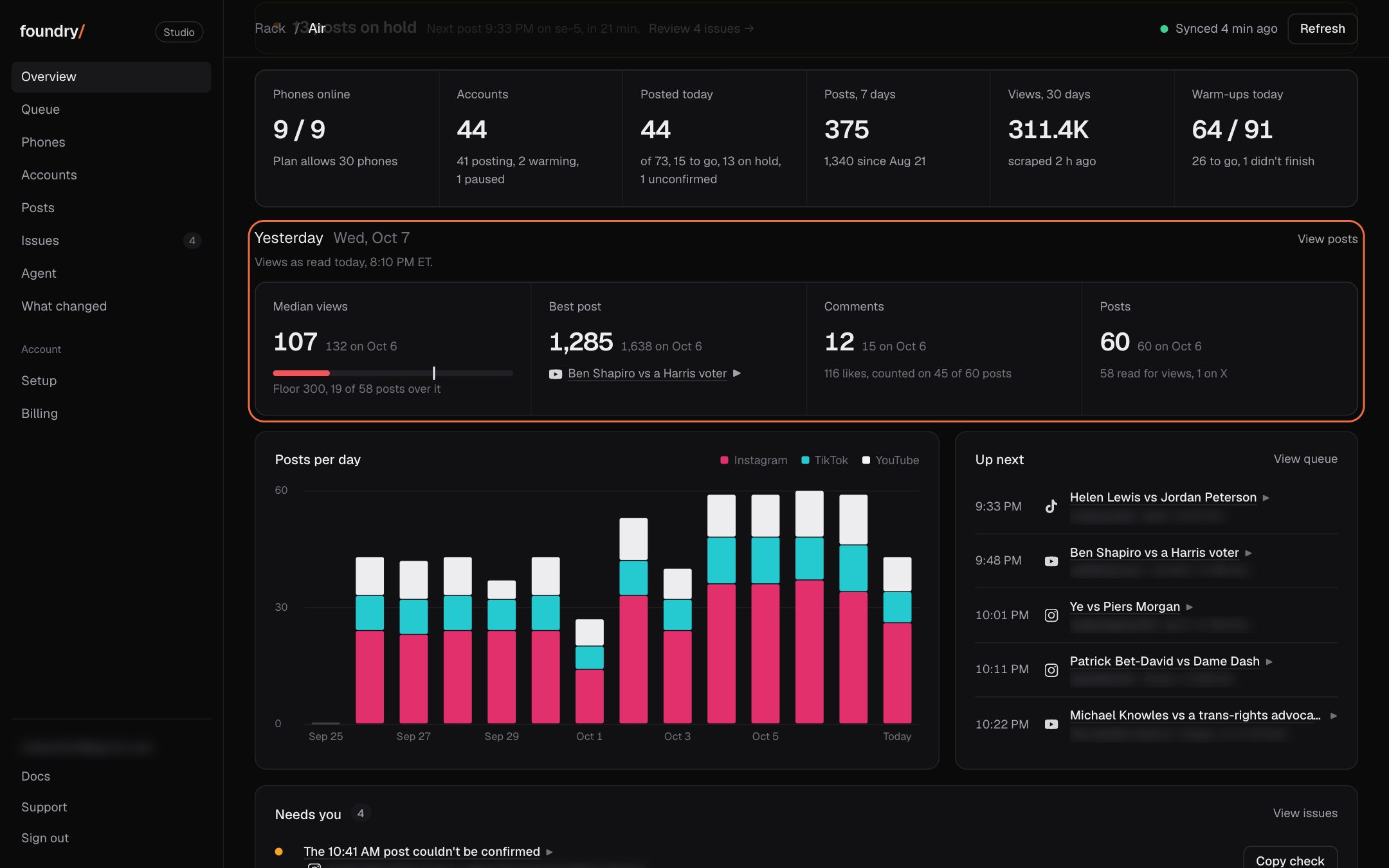
Overview now opens with the last finished posting day in one row: the median views against the 300 floor, the best post (tap it to play), comments and posts, each beside the day before. Engagement first, post count last.
Where to click Dashboard, Overview, the row under the six numbers. Open it
BeforeAfter
Agent: approve or deny a command right in the chat
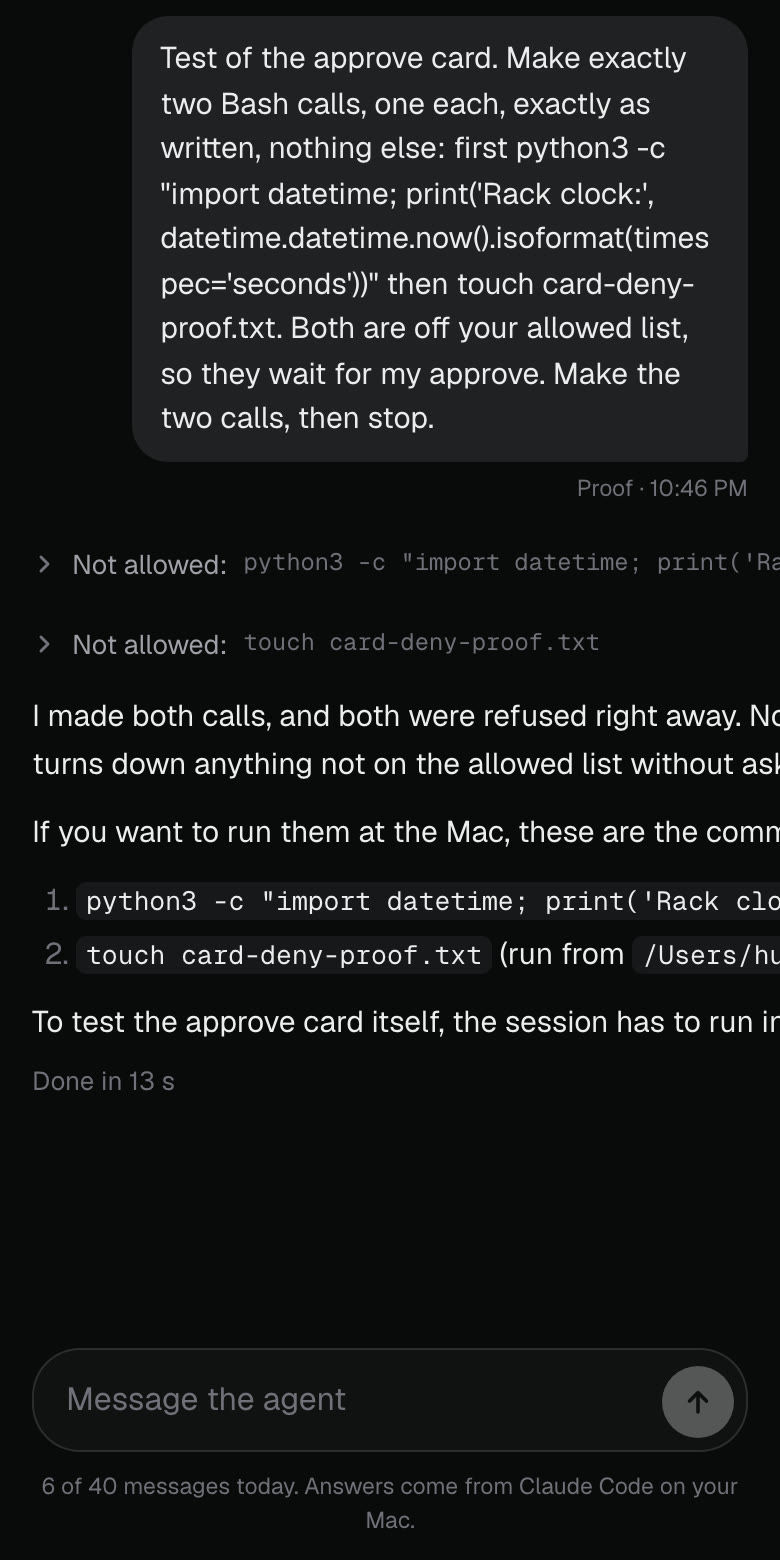
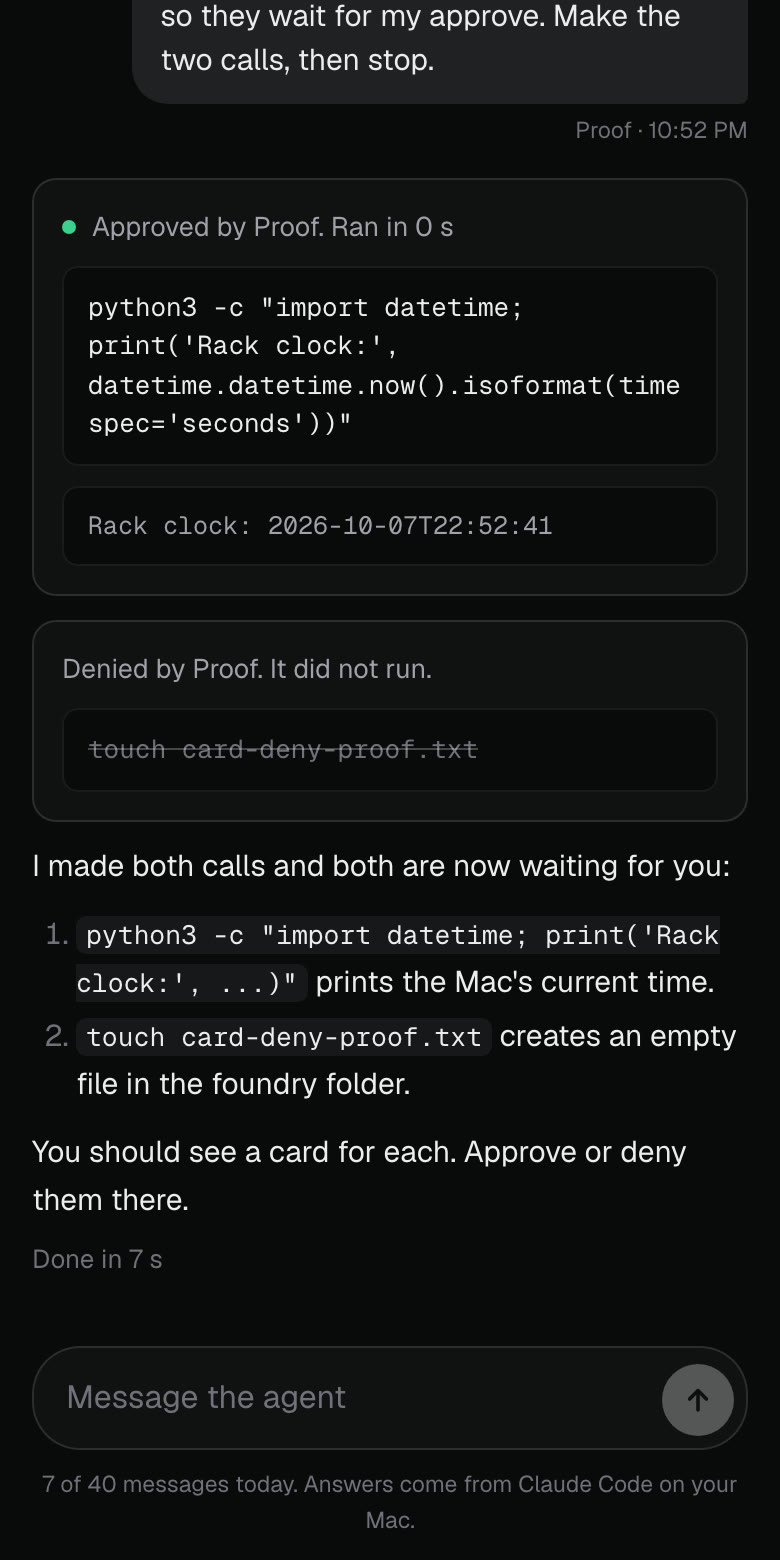
When the agent needs a command outside its allowed list, it used to be refused with nothing you could do from the page. Now it shows as a card with the exact command and two buttons. Approve asks for your passkey, then the Mac runs that exact command once and its output prints on the card. Deny drops it and the card says it did not run. A card stays open 30 minutes.
Where to click Dashboard sidebar, Agent, ask for something outside the list. Open it
BeforeAfter
On hold now says why, in plain words
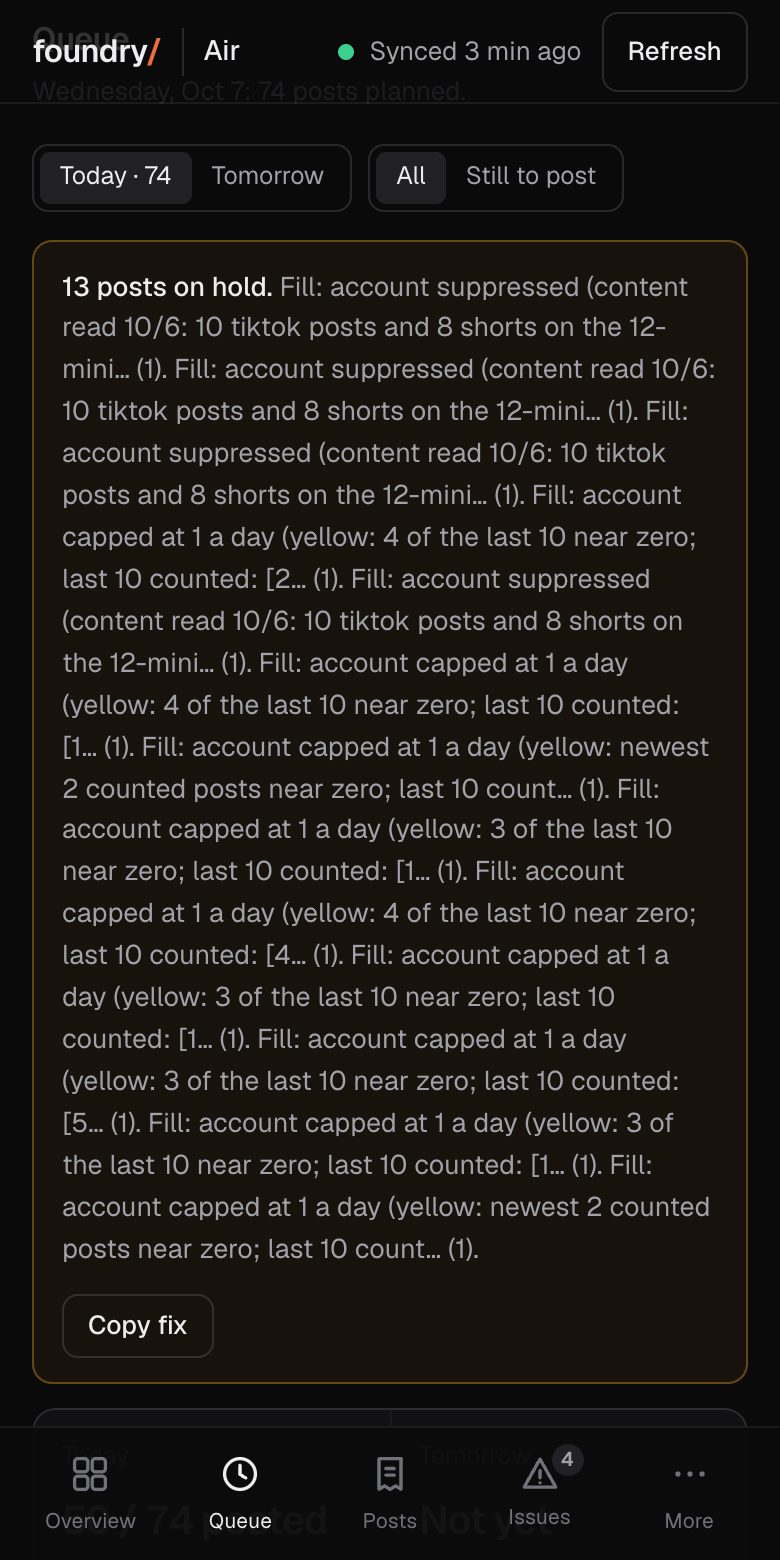
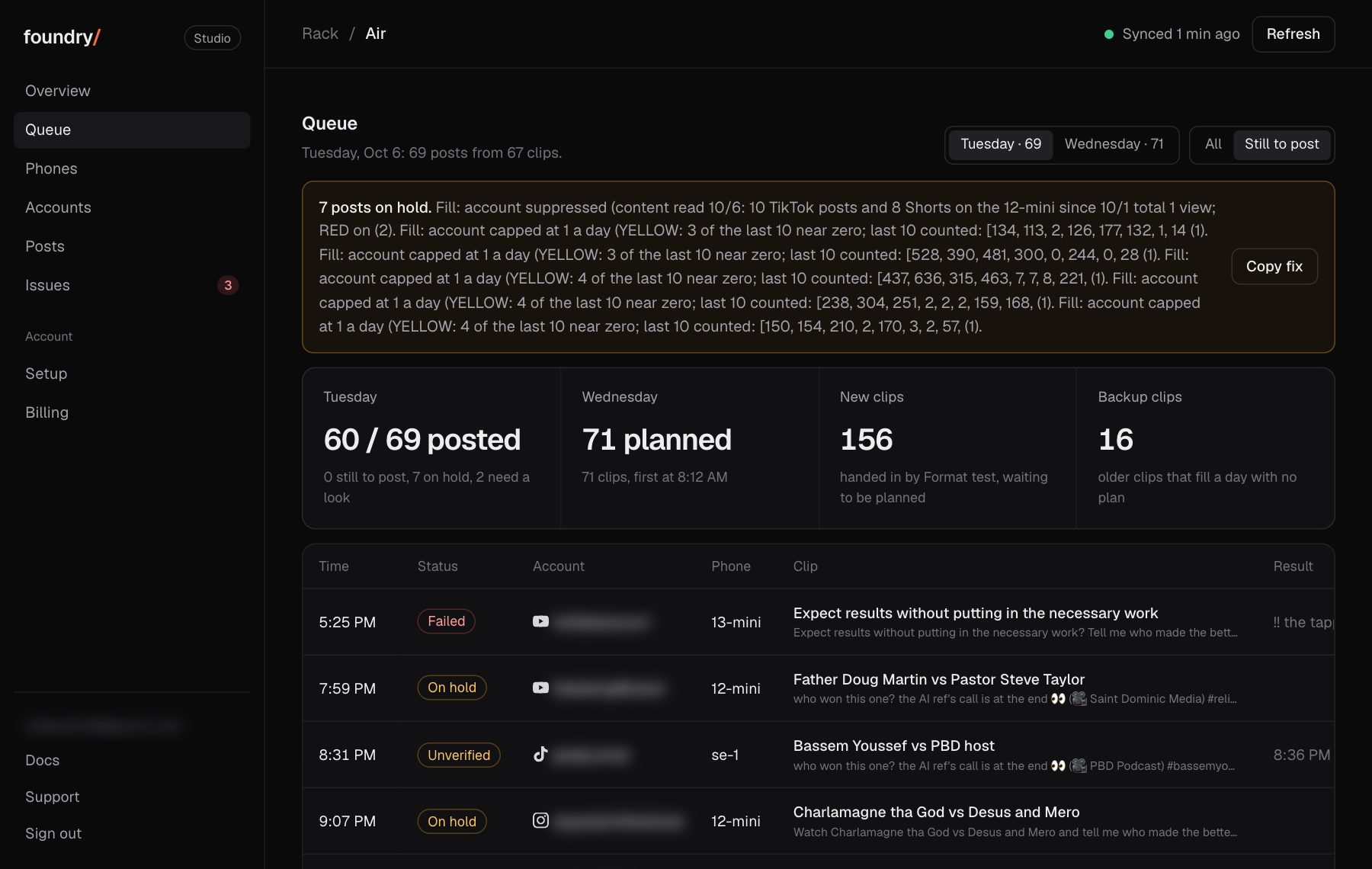
The amber box on Queue, Overview and Issues used to print the phones' own log. It now says one short sentence per cause with a count, and each held post says its own reason and the time its slot moved to another account.
Where to click Dashboard, Queue, the amber box at the top. Open it
BeforeAfter
Tap Play: the clip plays right there, over the page
A post with a clip now has Play beside Watch. It opens the clip over the page, with sound, instead of a new tab: the video upright, its time and position on the picture, then the post's views with the time they were read and one button to the live post. A tap on the picture pauses it. Back, Close or a pull down returns to the same row. A topic in Queue, Up next and Issues plays its clip the same way. Foundry keeps a clip for 3 days, so older posts keep Watch only.
Where to click Dashboard, Accounts, tap any row, then Play on a post. Open it
BeforeAfter
Tap an account: every post with its views, when they were read, and a link to the live post
Any row on Accounts now opens that account. Its posts are listed newest first, each with its platform, the time it went out on the phones' clock (Eastern for ours), the views with the time they were read from the platform, and Watch, which opens the live post. A count or a link that was not read says unknown. On a phone the posts are cards right under the numbers.
Where to click Dashboard, Accounts, tap any row. Open it
BeforeAfter
Swap format: one button moves the queue off formats under 300 views
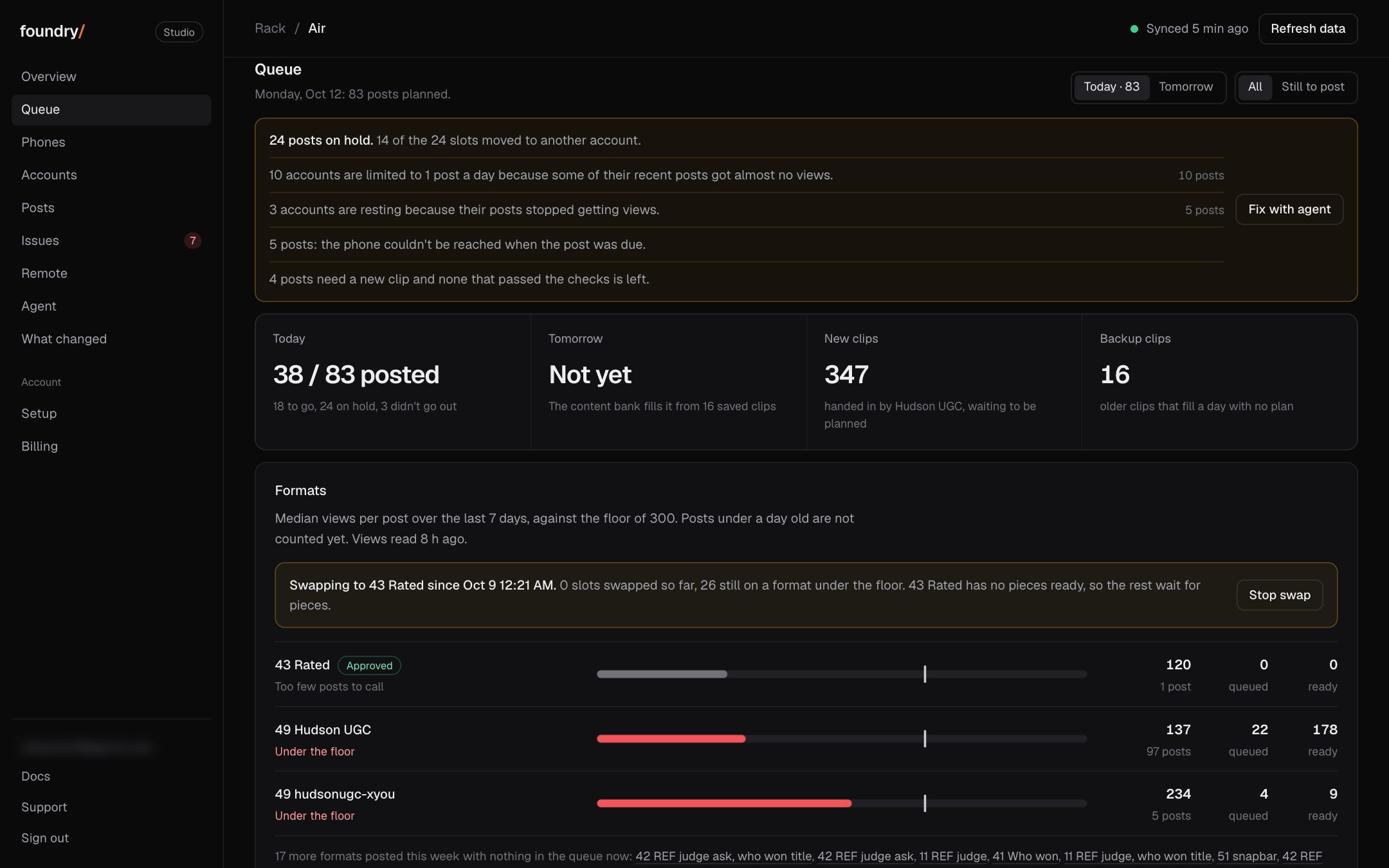
The Queue tab now has a Formats card. Each format shows its median views per post over the last 7 days against the floor of 300, how many posts are queued on it and how many finished pieces are ready. Swap format gives every queued post of a format under the floor to a piece of the approved format, in the same slot.
Where to click Dashboard, Queue, the Formats card, then Swap format. Open it
BeforeAfter
Every queued post shows its format and that format's median
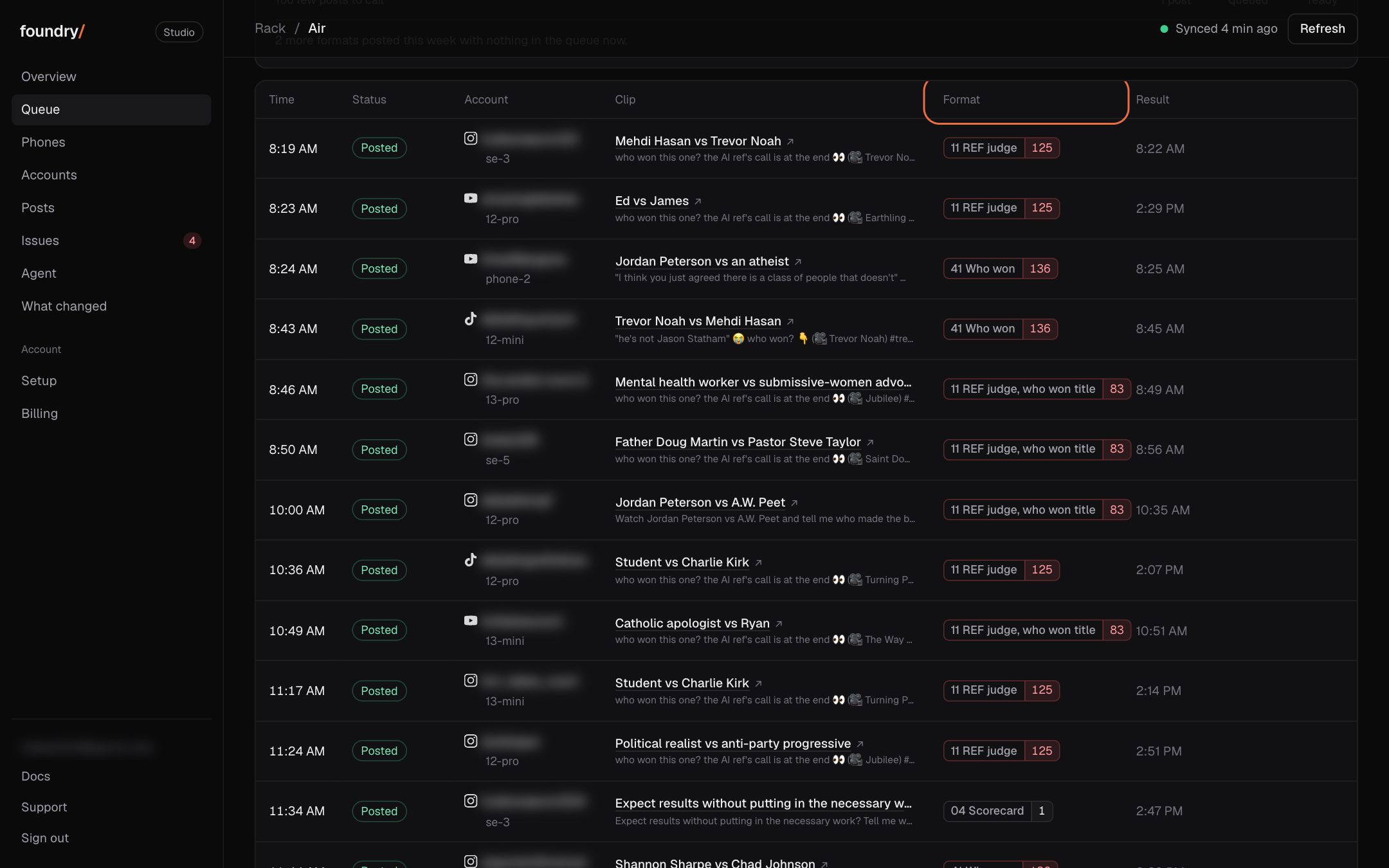
Each row in the queue carries its format and the format's 7 day median views: red under the floor, green over it. The Format column sorts the day by it.
Where to click Dashboard, Queue, the Format column. Open it
BeforeAfter
Rising sounds and yesterday's comments, on the Queue tab
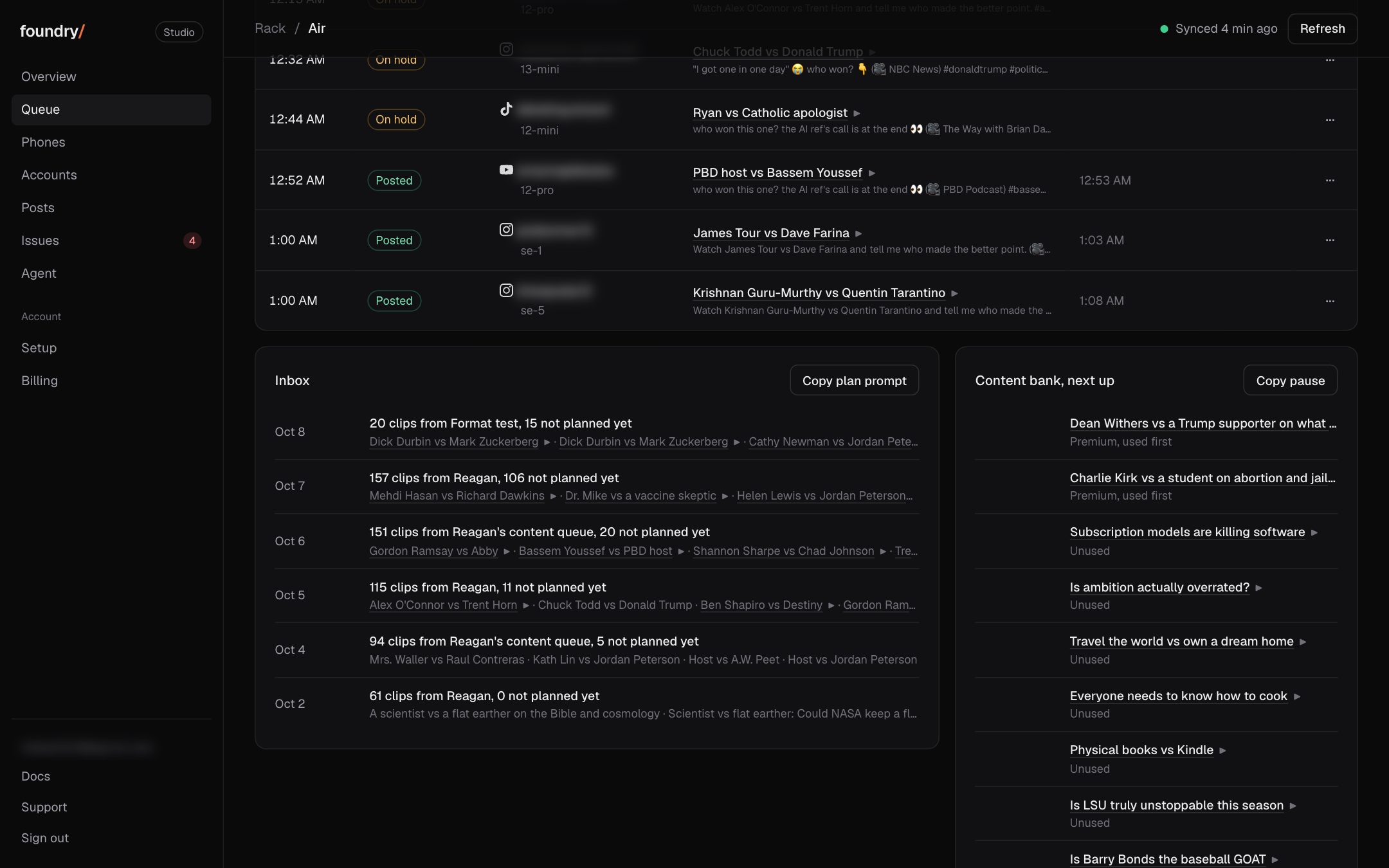
Two cards from our own scrapers sit under the day's posts: the TikTok sounds rising under the debate and hot take tags (the approved format's own sound first), and what people wrote under the last finished day's posts, each with a link to the post.
Where to click Dashboard, Queue, under the list of posts. Open it
BeforeAfter
What changed: this page
Every change you can see, newest first, each with a before and after picture and where to click. A change that cannot be shown is not on the list.
Where to click Dashboard sidebar, What changed (on a phone: More, then What changed). Open it
BeforeAfter
Agent: message the agent on the phones' Mac from the browser
A new Agent page in the dashboard sends a message to Claude Code on the Mac the phones plug into and shows its answer and each tool it ran. It needs a passkey on top of the sign in. It answers once a runner is installed on that Mac; until then the page says the Mac has no agent.
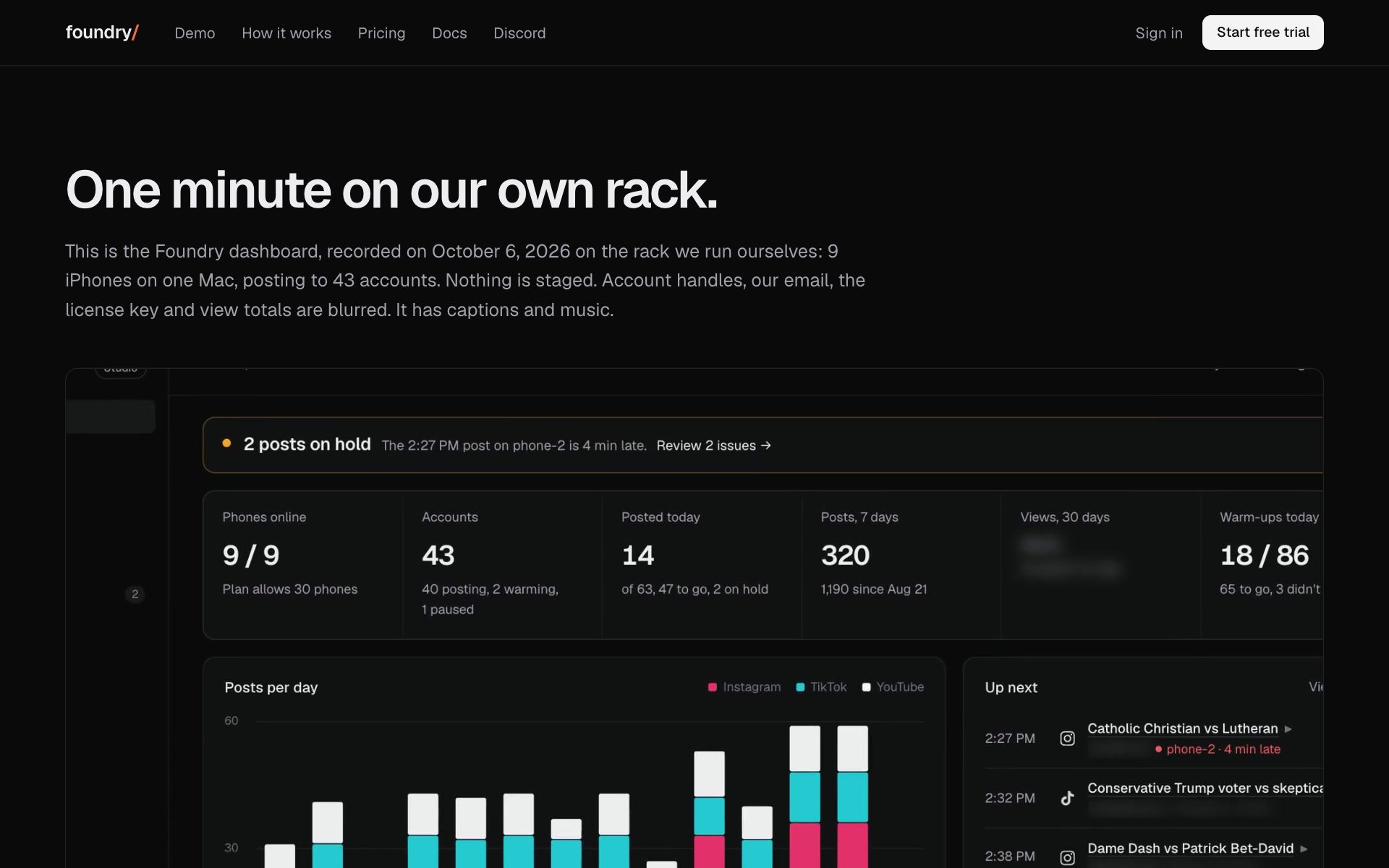
Demo: one minute on our own phones, with captions and music
A public page plays a one minute walkthrough of the dashboard recorded on our own phones, with chapter buttons that jump the video. Handles, the email, the license key and view totals are blurred.
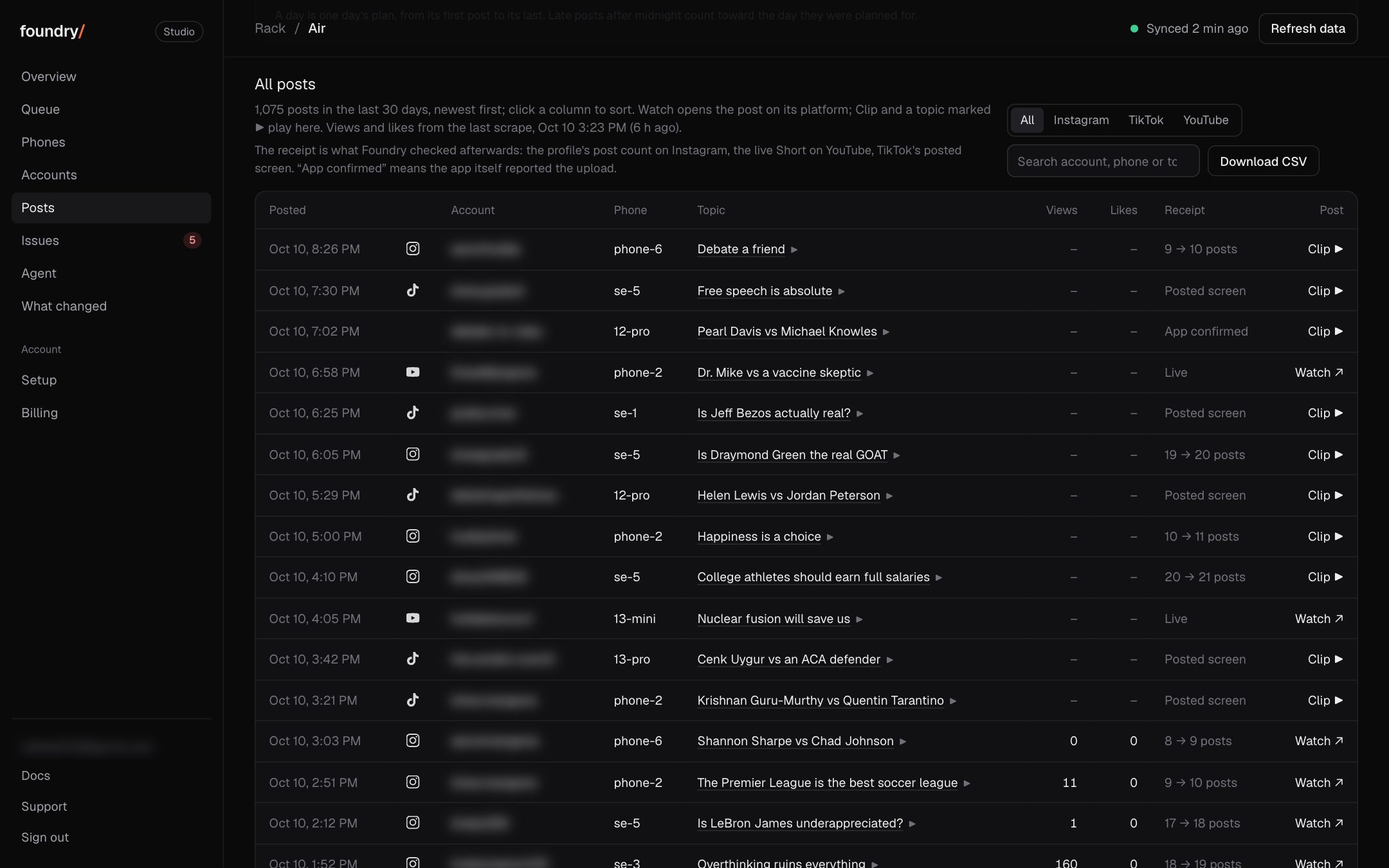
Posts: every post with views, likes, comments and a link
The Posts tab lists every post of the last 30 days with its views, likes and comments from the scrape, a search box, a platform filter and sorting on any column. Each row has one link: Watch for the live post, Clip for the private preview, or the profile.
The Accounts tab adds followers, likes and median views, and each account opens to its own page: six numbers, views per post, its health (state, phone, failed posts, warm-ups, posts stuck at 10 views or less) and its full posting history.
Where to click Dashboard, Accounts, then any account. Open it
BeforeAfter
Every row opens its content
A post in the queue, in Up next or in Needs you is now a link: the live post once it is public, else a private preview of the clip itself.
Where to click Dashboard, Queue, the title of any post. Open it
BeforeAfter
Overview: one line says what is next and what is wrong
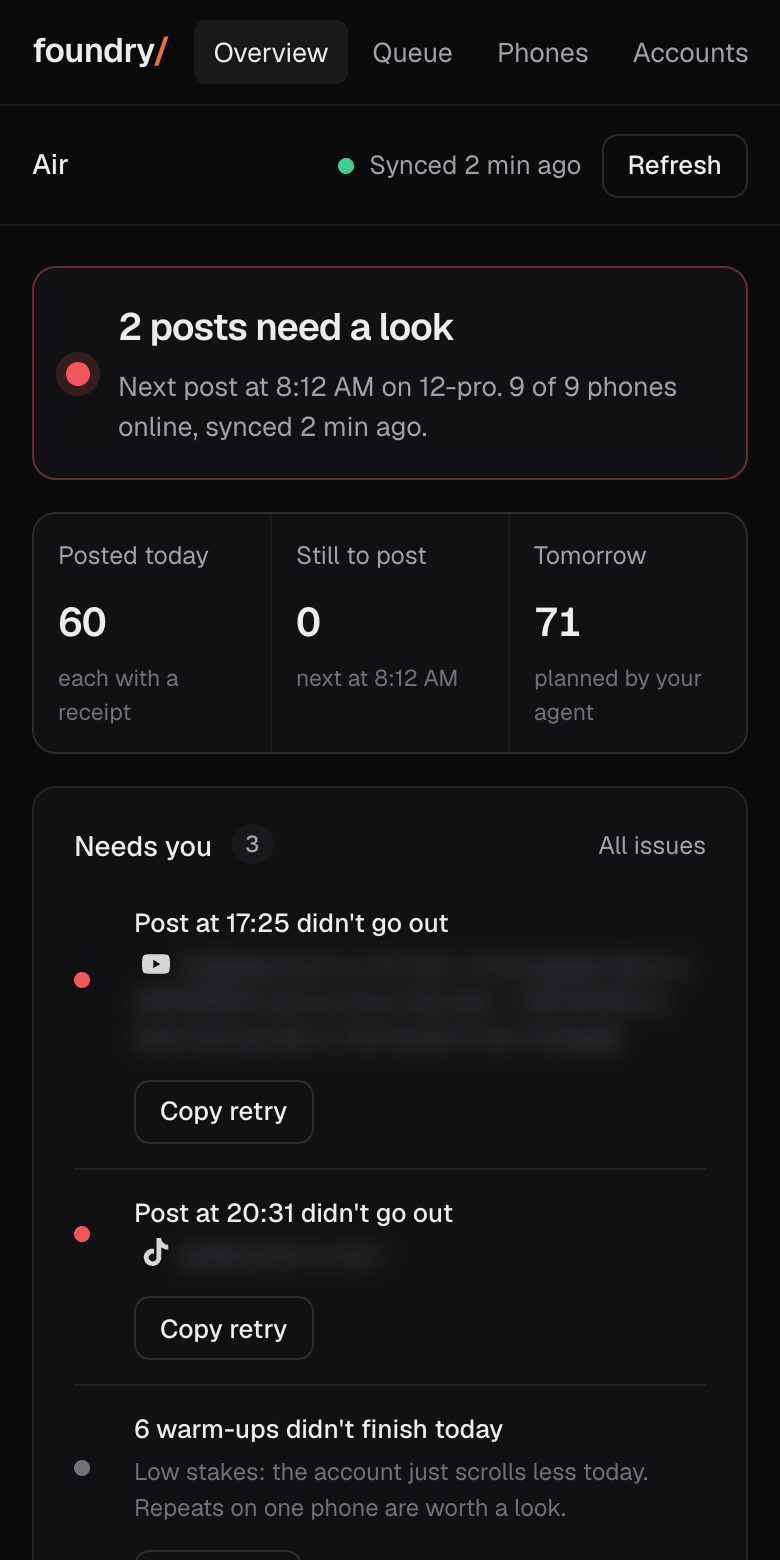
The Overview went back to the layout from Sep 30 (six numbers, the posts chart beside Up next, the phones table) and its top line now names the next post, a late post or a phone that is offline.
Queue: plain statuses, and one banner for posts on hold
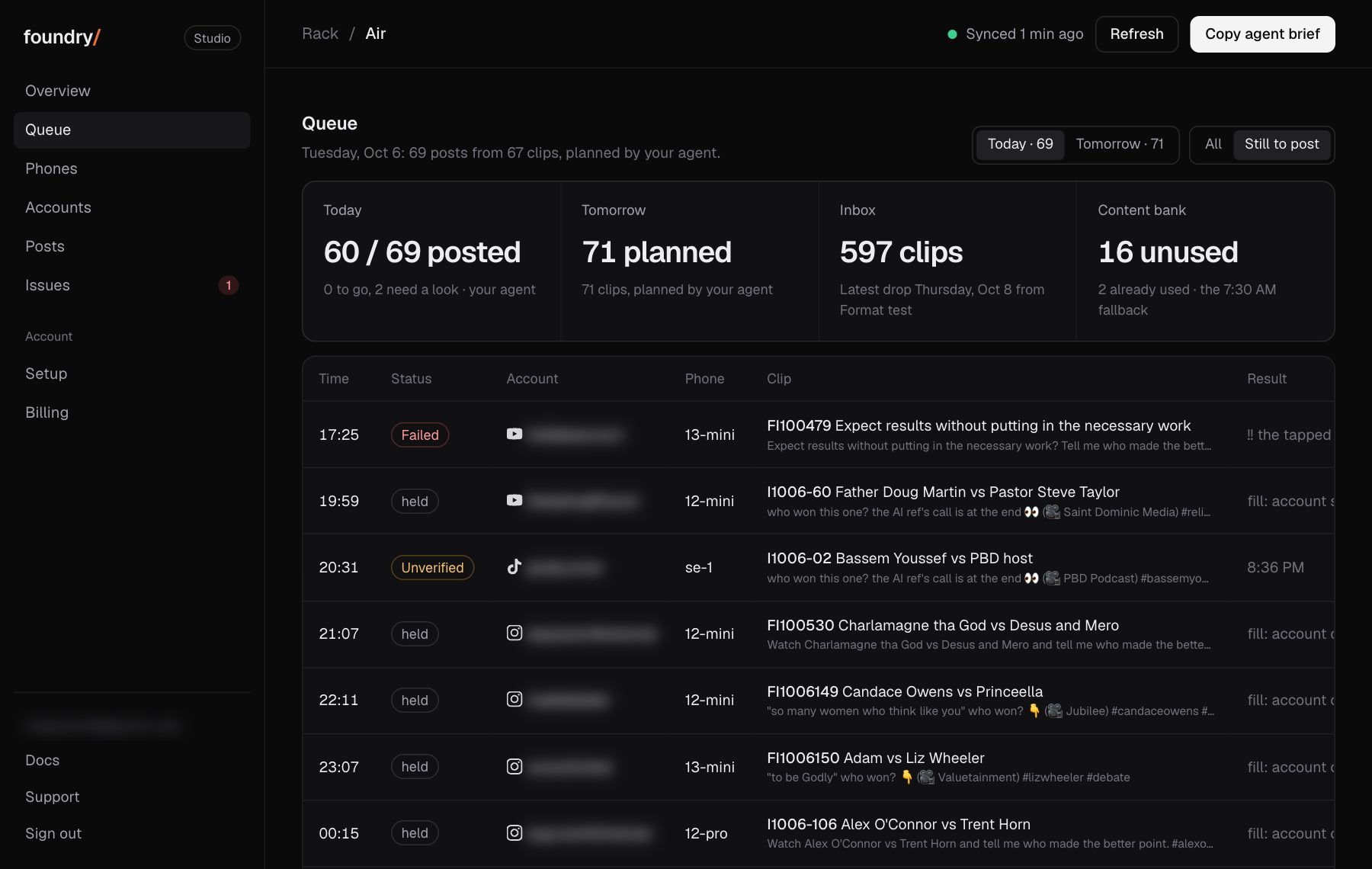
The queue reads in plain words: On hold and Unverified instead of the runner's own labels, clock times, no internal clip ids. One banner counts the posts on hold and offers the fix to copy.
Where to click Dashboard, Queue, then Still to post. Open it
BeforeAfter
On a phone: a tab bar and a More sheet
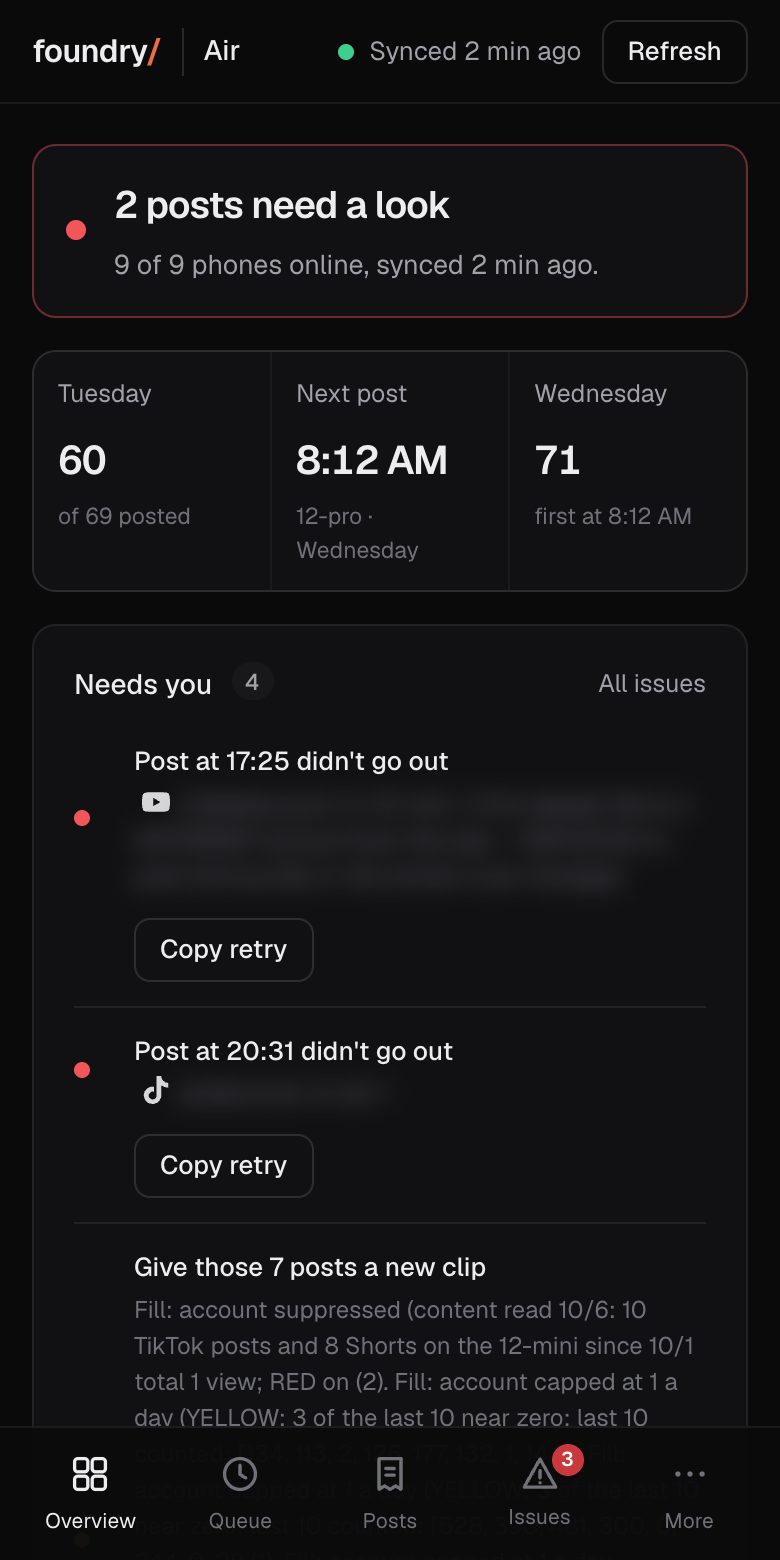
On a phone the dashboard has a bar at the bottom (Overview, Queue, Posts, Issues, More). More opens the rest. Before, every section was one long page under a row of links.
Where to click Dashboard on a phone, the bar at the bottom. Open it
BeforeAfter
Homepage: a real post going out, beside our phones' live numbers
The top of the homepage is a real recording of one of our phones posting, next to our phones' live counts and 14 day chart. The scripted terminal animation is gone.
Each tab is its own view. Overview answers three things on one screen: what posted, what failed, what is next. Before, the dashboard was every section stacked on one page.
A new Queue tab lists each post of today's and tomorrow's plan with its time, account, phone, clip and status, and shows the clips waiting in the inbox and the content bank.
The sign in box takes a short access code as well as the license key, so a teammate can open the dashboard without ever being sent the key. A code can be revoked on its own.
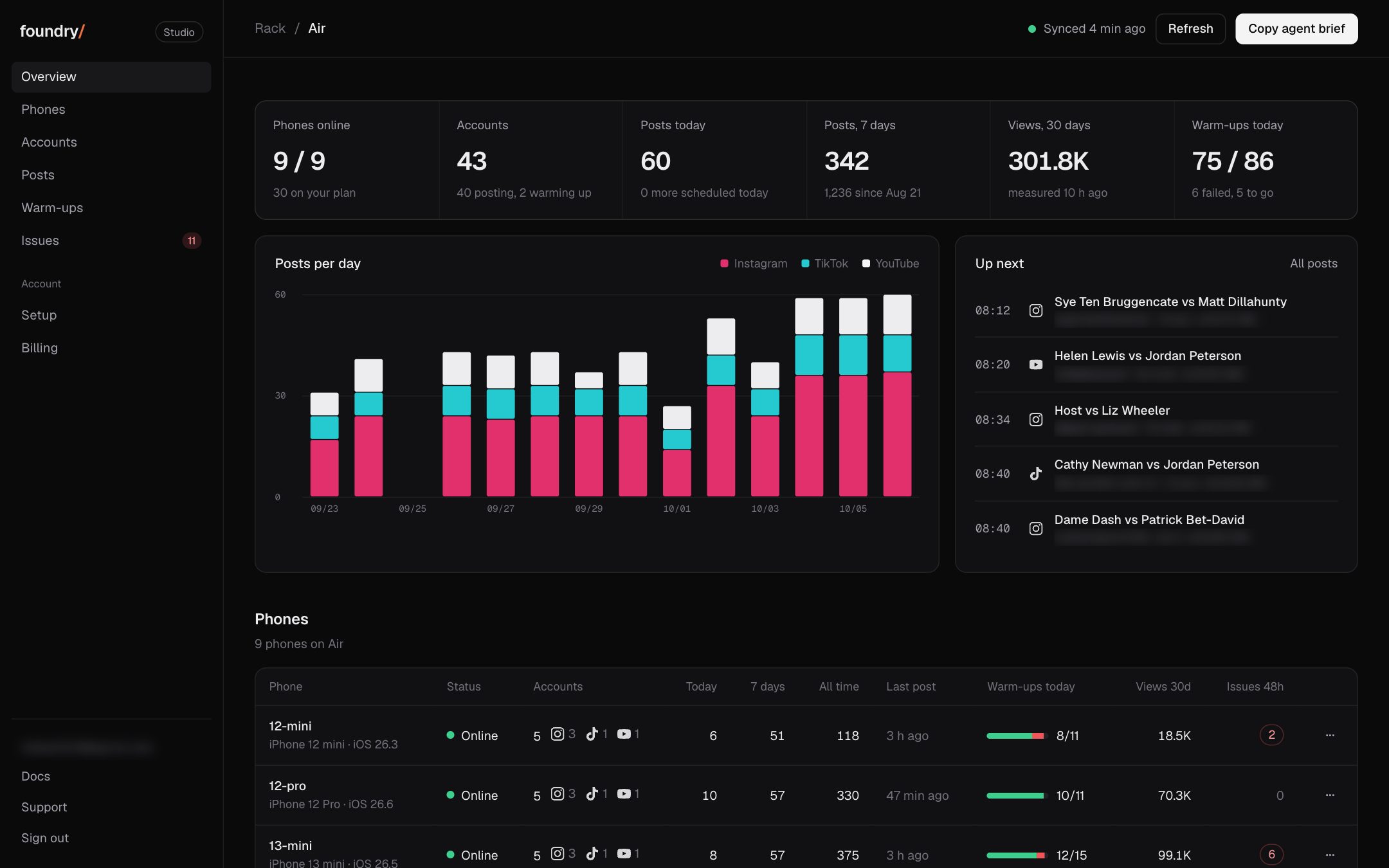
The dashboard: your phones, accounts, posts and issues
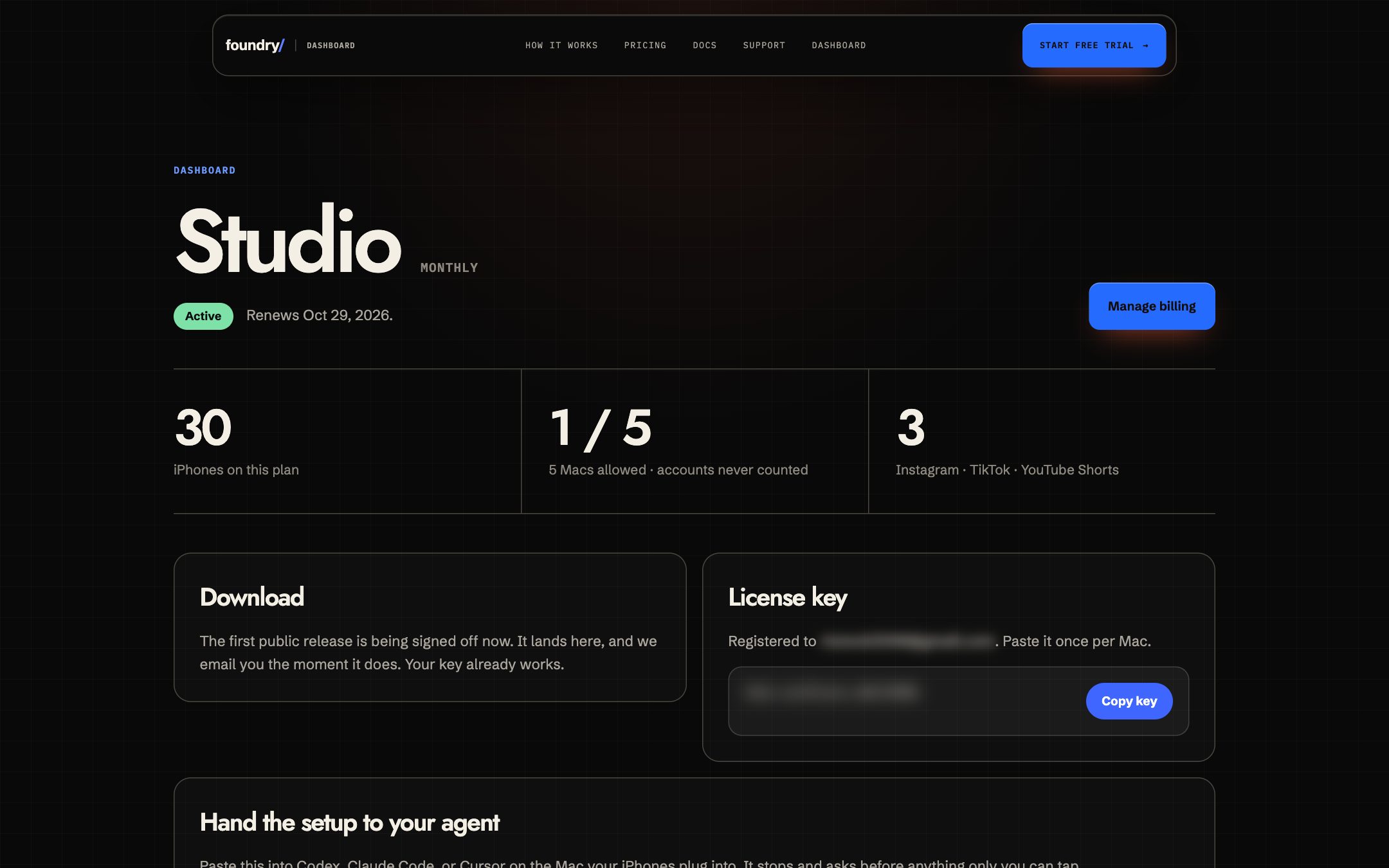
The account page became a fleet dashboard: phones online, accounts per phone and their state, posts today and by day, what is up next, warm-ups and the issues of the last 48 hours. Before, it showed the plan and the key.
Where to click Sign in, then the dashboard. Open it